Replacing the internal cables (requires soldering)
ID: 169634
Description: Problem description: The steering wheel and...
Steps:
- First of all: This is what the defect looks like
- The tools: knife, lighter, soldering iron, solder, screwdriver(+) and optionally: lubricant (e.g. Silicone grease or Silicone oil spray), pliers
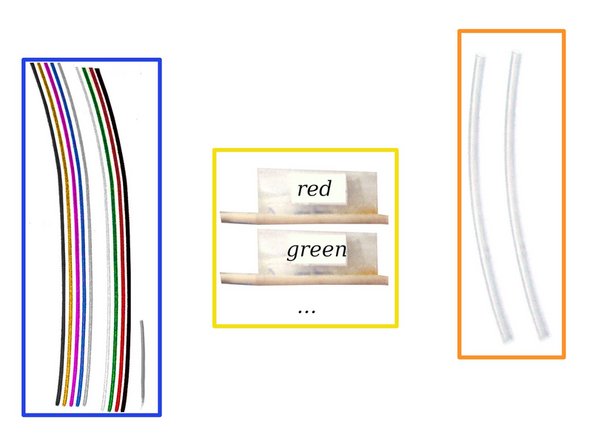
- Cable you need (copper wire 0,14mm² / AWG26): 9 pieces of wires, with each 30cm length. AND a single short wire (≈7cm length).
- if you do not have different colored cables: Simply mark the cables accordingly.
- Heat-shrink tubing 2:1 for isolation: ≈1,6mm (18*2cm length) and ≈6,4mm (5cm length) ((or alternative use insulating tape))
- dissolve screw
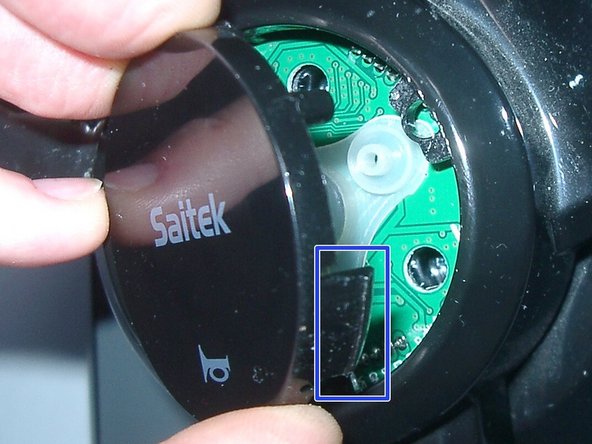
- take out case part in strait-up direction
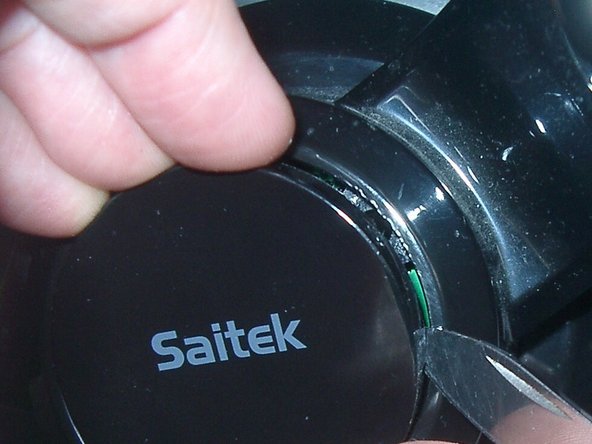
- Carefully use a knife. Maybe press short with the other hand (finger) down. Part by part. Carefully.
- do not break the three retainer tab.
- The knife makes some little scatches.
- dissolve screw
- the cables are oily.
- dissolve screw
- dissolve screw from knob
- dissolve screw
- take out part
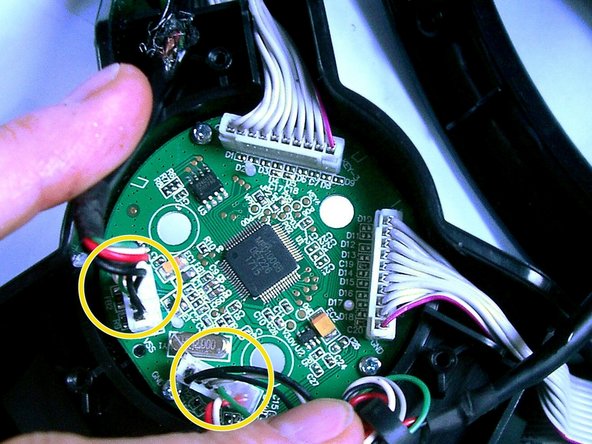
- cut the USB-cable
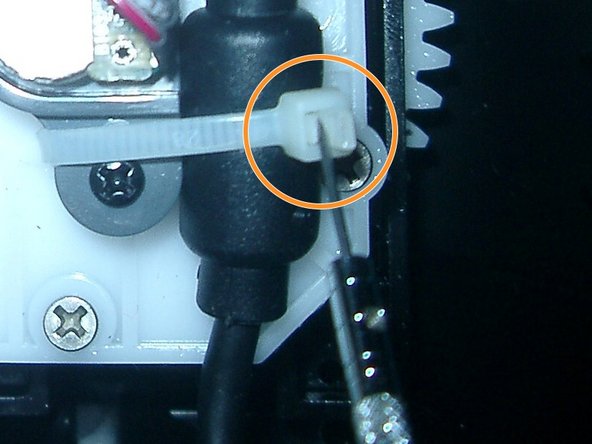
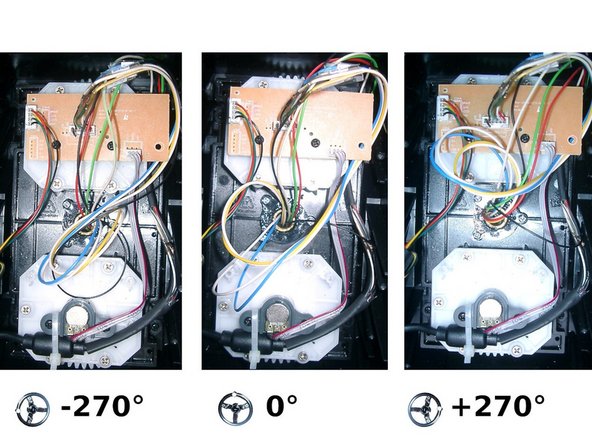
- open the cable tie (best: to be reused ; look at last photo)
- pull out plugs
- A new very short cable is required (approx. 7cm?).
- Twist the short cable with the shielding from the USB cable
- Solder the other side of the cable to the black cable (black cable from the USB cable).
- Pull the heat-shrink tubing over the repair apply heat to shrink it.
- This only needs to be done once (only for the USB cable). (If necessary, this entire step could also be skipped).
- solder
- Heat-shrink tubing over it (or adhesive tape)
- (unimportant) technical background: The USB cable actually needs shielding and the cable pair for the data should be slightly twisted. In fact, USB usually works like this and is simply slower. This should be sufficient for our device.
- When assembling: If necessary, grease the cables at the pivot point with lubricant (e.g. silicone oil / grease).
- use cable tie
- If a pedal creaks or squeaks: oil the springs
- The following is only necessary if the pedal also has another defect. So first check whether the previous repair may have helped.
- In case one or both pedals are not working: The connector ( jack / plug ) might be defect.
- Telephone handset cables make suitable replacement plugs. Cut off a piece at the end (with some of the cable attached!) and then solder the new one on (of course, all in the correct position (like the original plug), regardless of the color of the replacement cable). By the way: The plug is called 4P4C (or "RJ-9," "RJ-10," or "RJ-22").