Samsung Galaxy A14 5G Teardown
ID: 169777
Description:
Steps:
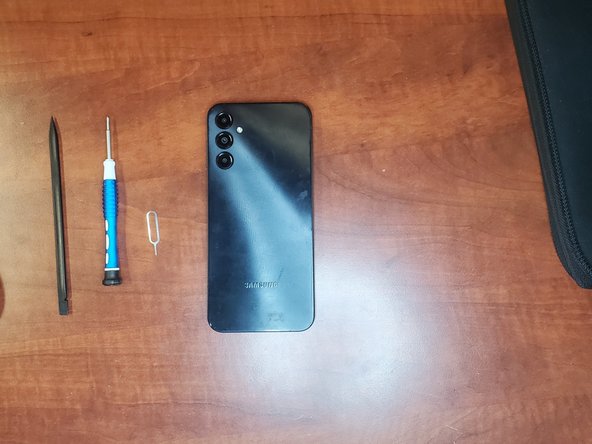
- Remove Sim Card & SD Card Tray with a Sim Ejector Tool
- Pop out the back cover using a spudger or opening pick
- After "popping out" the back cover, you can remove the Scanner from the back cover or set the back cover aside, insert a thin pick in from the screen side and gently work round undoing the clips. When you lift the back off be mindful of the power switch/fingerprint reader cable. Lift the back away slowly.
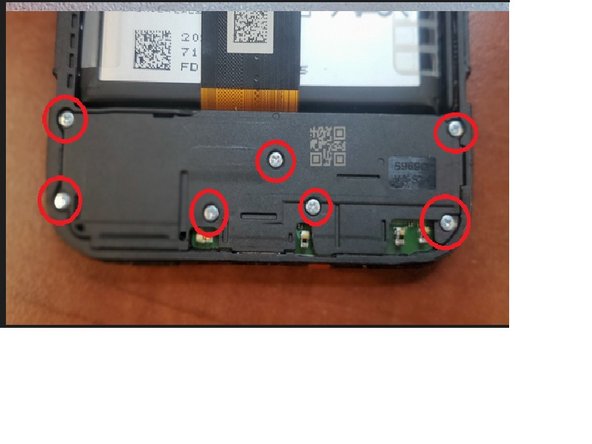
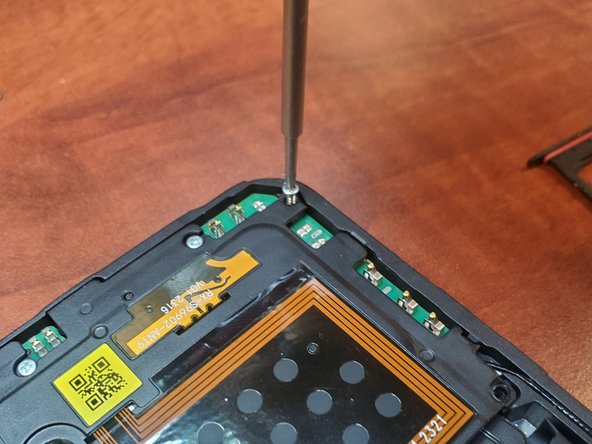
- Unscrew all 16 screws on the plates
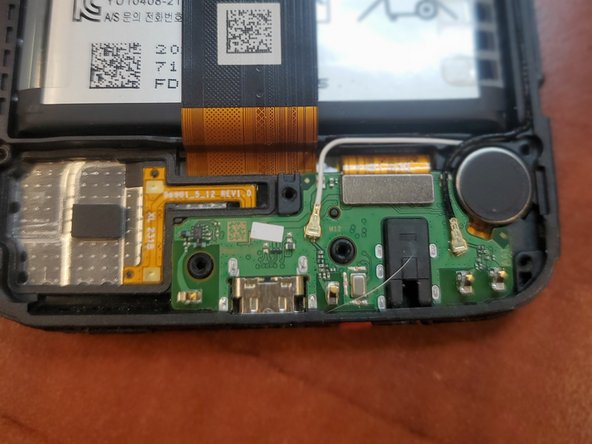
- Pop off the 2 plates holding on the Motherboard and Charging Port
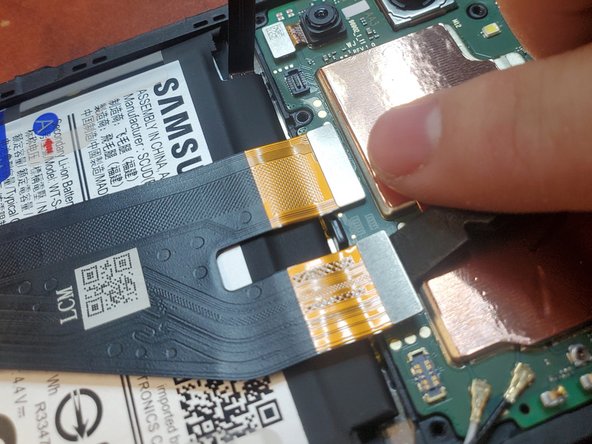
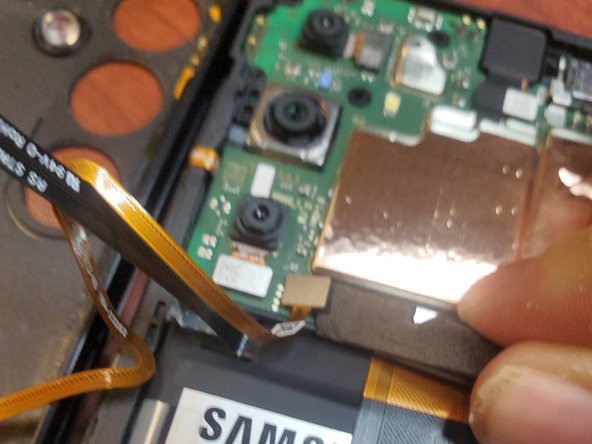
- Unplug the battery, display cables, and fingerprint scanner from the Phone
- Unplug the front camera & Antenna Cables from the phone
- Unplug the Charging Port from the Display Cable and Antenna Cables
- Pry Up on the Charging Port
- Pry Up on the Motherboard
- Do what you just did but in reverse