Acer Chromebook R841T-S4ZG Battery Replacement
ID: 170566
Description: If you have noticed that your laptop has not...
Steps:
- Unscrew the 12 back screws
- The eight screws on top are 4.90mm x 5.71mm.
- The four screws on the bottom are 4.81mm x 4.6mm.
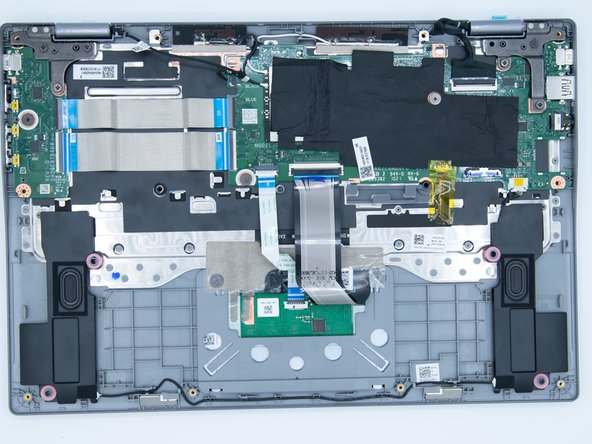
- Using a plastic prying tool, unclip the clips that are located around the edges of the device to remove the bottom shell of the laptop.
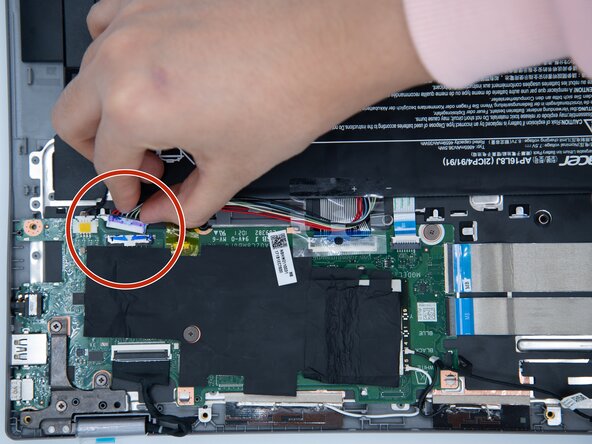
- Once the bottom shell of the laptop has been taken off locate the battery connector and remove it.
- The connector should come out after applying a bit of force. The best way to remove it would be to pull from the white plastic portion.