Shark ION Robot 750 Main Wheel Assembly Replacement
ID: 170590
Description: If your Shark ION Robot 750 is having trouble...
Steps:
- Make sure the device is completely powered off before working.
- Flip over the vacuum on a flat and uncluttered service with the bottom facing upwards.
- Remove all seven 9.1mm Torx T15 screws from the device’s front bumper.
- Remove the nine 9.1mm Torx T6 bolts from outer shell.
- Slightly pull front bumper to expose internal wiring.
- Unplug the device’s front bumper wiring and completely remove front bumper.
- Remove the four 9.5mm Torx T6 bolts on the yellow brush frame.
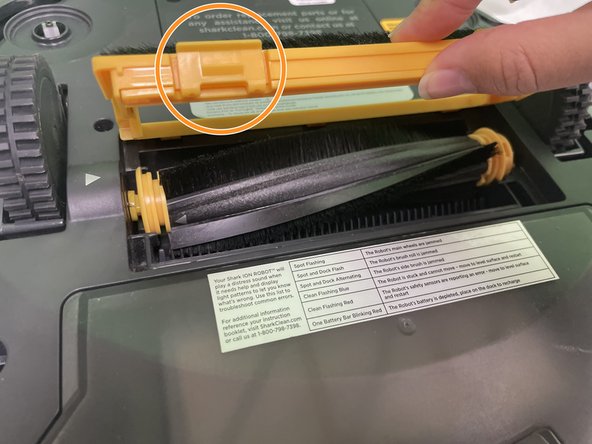
- Gently depress the two tabs on the frame, then lift the frame to remove it.
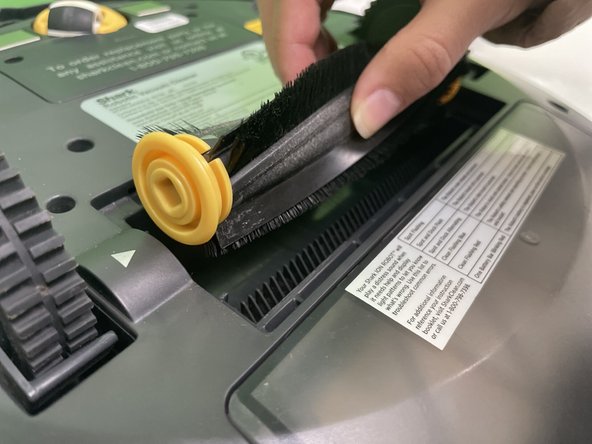
- Pick up the brush and remove it from the vacuum.
- Push the brush to your right and lift it.
- Press and hold the dust bin removal button to slide out the dust bin.
- Lift the outer shell to expose the Shark’s interior.
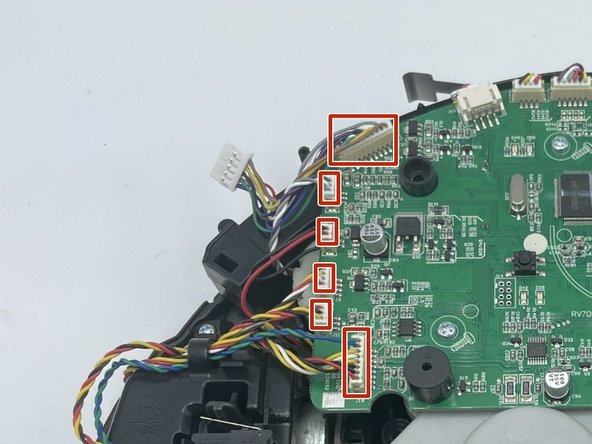
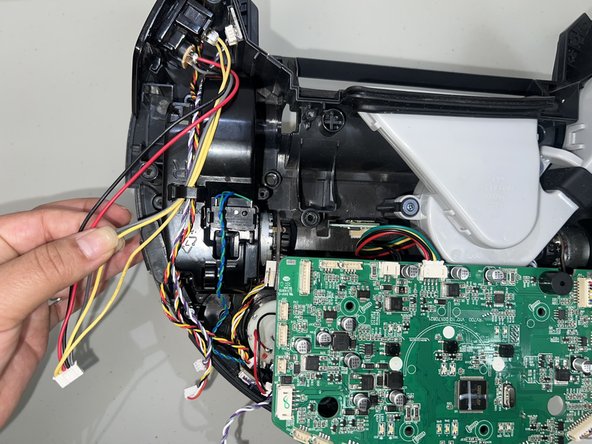
- Disconnect each of the cable connectors attached to the motherboard to free the wheel assembly from the vacuum for both the left and right wheels.
- For helpful details on disconnecting different types of connectors, check out the Recognizing and Disconnecting Cable Connectors guide.
- Use a spudger or your fingers to detach all of the cables from the connectors on the motherboard that connect to the wheels.
- This guide demonstrates the right wheel removal but you can use this guide to remove the left wheel assembly as well.
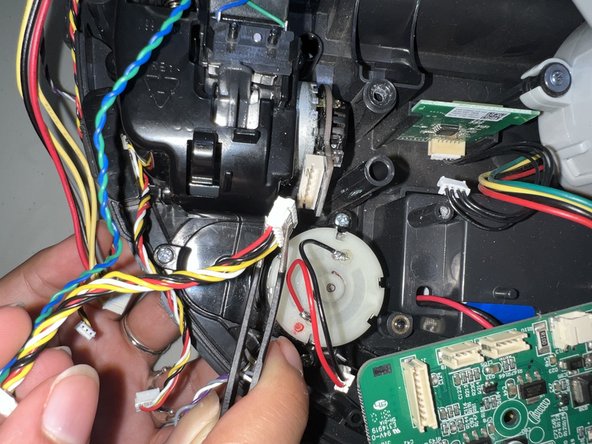
- Unhook the remaining wires that are connected to the back of the wheel.
- Do not rip the wires when removing them from the wheel and motherboard.
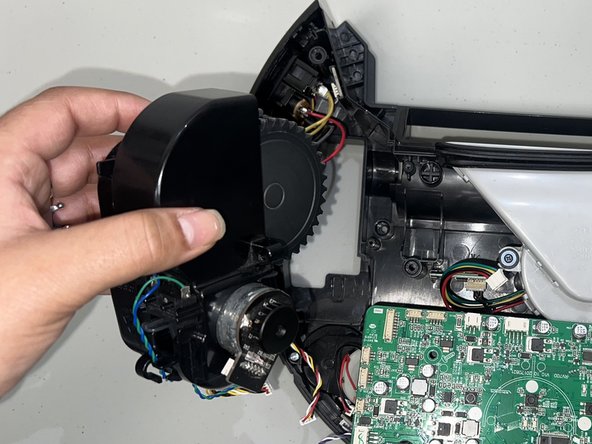
- Use a Phillips #1 screwdriver to remove the three 12 mm screws that hold the right wheel in place.
- Be careful not to strip the screws when removing them from the wheel. Take a look at this guide for Screwdriver Best Practices.
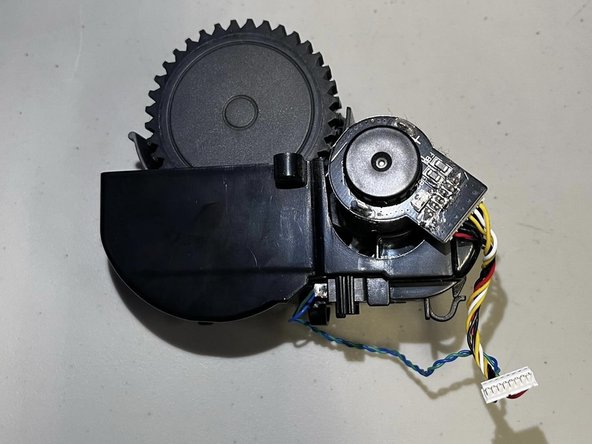
- Remove the right wheel assembly from the socket.