PDP Rematch Advanced Back Buttons Replacement
ID: 170614
Description: The back buttons on your PDP Rematch Advanced...
Steps:
- Orient the controller so the back side is facing you.
- Use a Phillips #000 screwdriver to remove the seven 9 mm screws that secure the back shell.
- Pull apart the controller's front and back shells with moderate force.
- Orient the controller so that the front shell is facing the floor to prevent the face buttons from falling out.
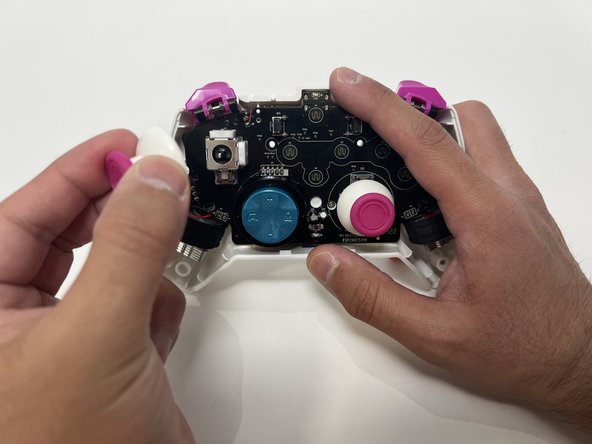
- Twist the thumbstick to remove it from the motherboard. Repeat this step if both thumbsticks need to be replaced.
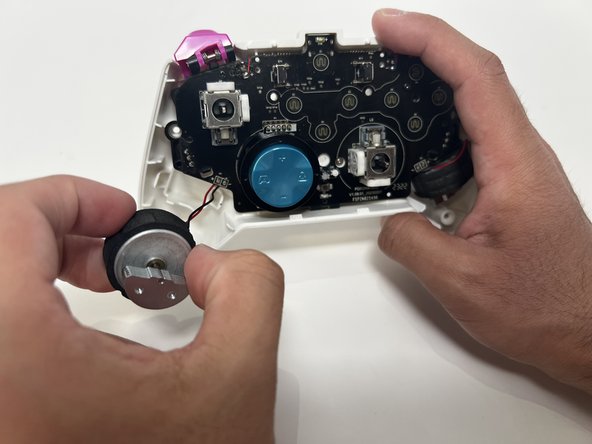
- Grab the motor and pull away from the back shell. Repeat for both motors.
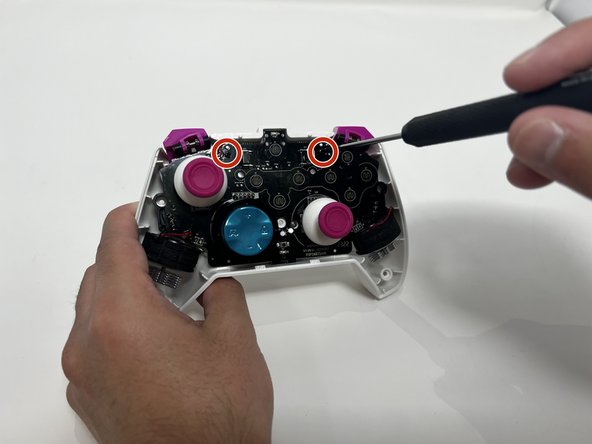
- Use a Phillips #00 Screwdriver to remove the two 5mm screws from the motherboard.
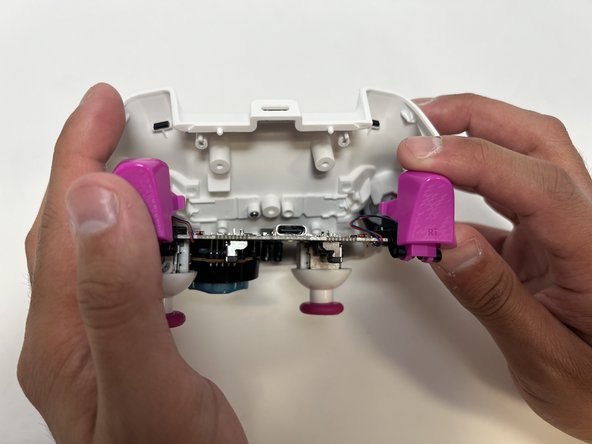
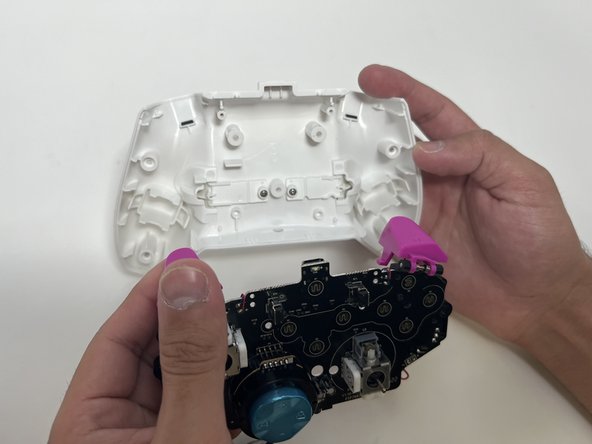
- Remove the motherboard from the back shell using moderate force.
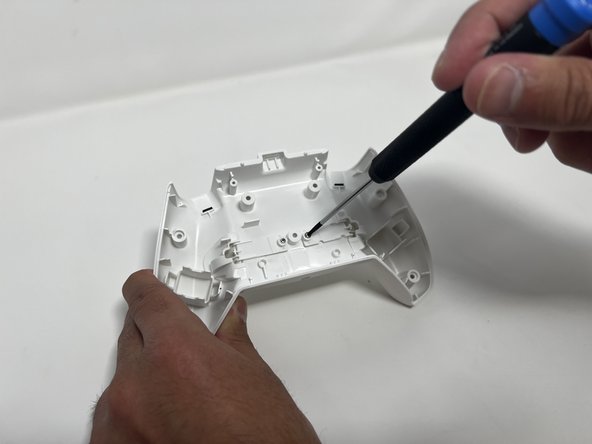
- Use a Phillips #00 to remove the two 5mm screws from the back buttons.
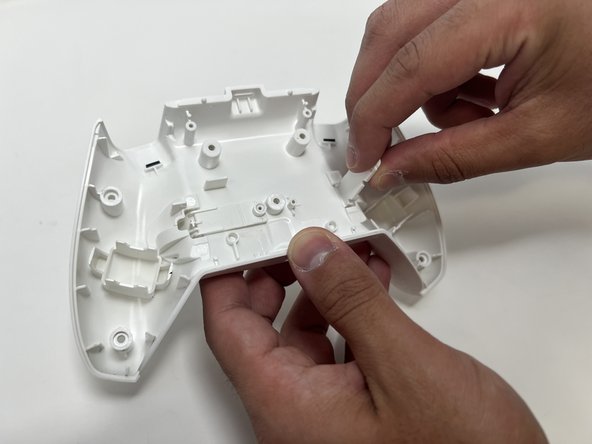
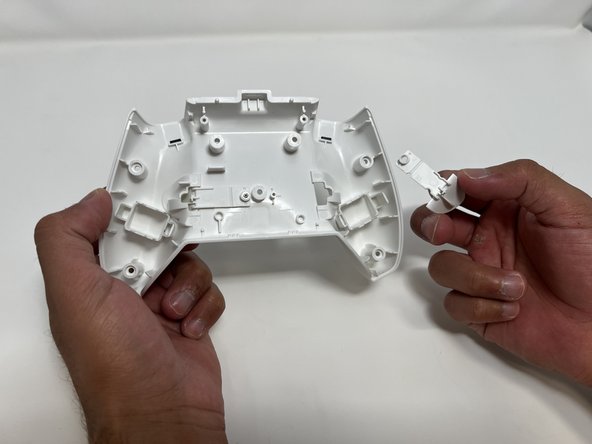
- Lift the back button, and then pull it out through the back shell. Do this for both back buttons.