Lenovo Ideapad 320-17IKB Hard Drive Replacement
ID: 170649
Description: This guide will show the steps for replacing...
Steps:
- Turn off and unplug the computer.
- Flip the laptop over so that the back panel is facing upwards.
- Remove fourteen 7mm Phillips #00 screws from the back panel.
- Carefully remove the optical drive by pulling the bezel away from the laptop.
- Use your fingers or an opening tool to gently remove the back panel from the bottom of the laptop.
- Lay both sides of the laptop next to each other.
- Remove five 7mm Phillips #0 screws from the battery holder.
- Pinch the connecting cord with one hand and pry the battery connector with the other hand, while gently pulling the connector straight out and towards the bottom edge of the base.
- When removing the battery, use care to keep it flat and do not open the battery because it can result in fire or explosion.
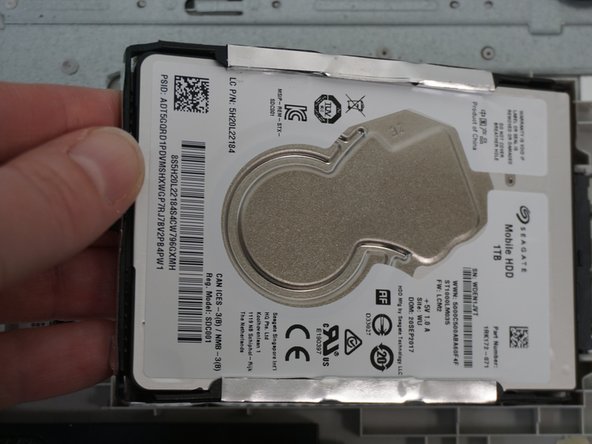
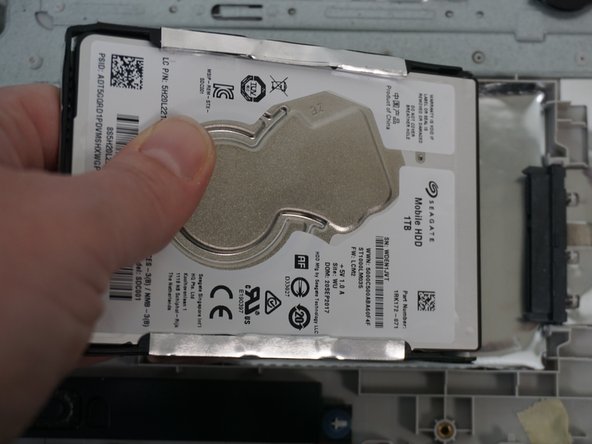
- Disconnect the hard drive from the SATA slot by gently pulling the hard drive to the left.
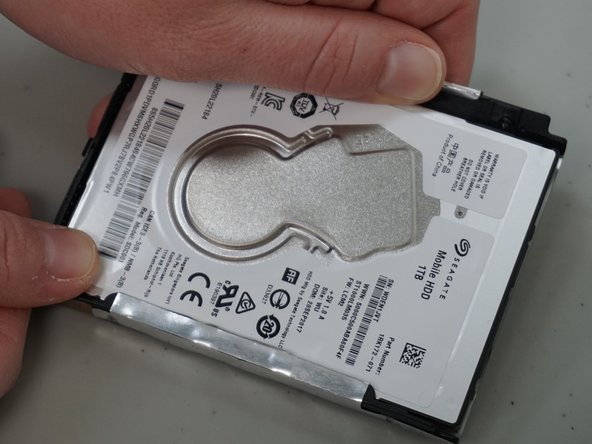
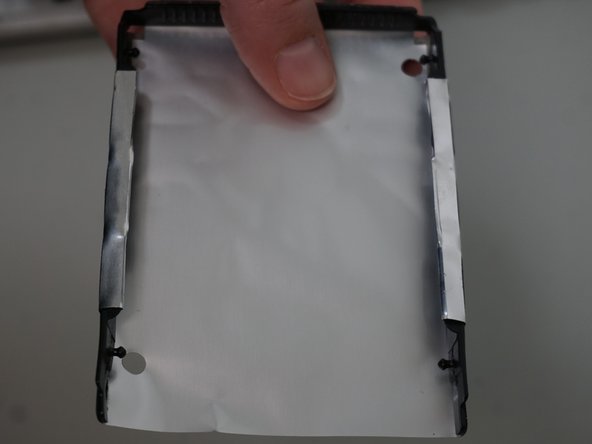
- Use your hands to gently pull the edges at each corner away from the hard drive to remove the hard drive adapter.