Nutribullet Rx #NB-301 Drive Socket Replacement
ID: 171646
Description: The drive socket in your Nutribullet Rx #NB-301...
Steps:
- Make sure to unplug the device before you start the repair.
- Flip the blender over so the bottom is facing up.
- Use a Phillips #2 screwdriver to remove the four 10 mm screws from the base of the blender.
- Remove the base cover from the blender.
- Clamp down on the nut above the socket with the needle nose pliers so it stays in place for the next step.
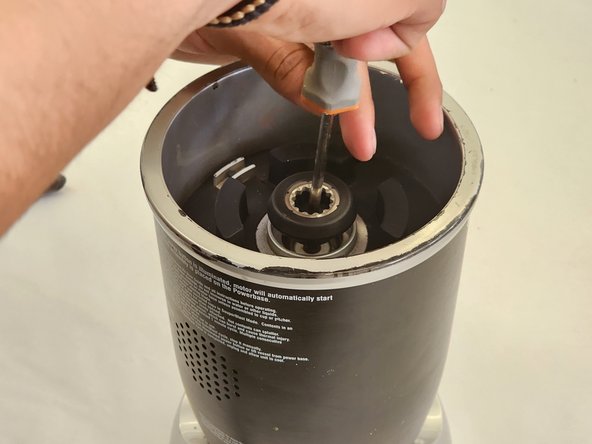
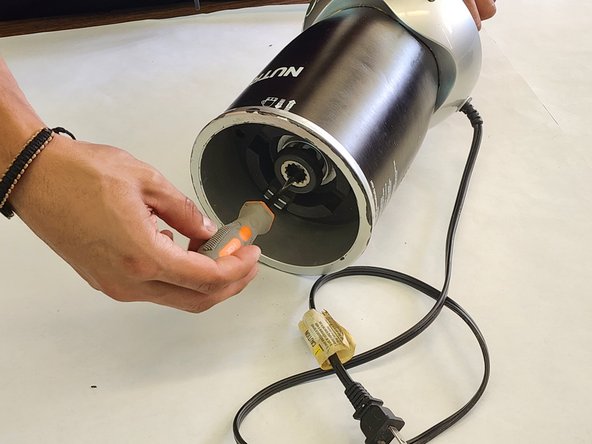
- Lay the blender on its side and hold the drive socket with the needle nose pliers to keep in from turning so you can remove the screw.
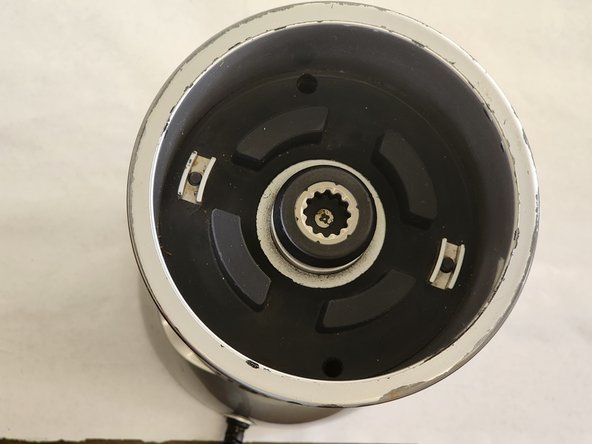
- Use a Phillips #2 screwdriver to remove the screw securing the drive socket.
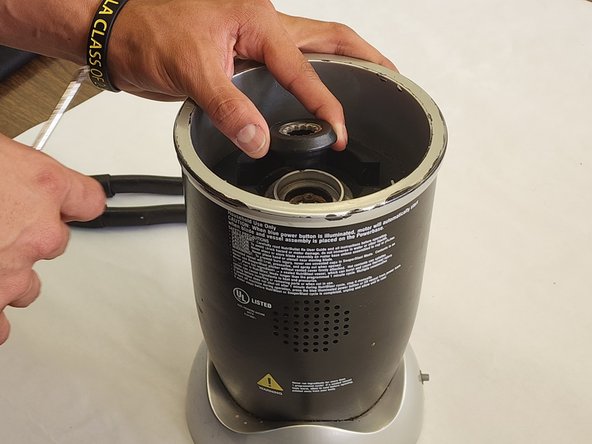
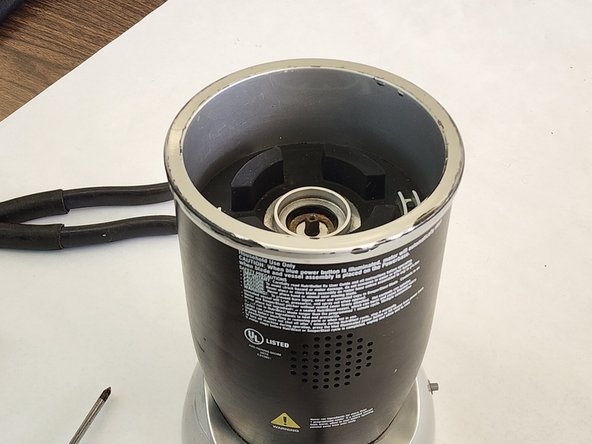
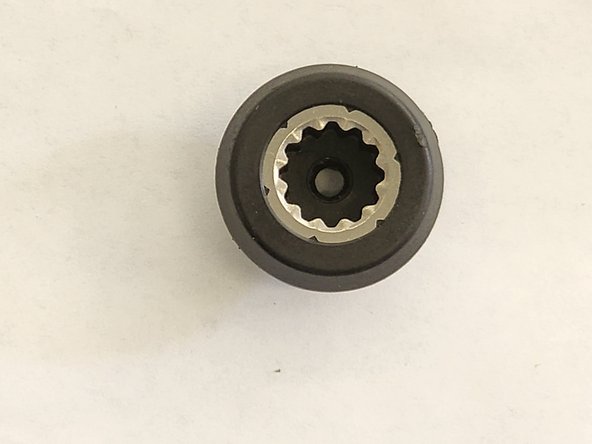
- Remove the drive socket from the motor.
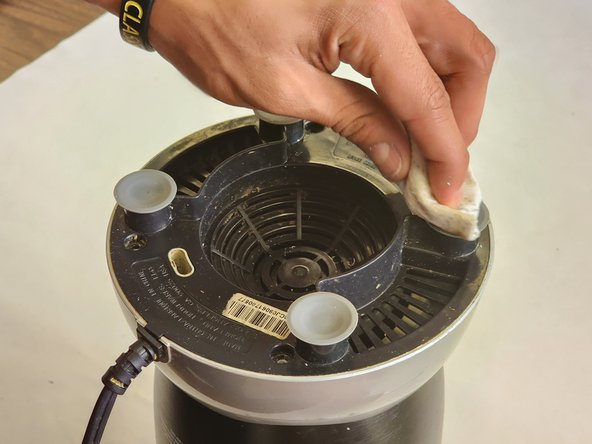
- Remove all dust and residue from the area before you replace your new drive socket.
- Use a Phillips #2 screwdriver to secure the drive socket to the motor.
- Place the bottom cover back on the blender.
- Use the Phillips #2 screwdriver to replace the four 10 mm screws on the back cover back.