Kyvol Cybovac L20 Sensor Replacement
ID: 171853
Description: The sensor on the side of the Kyvol Cybovac L20...
Steps:
- Begin with the device laying on a flat surface with the power button facing up.
- Remove both of the side brushes.
- Use a Phillips #1 screwdriver to remove two 1 mm screws that secure the panel.
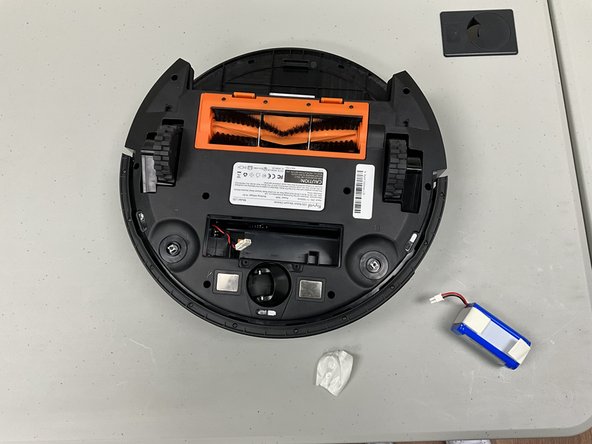
- Remove the battery panel.
- Slightly lift the battery out of the compartment.
- Disconnect the battery connector.
- Completely remove the battery.
- Remove the eight 12.2 mm Phillips screws.
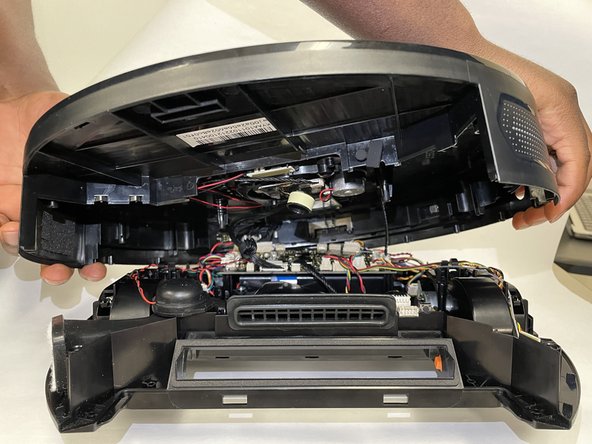
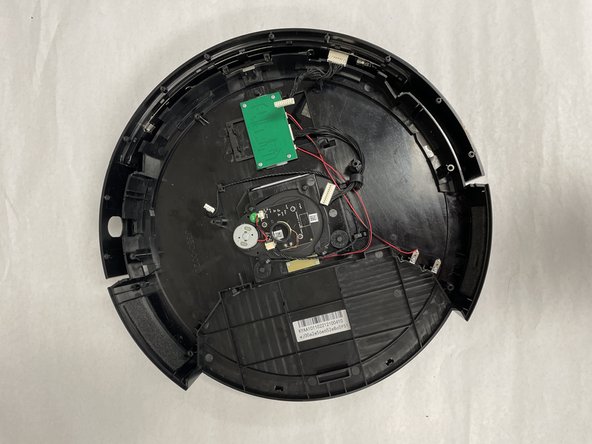
- Lift the body away from the base and disconnect all connectors between the two halves.
- Remove the two 8 mm Phillips screws that secure the sensor.
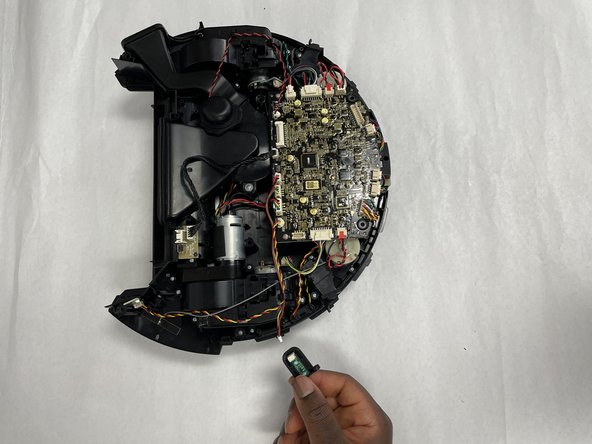
- Use a spudger or your fingernails to gently walk the white connector directly out of its port.
- Remove the sensor.