Roconia Q6 Fan Replacement
ID: 171878
Description: In this guide, we'll walk you through the...
Steps:
- Flip your device upside down so that the interface is facing downwards.
- The device is supported by rubber pieces located at the bottom extremities.
- There are screws beneath the rubber pieces that can be removed. Remove all four 1.1 mm Phillips #1 screws by using the Phillips #0 screwdriver.
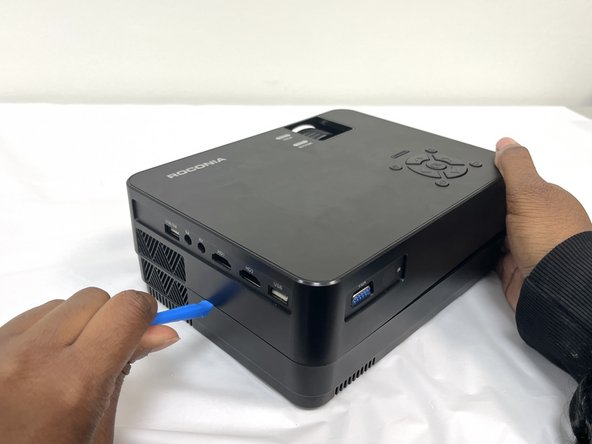
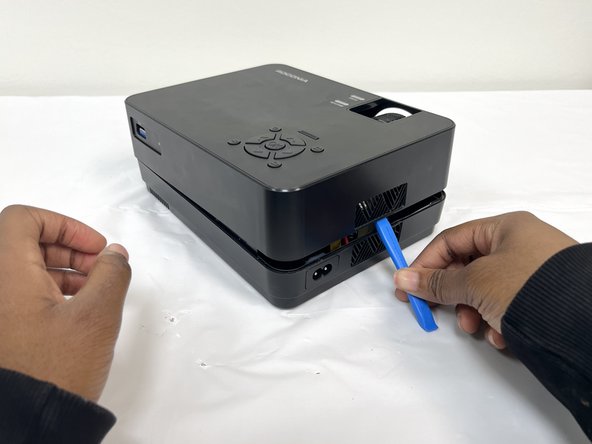
- Turn device over again and pry open the device to remove the cover.
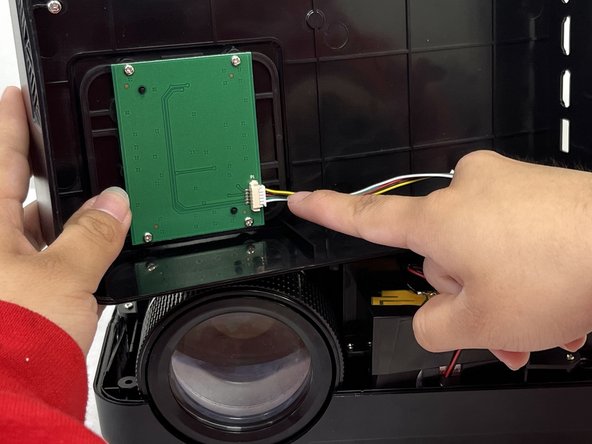
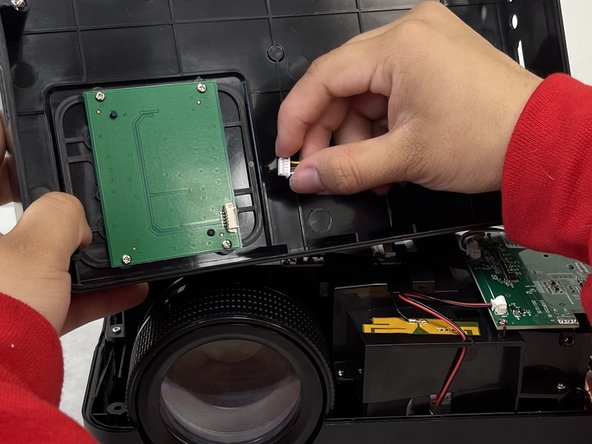
- Pull out the cable that is connected to the top cover to fully separate.
- Use the opening guide to open the device. Once open find the fan located in the back corner of the device
- To remove the fan from its holder, simply pull it out.
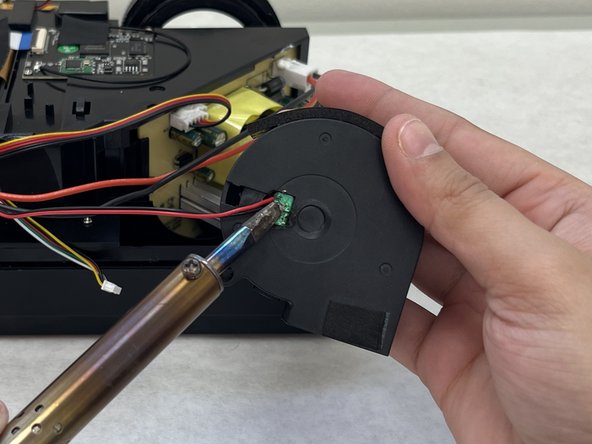
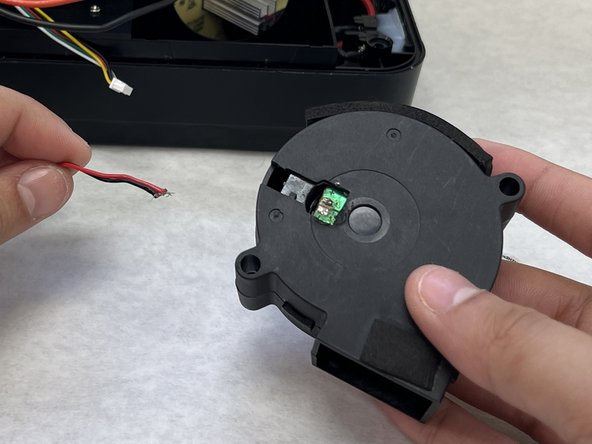
- Remove the sticker on the back of the fan to reveal soldered wires.
- Using a soldering iron, desolder the wiring from the fan.