Sony WH-CH720N Volume & Noise Cancelling Control Button Replacement
ID: 171903
Description: This repair guide will detail how to access and...
Steps:
- Remove the four 5 mm screws in the right using a Phillips #00 screwdriver.
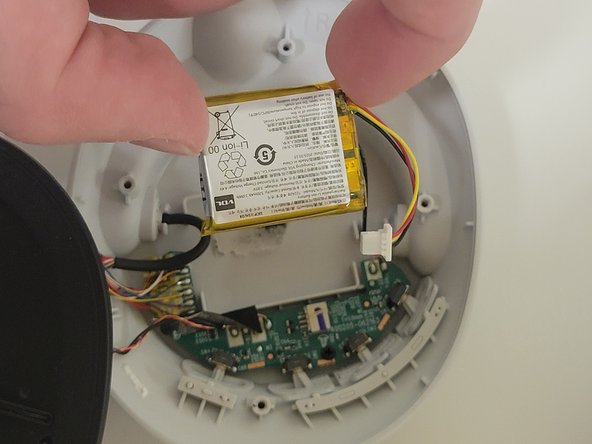
- Remove the speaker panel to reveal the battery.
- Unplug the battery with tweezers
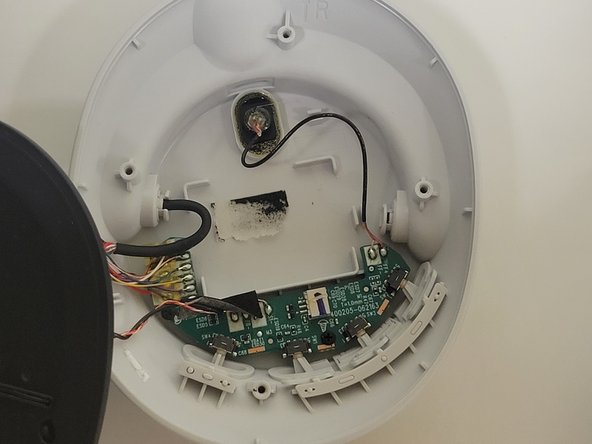
- Gently remove the battery from the device using the plastic spudger.
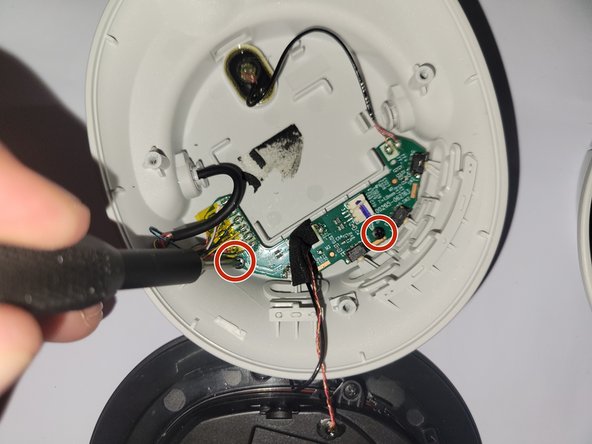
- Unscrew the two 3 mm screws retaining the circuit board to the headphones.
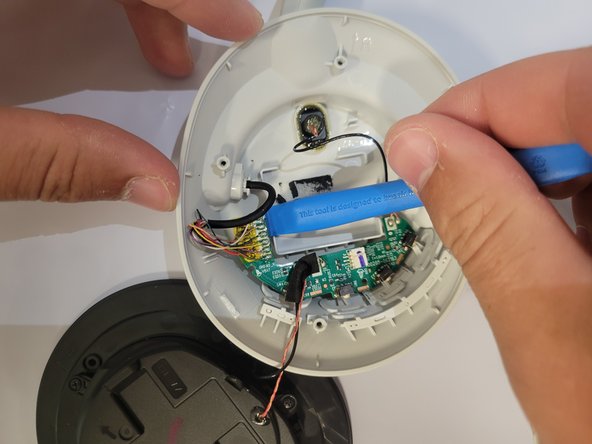
- Carefully remove the circuit board with the plastic prying tool.
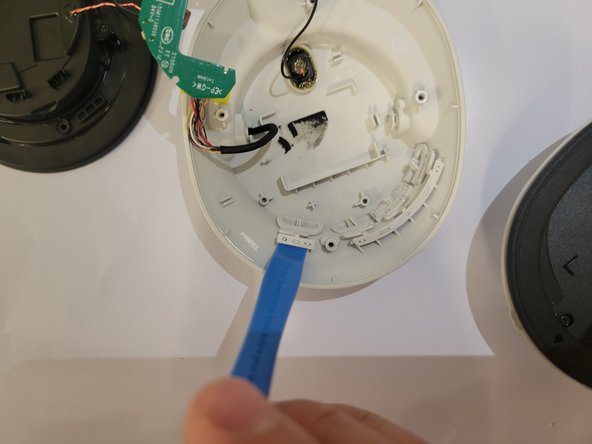
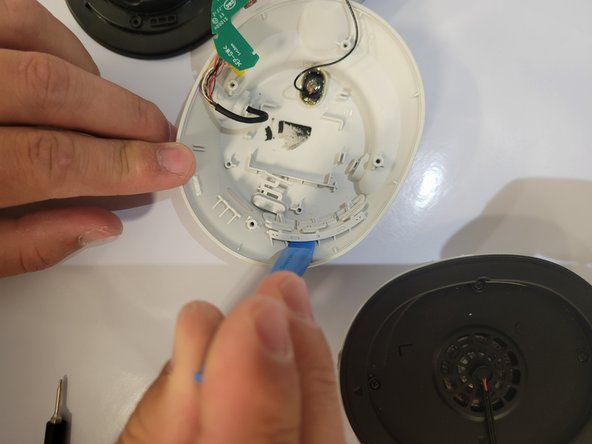
- Next, use the prying tool to remove the buttons.
- Remove buttons and replace.