Beats Solo 2 Wireless Battery Replacement
ID: 171906
Description: Beats Solo 2 Wireless Headphones can fail to...
Steps:
- Insert an opening pick in the seam between the right outer speaker casing and the speaker housing.
- Slide the pick around the perimeter of the casing until the casing releases entirely from the speaker housing.
- Failure to loosen the seams may result in the piece breaking partially or completely during removal.
- Remove the right outer speaker casing.
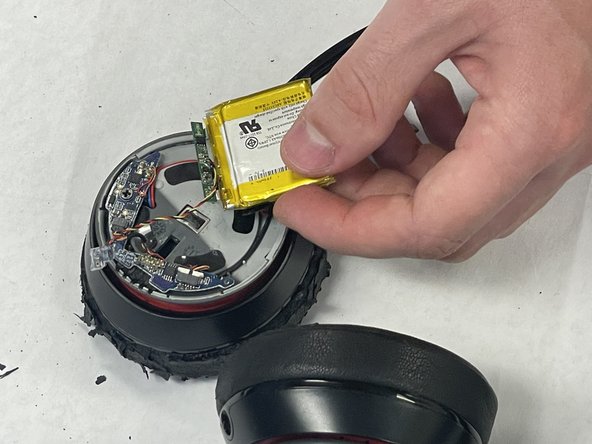
- Use tweezers to disconnect the battery connector from the circuit board.
- Do not pull on the wires.
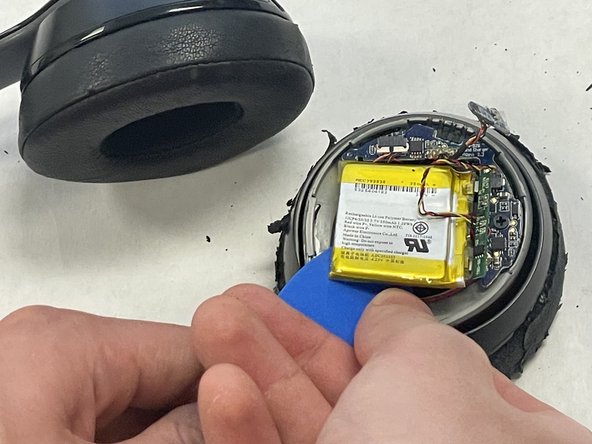
- Use an opening pick to gently pry up the battery.
- The battery is secured in the housing with adhesive. You can apply some high-concentration alcohol beneath the battery to help loosen the adhesive.
- Avoid bending or puncturing the battery.
- Lift the battery up and out of the chassis.