Nanit Pro N301 Motherboard Replacement
ID: 171909
Description: If your Nanit Pro N301 is not turning on or...
Steps:
- Insert an opening pick into the seam between the front and rear case.
- Slide the opening pick around the perimeter of the camera until all of the retaining clips are released.
- Separate the front and rear case.
- Remove the four 4 mm T6 Torx screws from each corner of the circuit board.
- Lift the circuit board out of the chassis.
- Desolder the black wire's motherboard connection.
- Soldering irons can cause burns and fires. Always solder/desolder in a well-ventilated workspace.
- Use tweezers to gently lift the two additional circuit boards out of the housing.
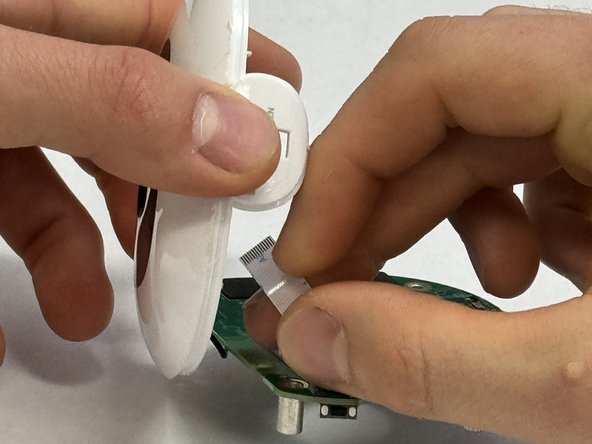
- Disconnect the battery ribbon cable strip from the rear case.
- Remove the motherboard.