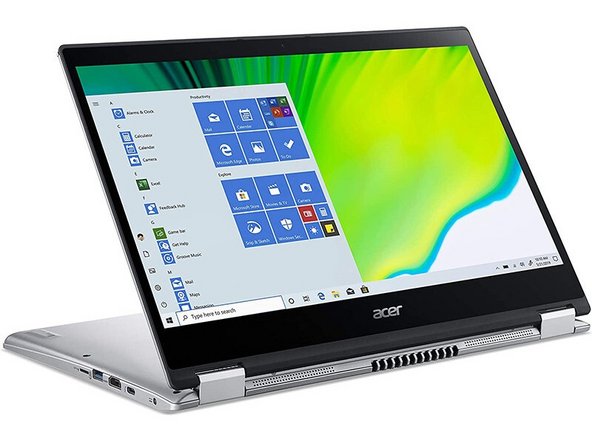
Acer Spin 3 Laptop clutch hinge replacement
ID: 171933
Description:
Steps:
- Open the laptop and place it face down on a scratch-proof surface.
- Unscrew the back cover using a Phillips screwdriver
- Disconnect all cables connected to the laptop that run through the clutch hinges.
- Unscrew the clutch hinges and pull the cables through them.