PSKONTORORA LBER-P4-05 Touchpad Replacement
ID: 171947
Description: Are you having problems with the touchpad on...
Steps:
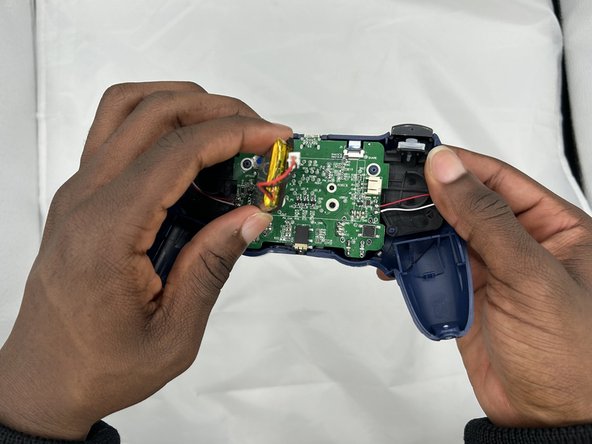
- Use blunt tweezers to pull the white battery motherboard connector directly out of its port.
- Gently peel the battery off of the motherboard.
- Be sure not to bend or puncture the battery during removal.
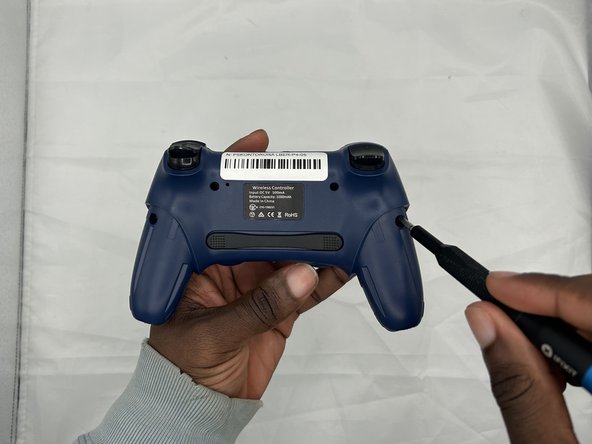
- Remove the two 10 mm Phillips #1 screws that secure the grips.
- Remove the grips.
- Remove the four 9 mm Phillips #1 screws that secure the rear case.
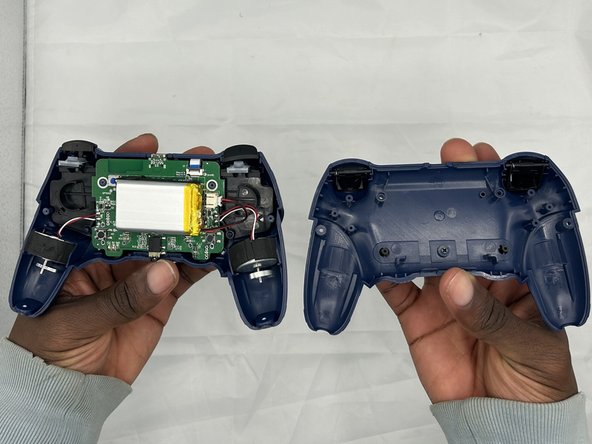
- Lift off the rear casing.
- Use tweezers to disconnect the battery from the motherboard.
- Don't pull on the wires to disconnect the battery.
- Gently lift the rumble motors out of their housings and set them beside the controller.
- Take care not to strain or damage the cables.
- Gently peel off the battery from the motherboard, with care not to bend or puncture the battery.
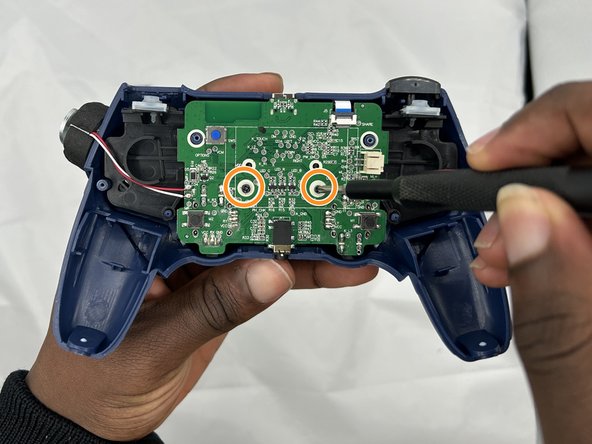
- Remove the two 7 mm Phillips #1 screws that secure the motherboard.
- Flip up the black ZIF locking flap that secures the touchpad ribbon cable on the top-right edge of the motherboard.
- Use tweezers or your fingers to gently disconnect the touchpad ribbon cable.
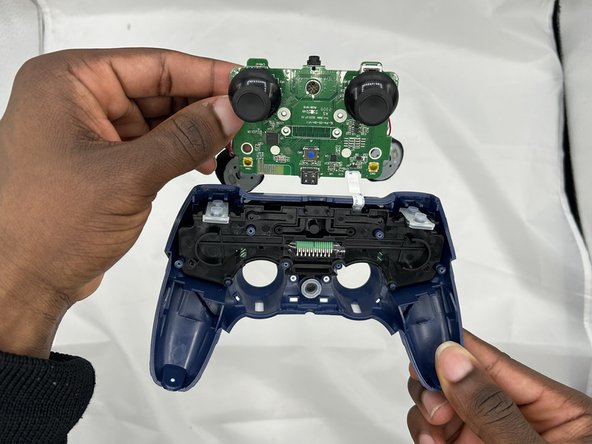
- While pulling towards you, remove the motherboard.
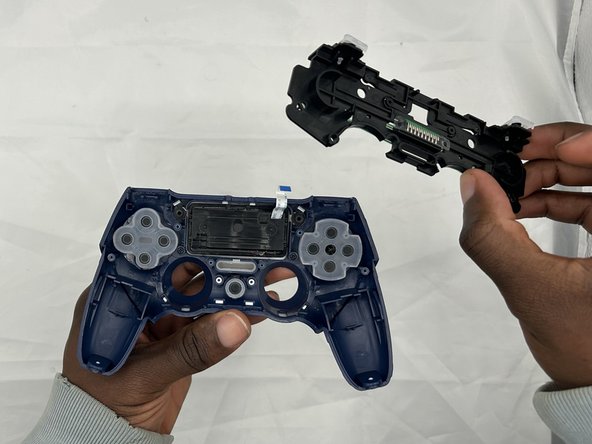
- Remove the black plate.
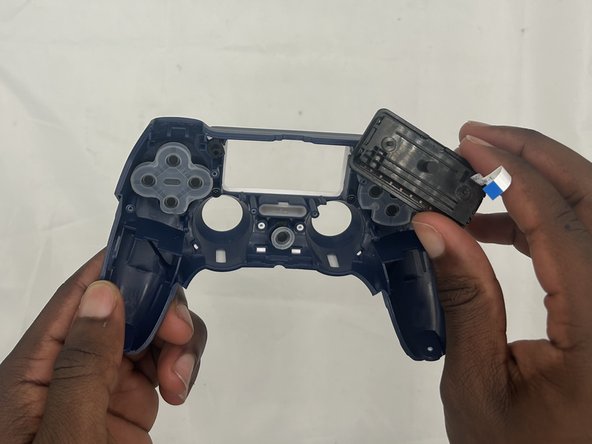
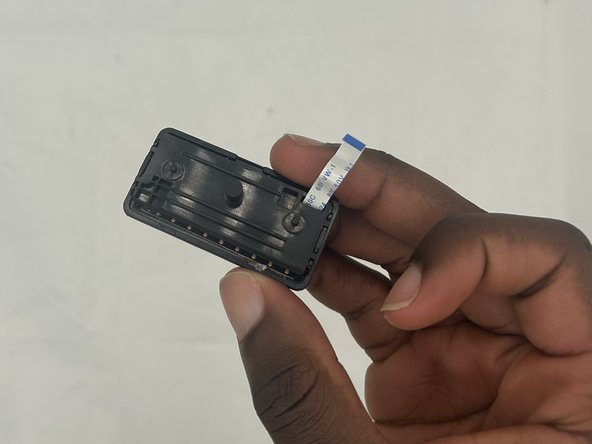
- Remove the touchpad.