EasySMX ESM-9110 Turbo Button Replacement
ID: 171954
Description: This guide will teach you how to remove the...
Steps:
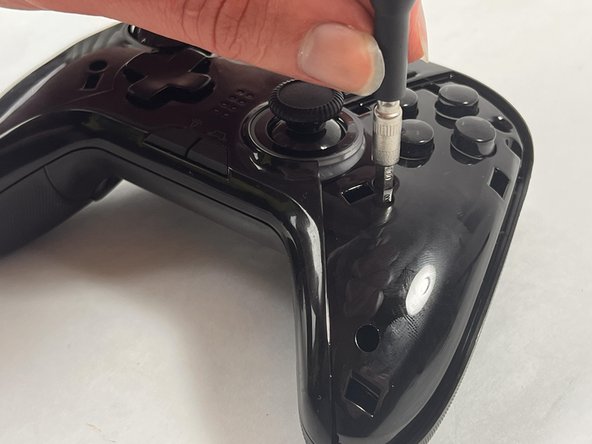
- Use a Phillips #000 screwdriver to remove the two 10 mm screws from the back of controller.
- Insert a plastic opening tool into the slit on the side of controller.
- Wiggle the tool until the cover becomes loose.
- Repeat this on the other side of Controller.
- Go slow. Take your time removing the handle covers.
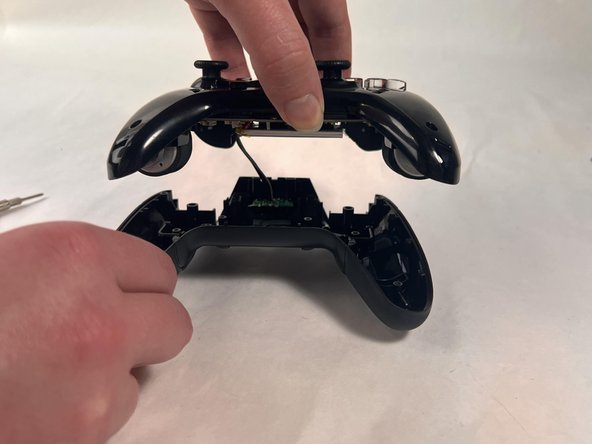
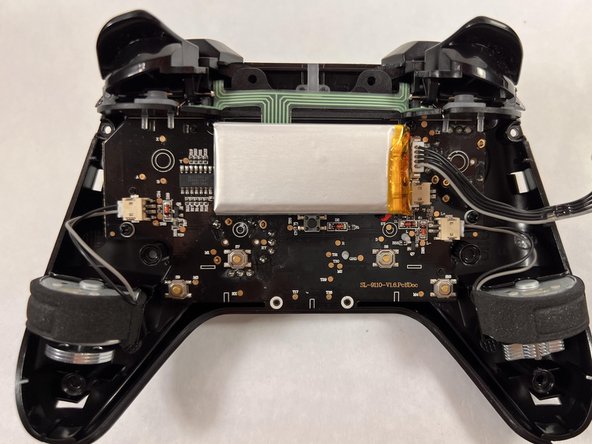
- Remove the faceplate.
- Repeat on the other side of the controller.
- Use a Philips #000 screwdriver to remove the six 20 mm screws from the controller's faceplate.
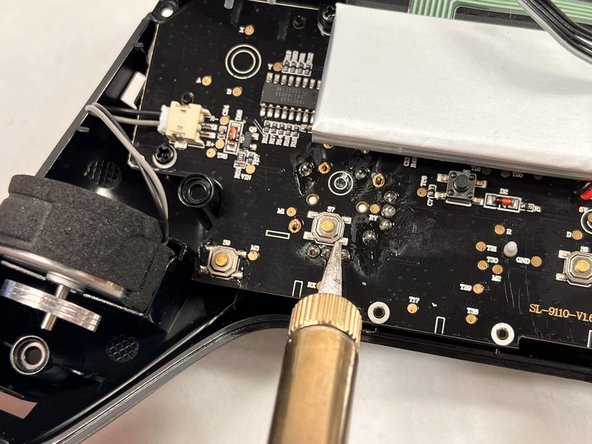
- Using a soldering iron, solder the turbo button.