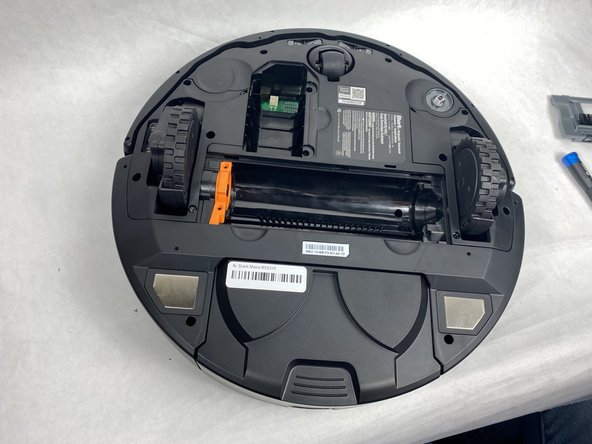
Shark Matrix RV2310 Brushroll Replacement
ID: 172067
Description: This guide will show you how to replace the...
Steps:
- Remove the two 11 mm Phillips screws holding the battery plate in place.
- Remove the battery plate.
- Remove the battery from the compartment.
- Disconnect the electrical cable connection from the battery to the robot.
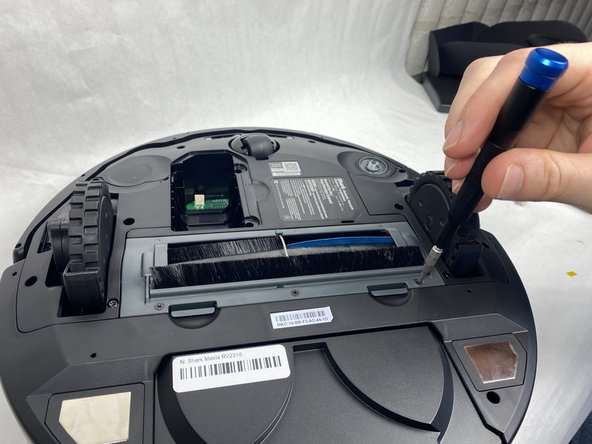
- Remove the three 8 mm Phillips screws from the plastic plate holding the brushroll in.
- Make sure the device's battery has been fully removed from the device before proceeding. Failure to do so could potentially result in minor/moderate injuries.
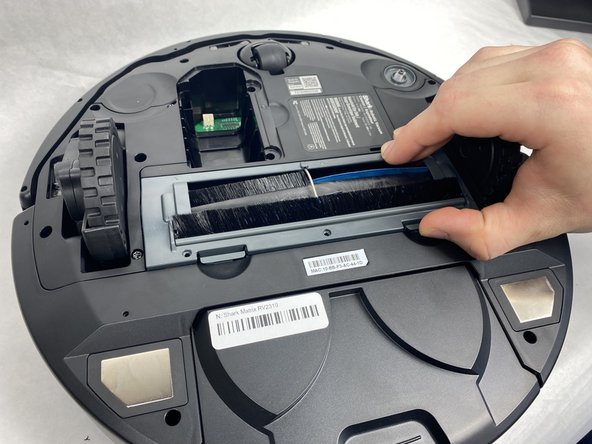
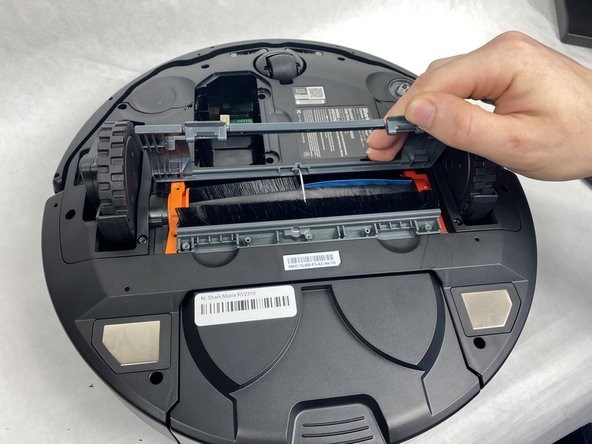
- Press in the two tabs on the side of the plate and pull upward to remove it.
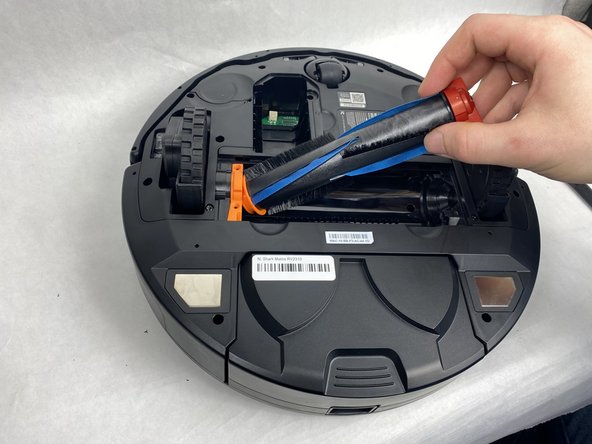
- Pull up on the darker orange side of the brushroll to remove it.