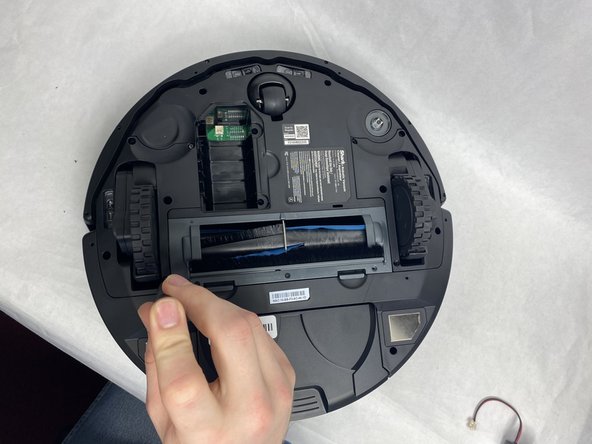
Shark Matrix RV2310 Wheel Assembly Replacement
ID: 172068
Description: This guide will show you how to replace the...
Steps:
- Remove the two 11 mm Phillips screws holding the battery plate in place.
- Remove the battery plate.
- Remove the battery from the compartment.
- Disconnect the electrical cable connection from the battery to the robot.
- Remove the five 11 mm Phillips screws holding the wheel assembly in place.
- Make sure the device's battery has been fully removed from the device before proceeding. Failure to do so could potentially result in minor/moderate injuries.
- Lift the wheel assembly out of the vacuum.
- Do not pull or tug too hard on the wheel when lifting it, as there is a wire connection between the wheel and the motherboard.
- Undo the wire connection between the motherboard and the wheel assembly by gently pulling the wire out from the wheel assembly's connector.