Lenovo IdeaPad 3-15ADA05 RAM Replacement
ID: 172094
Description: Use this guide to replace the RAM stick in your...
Steps:
- Use a Phillips #0 screwdriver to remove the six M2 x 5 mm screws located at the top half of the laptop.
- Use a Phillips #0 screwdriver to remove the four M2 x 2.5 mm screws located at the bottom of the laptop.
- Insert the pry pick between the base plate and the bottom of the laptop, and pry the clips loose around the edge until the base pops off.
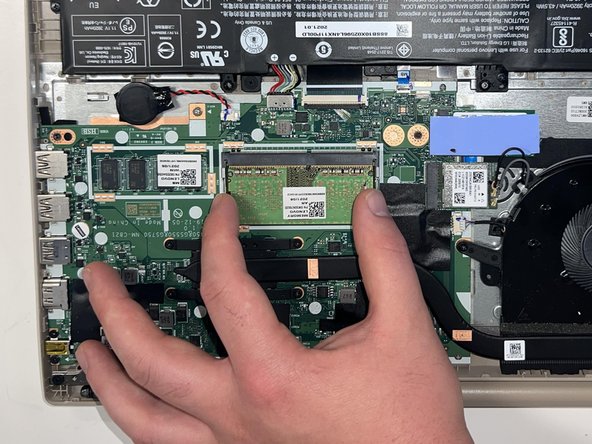
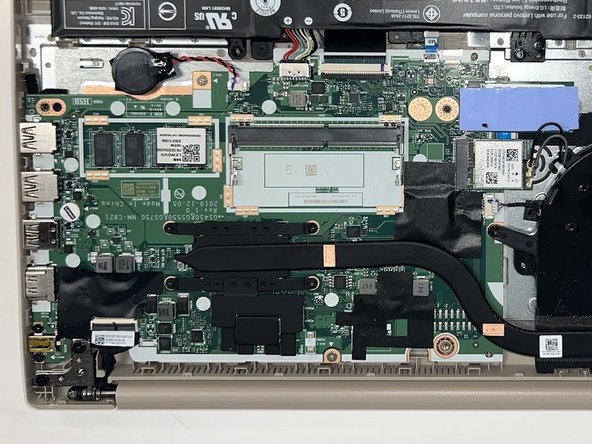
- Using your fingers, pull the metal arms (located on both sides of the RAM stick) slightly away from it.
- The RAM will pop up at a slight angle.
- Slide the RAM stick out of the motherboard slot.