Lenovo IdeaPad 3-15ADA05 Fan Replacement
ID: 172153
Description: Use this guide to replace the facility fan in...
Steps:
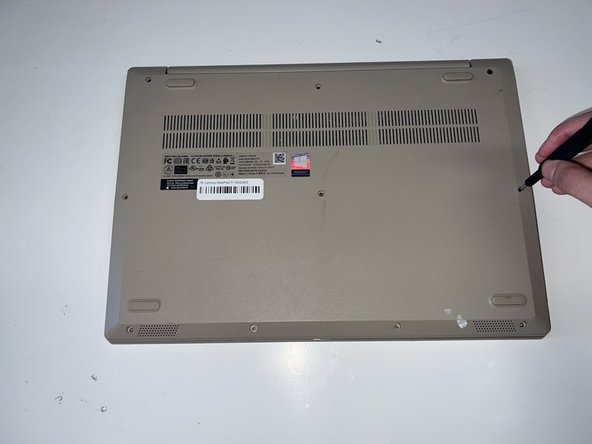
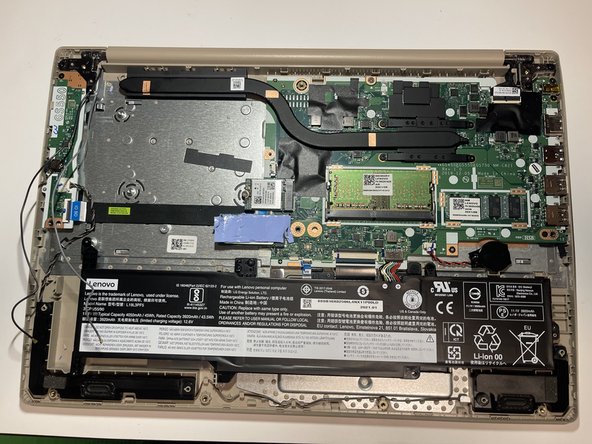
- Remove the six 5 mm screws located at the top half of the laptop using a Phillips #0 screwdriver.
- Remove the four 2.5 mm screws located at the bottom of the laptop using a Phillips #0 screwdriver.
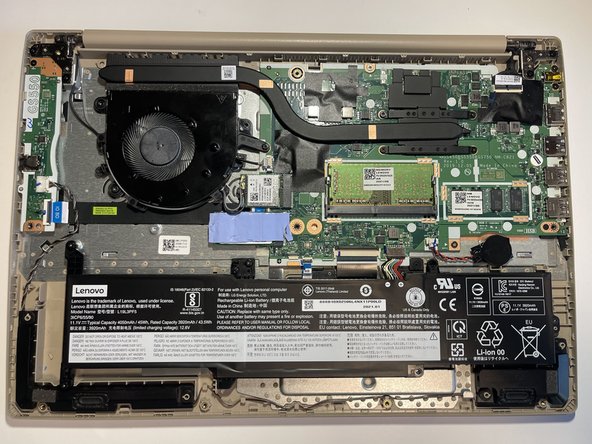
- Insert the opening pick between the base plate and the bottom of the laptop and pry the clips loose around the edge until the base pops off.
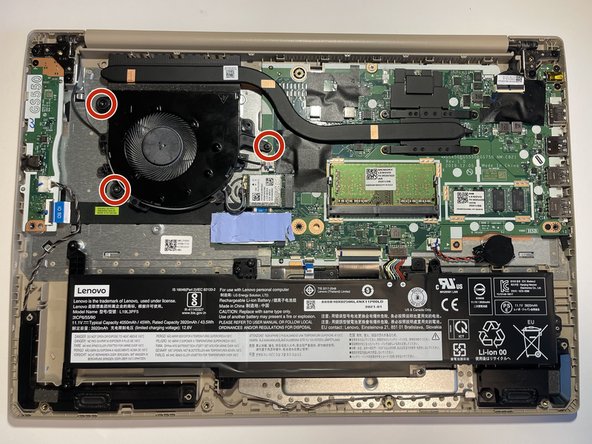
- Remove the two M2 x 3.30mm screws using the #0 screw head, then remove the one M2 x 5mm screw using the #0 screw head.
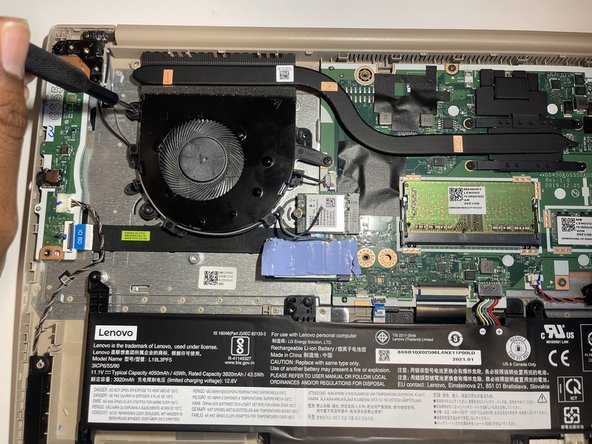
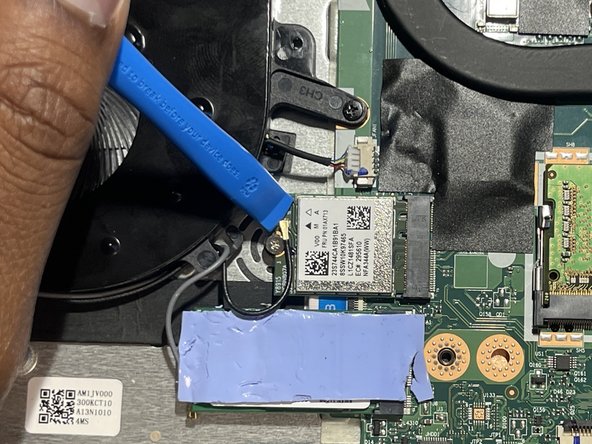
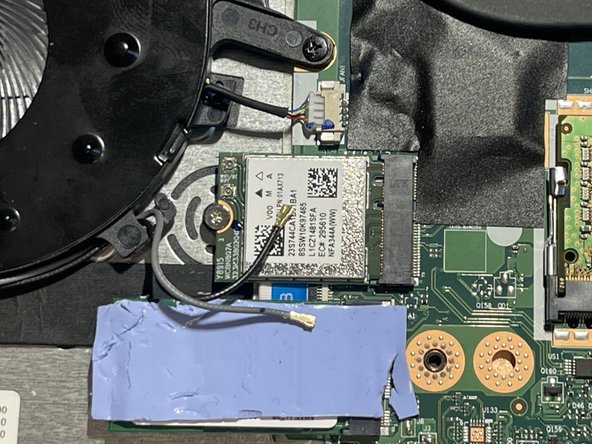
- Disconnect the black and white antenna cables from the wireless card using the opening tool.
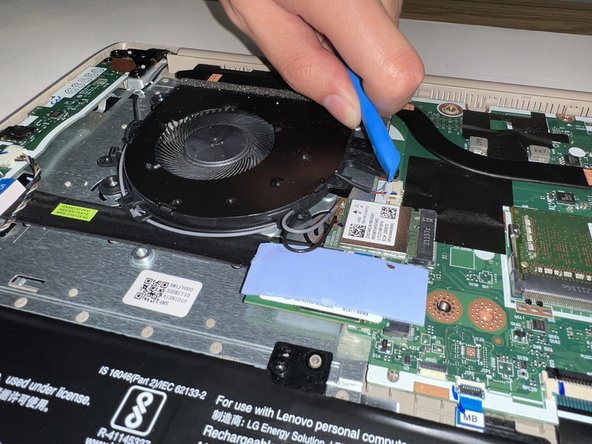
- Disconnect the fan cable from the motherboard using the opening tool.
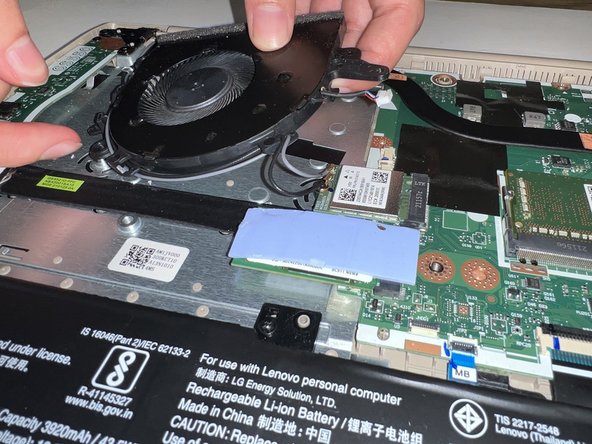
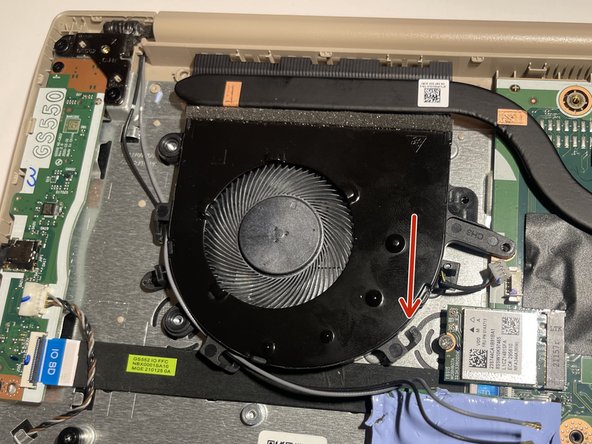
- Unwrap the cord from the three clips, then remove the fan.
- To remove the cords, push them through the small gap shown by the arrow.