PowerA Spectra Infinity Enhanced Motherboard Replacement
ID: 172171
Description: If your PowerA Spectra Infinity Enhanced (model...
Steps:
- Flip the controller so the back is facing up.
- Remove the eight 10 mm screws from the back of the controller using a Phillips #0 screwdriver.
- Unlock the trigger locks before removing the backplate.
- This will make taking the plate off easier.
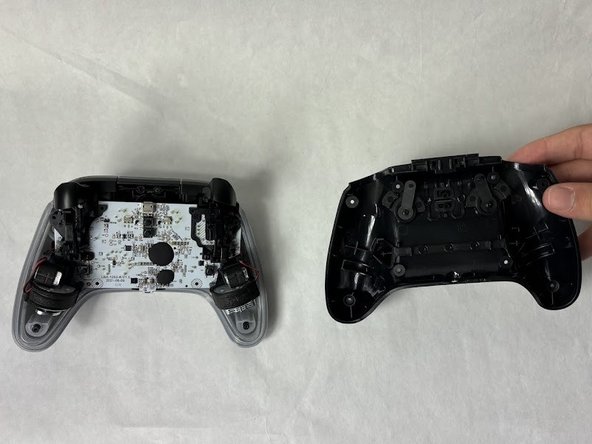
- Use your fingers and carefully remove the backplate.
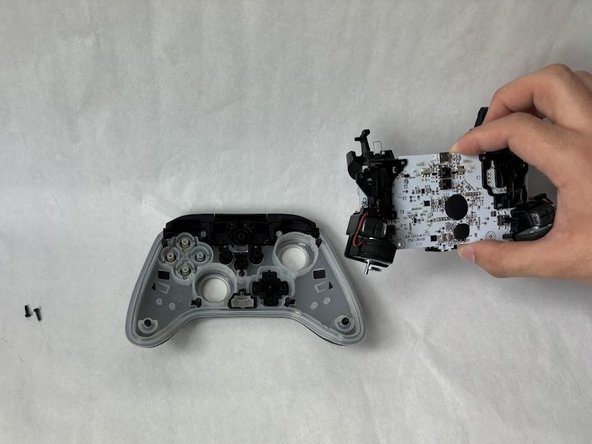
- Remove the two 10 mm screws connecting the motherboard to the faceplate using a Phillips #0 screwdriver.
- Use your hand to separate the motherboard from the face plate.