Putting On A Transparent Shell On Flipper Zero
ID: 173400
Description: Today We Will Go Over How To Replace Your...
Steps:
- An Easy Way To Get The SD Card Out Is To Grip It With Your Fingernails.
- Use A PH0 Screwdriver To Open/Remove The Back Part Of The Shell.
- Be Careful, The Screws Strip Easily. One Way To Combat This Is To Press Down On The Screw While Unscrewing It.
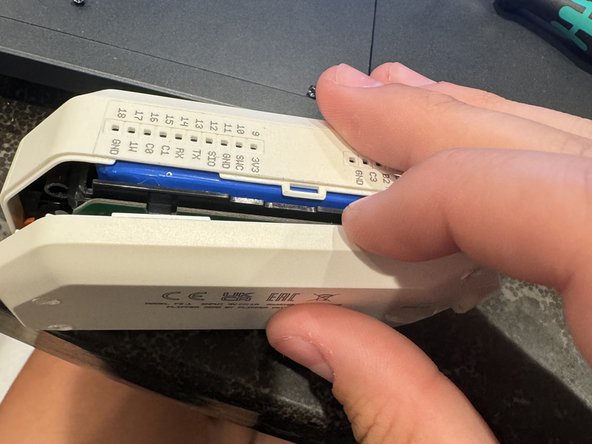
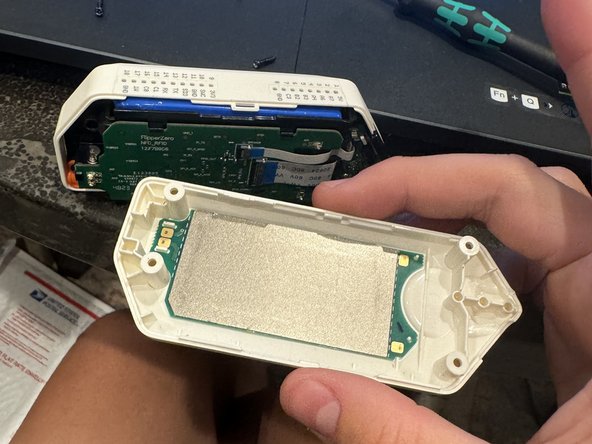
- Using Your Fingernail, Spudger, Guitar Pick, Or Any Other Prying Tool, Take Off The Back Shell.
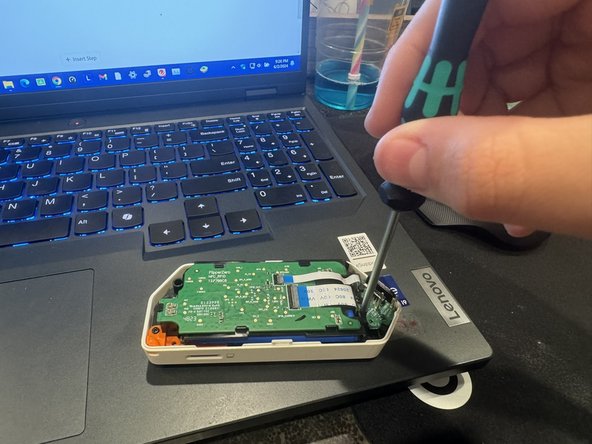
- Using Your PH0 Screwdriver Unscrew The Two Short Screws Holding The Internals Down To The Shell.
- Be Careful With The iButton Pins, They Break Off Very Easily.
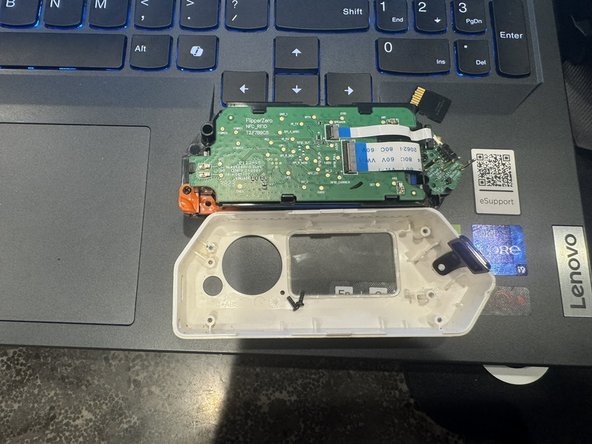
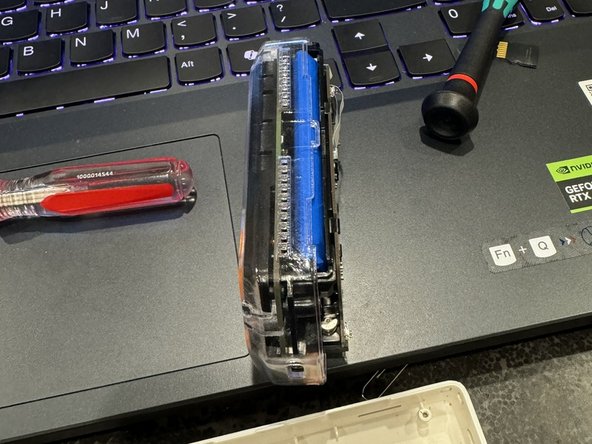
- Put Your Flipper's Internals Into The New Shell.
- Screw The Three Short Screws Back Into Place.
- Do Not Make The Screws Too Tight As The Threads On The New Transparent Board Will Strip Because It Is 3D Printed.
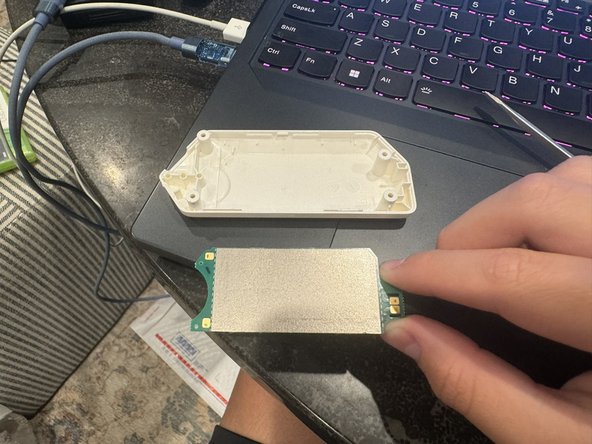
- Using Your, Spudger, Guitar Pick, Flathead Screwdriver, Or Any Other Prying Tool, Take Off The NFC Board. Heating may help if it sticks too much.
- Do Not Use Your Fingernails To Take Off The NFC Board!
- The NFC Board Should Look Like How It Is In The Picture, If It Doesn't Look Like The Picture Reapply The NFC Board.
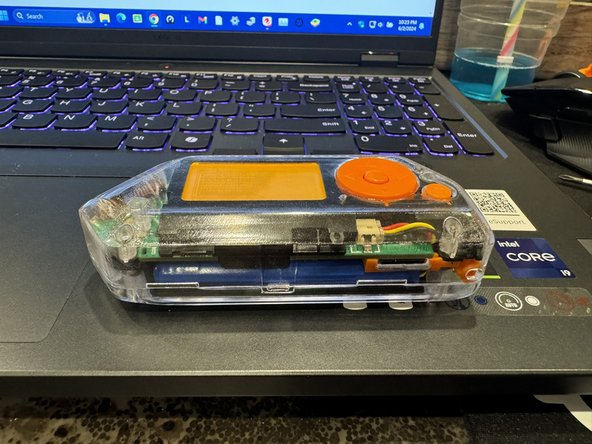
- Put The Two Shells Together And Then Insert The Four Long Screws Into The Screw Holes And Tighten Them.
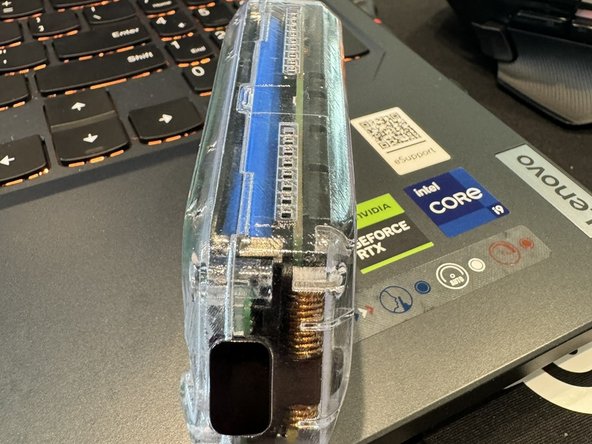
- You Have Just Assembled Yourself A Transparent Flipper Zero, Nice Work!