Fairphone Fairbuds USB-C Port Replacement
ID: 173444
Description: Use this guide to replace the USB-C port in...
Steps:
- Remove your earbuds from the charging case.
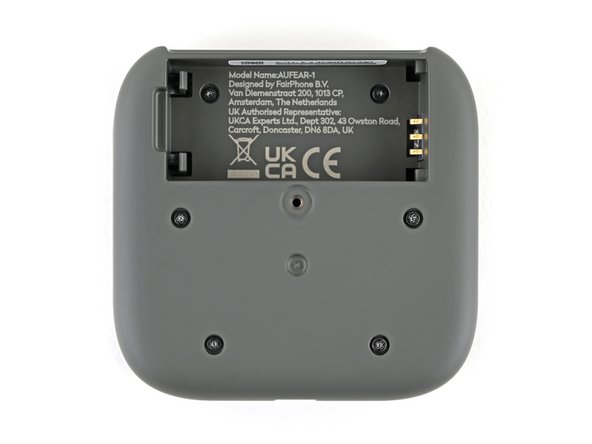
- Flip your charging case upside down.
- Use a Phillips screwdriver to remove the 4.5 mm‑long screw securing the outer shell.
- Flip up the bottom of the outer shell to expose the battery.
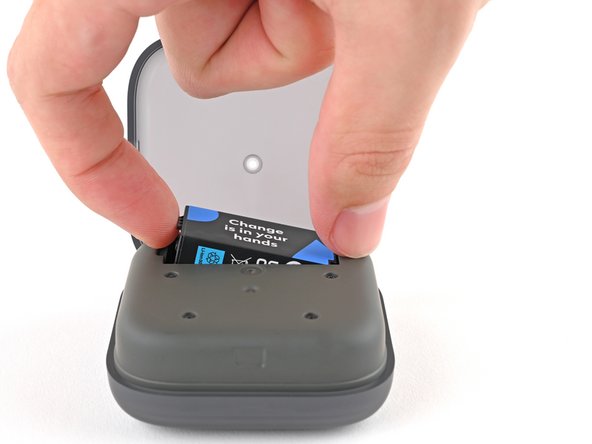
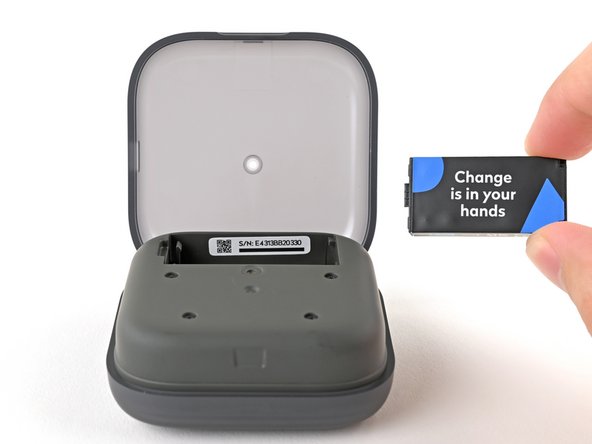
- Use your finger to pry up the battery at its notch and remove it.
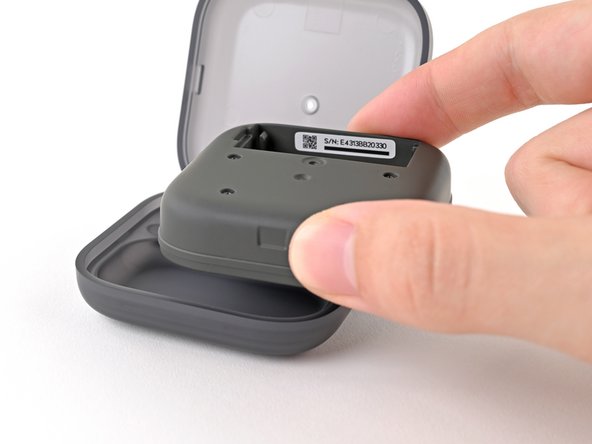
- Lift the charging core out of the outer shell and remove it.
- Use a Phillips screwdriver to remove the six 3.9 mm‑long screws securing the two halves of the charging core.
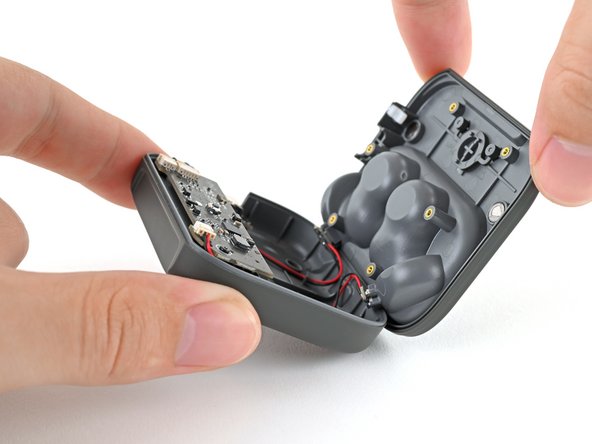
- Flip over the charging core and grip its top half, near the pairing button.
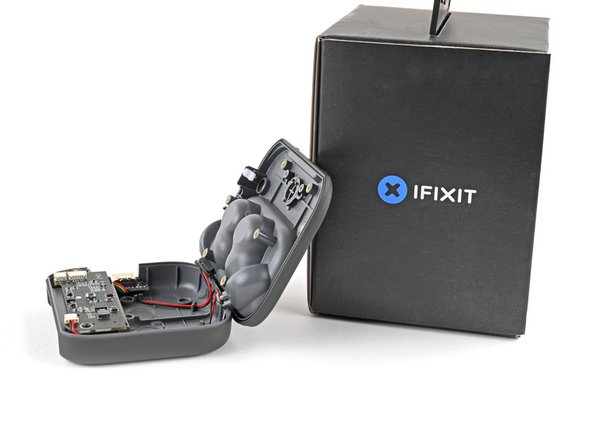
- Lift the top half and swing it over the core, letting it rest on something sturdy.
- Don't try to separate the two halves, as they're still attached by cables.
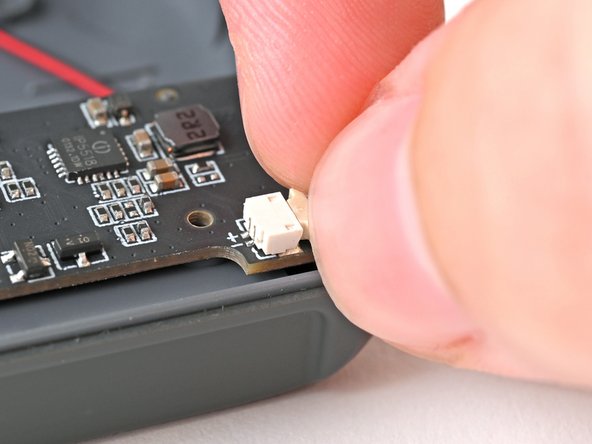
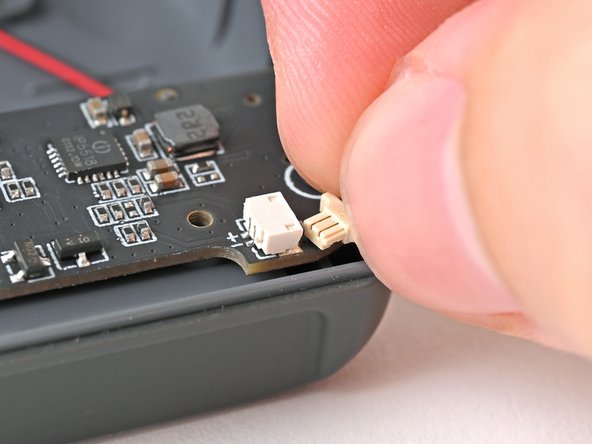
- Use your fingers to pull the left earbud charging cable out of its socket.
- Don't grip the cable! Only pull on the cable's plastic head.
- If you're having trouble gripping the cable's head, use the tip of a spudger to push it out of its socket.
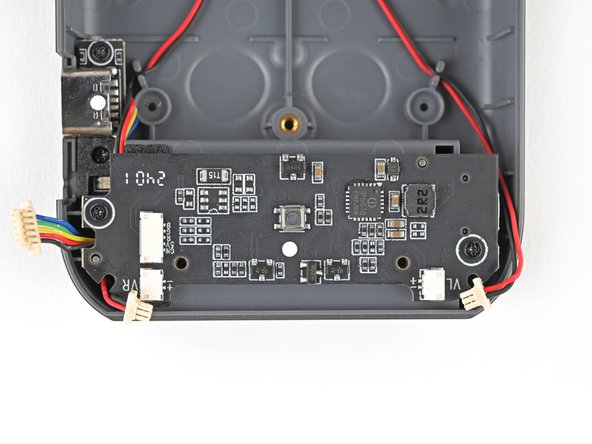
- Since the remaining connectors are next to each other, it can be difficult to grip them with your fingers. The following instructions use a spudger instead.
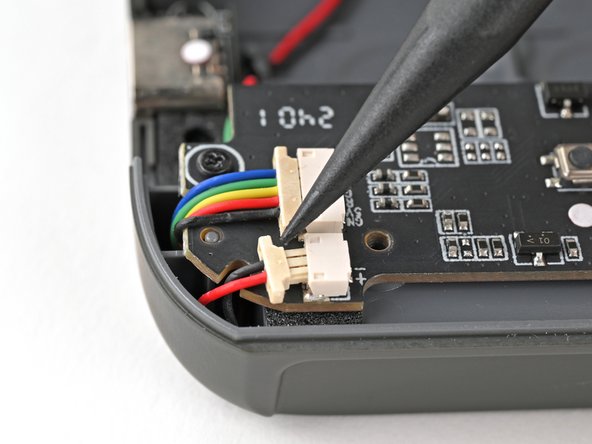
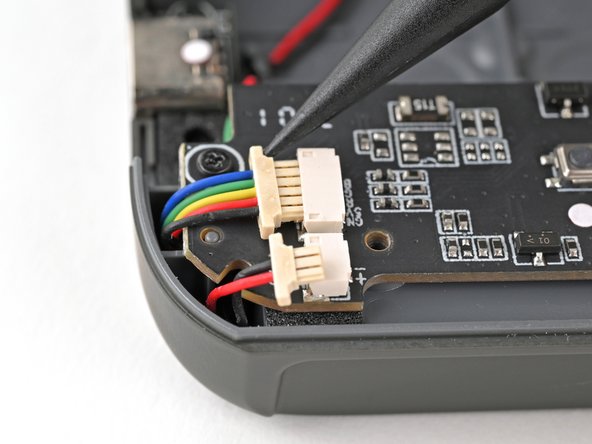
- Use the tip of a spudger to push the right earbud cable head out of its socket to disconnect it.
- Repeat for the USB-C port cable.
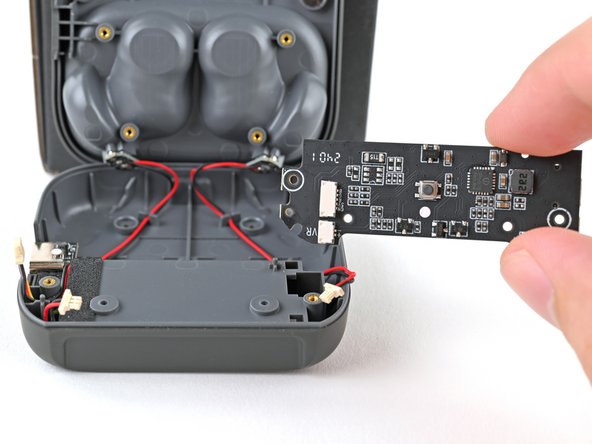
- Use a Phillips screwdriver to remove the two 3.9 mm‑long screws securing the mainboard.
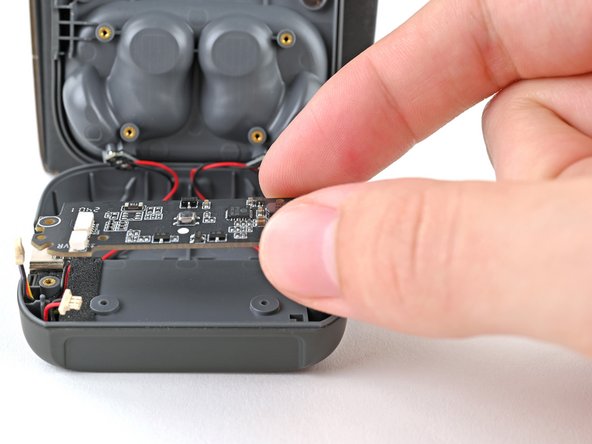
- Lift the mainboard off its posts in the charging core and remove it.
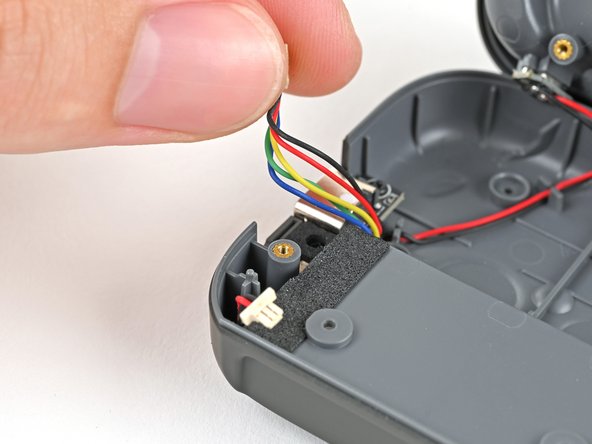
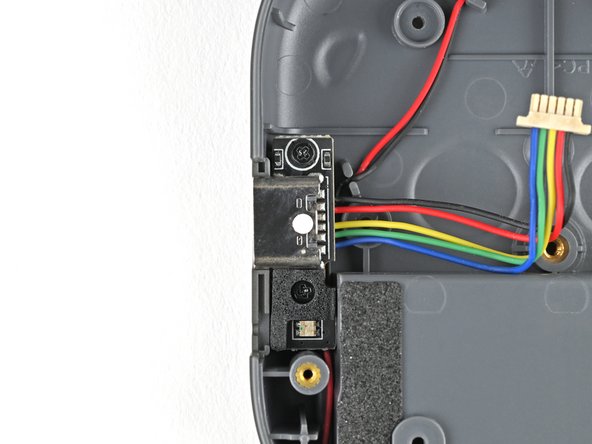
- Move the USB-C port cable out of its groove next to the screw peg.
- Use a Phillips screwdriver to remove the two 3.9 mm‑long screws securing the USB-C port.
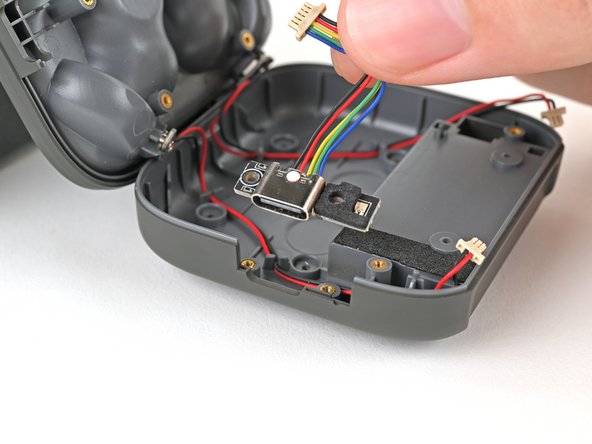
- Lift the USB-C port out of the charging core and remove it.