Aranet 4 Display Replacement
ID: 173666
Description: Replacing the display on the Aranet 4 Home The...
Steps:
- Remove the battery door and the batteries.
- Unscrew the two T6 screws.
- Turn your device over so that the screen faces you and remove the cover.
- Pull back the screen.
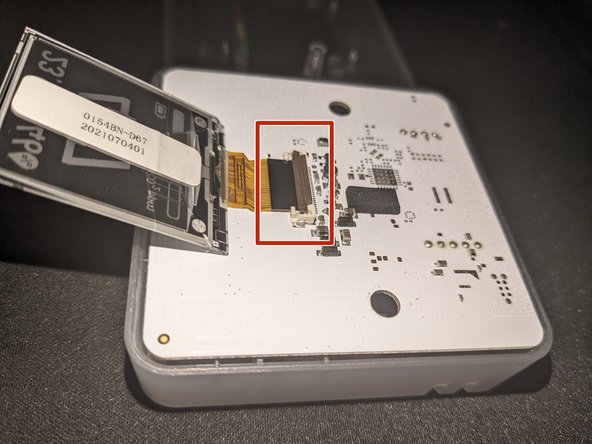
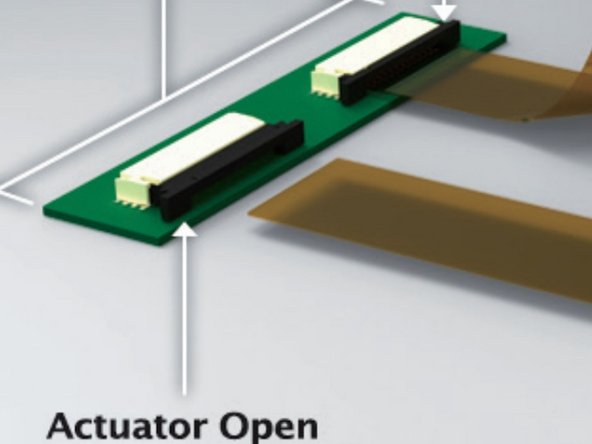
- Carefully release the display ribbon cable by, depending on your board revision either lifting the brown cover on the flip-up connector or sliding out the stuffer actuator connector. (Refer to the images for clarification.)
- Remove the old screen.
- Insert the new screen's cable into the connector (black side up).
- Carefully place the front cover back and reassemble the device.