Samsung Galaxy S24 SIM Card Tray Replacement
ID: 175578
Description: Use this guide to replace the SIM card tray in...
Steps:
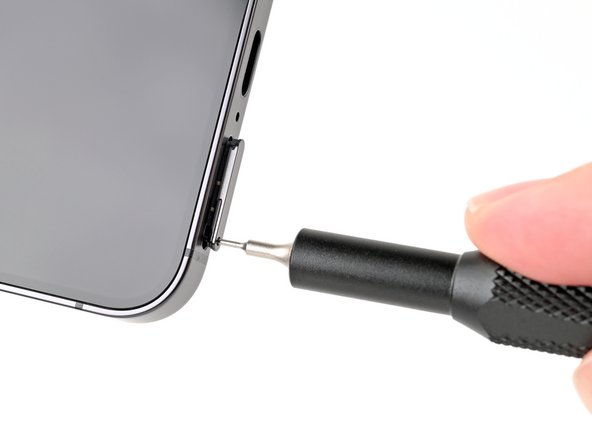
- Insert a SIM card eject tool, bit, or a straightened paperclip into the hole on the SIM tray at the bottom of the phone.
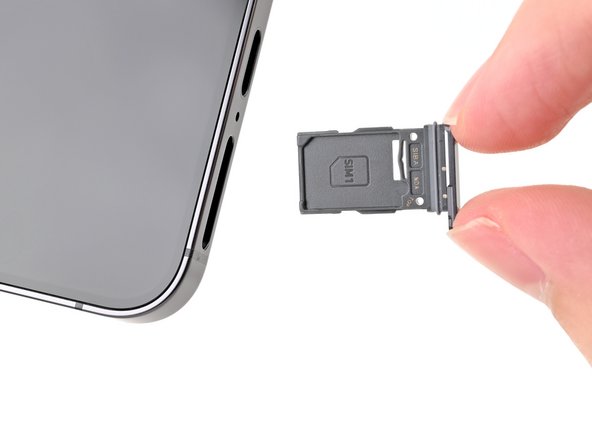
- Press in firmly to eject the tray and remove it.