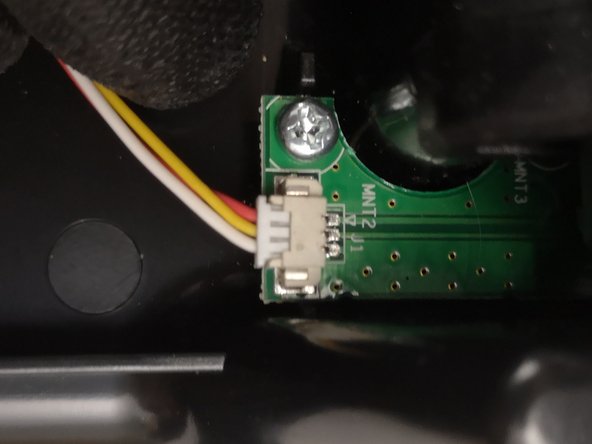
Thrustmaster T3PM RJ12 main cable Replacement
ID: 175655
Description: Instructions on how to replace the RJ12 main cable
Steps:
- Unscrew all 6 screws from the pedal heads
- Note the positioning of the pedal heads or take this opportunity to try out new position
- Use a Phillips driver to remove all screws at the bottom.
- Keep track of each screw as to not loose it.
- Remove the top cover and put it aside
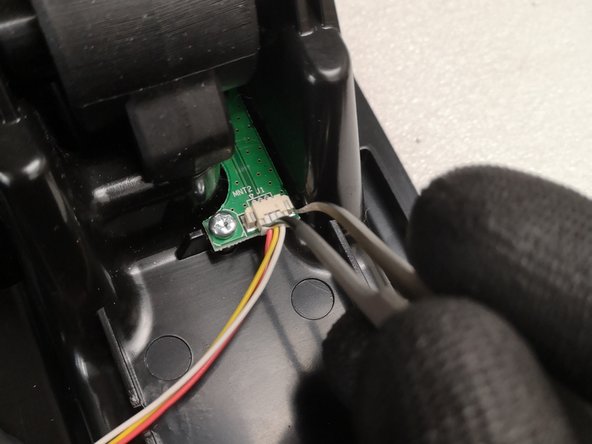
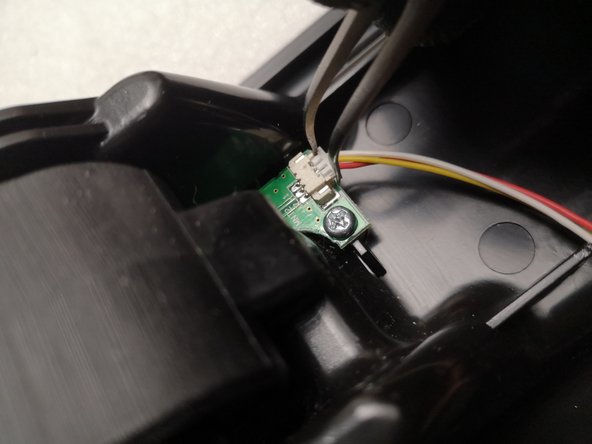
- Use the Tweezers to carefully remove the wires from the sensors
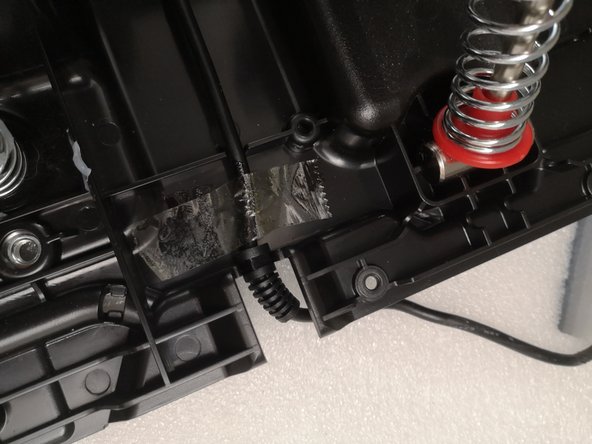
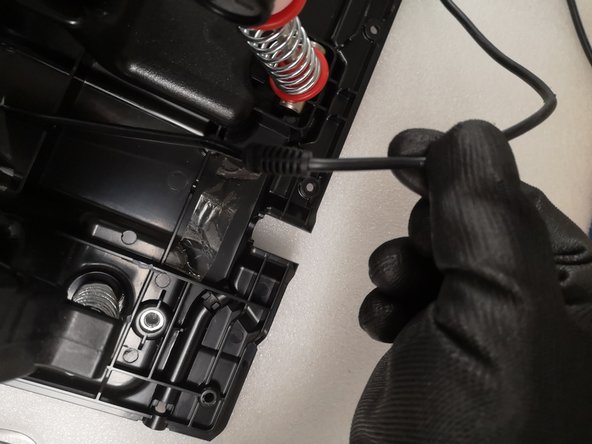
- Lift the tape and remove the cable
- You can keep the original tape, add new tape or use some other method to stabilize the cable.
- Carefully connect the wires of a new cable with the sensors