Recalibrating the center of Thrustmaster T300
ID: 175812
Description: Resetting the center value, in case the...
Steps:
- Connect and start the steering wheel.
- If you are on a PC, set the rotation angle to 1080° from the Thrustmaster control panel.
- If you are on a console, manually set the rotation angle to 1080°.
- To do this, press the “Right D-PAD + MODE” buttons simultaneously to increase the angle of rotation. The base LED should flash 5 times.
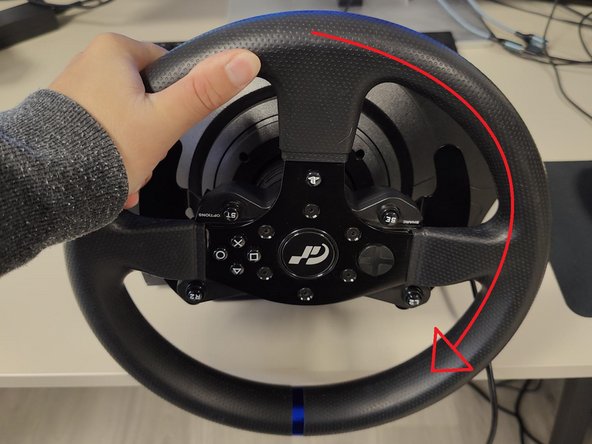
- Turn the steering wheel all the way to the left, as far as it will go.
- Turn the steering wheel all the way to the right, as far as it will go.
- Recenter your wheel.
- Press the buttons to recenter the steering wheel. These buttons vary depending on what model you have, but you can find out which to use here.
- Once the central value has been reset, the LED on your base should then briefly change color, validating the procedure.
- You can then verify whether the wheel is steering properly using the Thrustmaster Control Panel.