Google Pixel 9 SIM Card Tray Replacement
ID: 175896
Description: This repair guide was authored by the iFixit...
Steps:
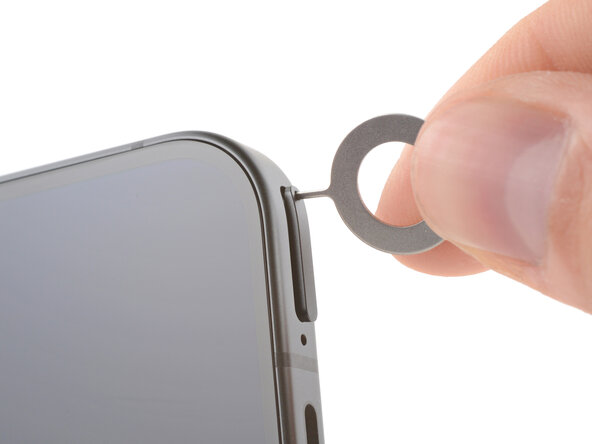
- Firmly press a SIM eject tool, bit, or straightened paper clip into the SIM card tray hole on the bottom edge of your phone until the tray ejects.
- A small mic hole is to the left of the SIM tray—don't confuse the two!
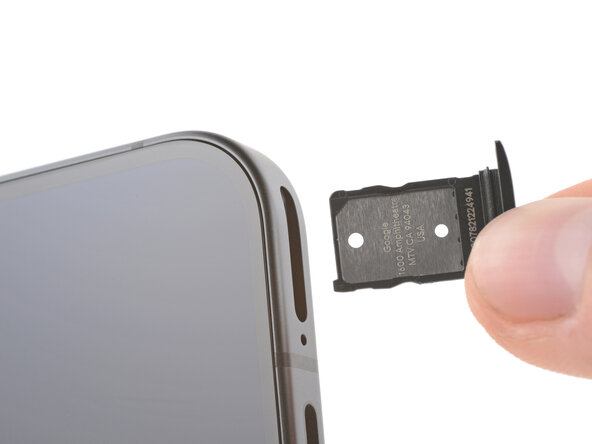
- Remove the SIM card tray.