Disassembly of the Dreame L10s Ultra base station
ID: 175965
Description: You want to take your Dreame L10s Ultra base...
Steps:
- Remove the four screws from the cover. Use a Phillips screwdriver to loosen them. Be careful not to lose the screws – they are small and can easily disappear!
- Then fold in the hinges of the cover
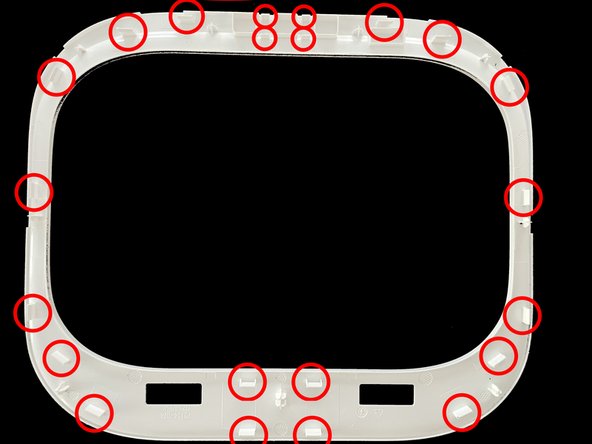
- The top cover is held on with clips.
- Carefully move the Jimmy underneath. Place the tool on an edge and slowly work your way around the casing to avoid damage.
- You have to be especially careful around the area of the three buttons (see picture 3).
- Take out the two marked screws using a PH2 screwdriver.
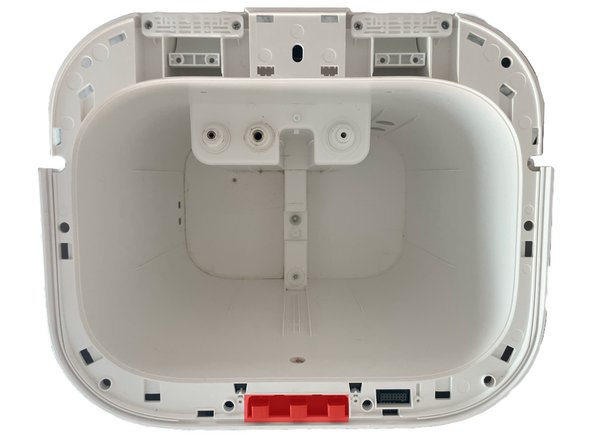
- Remove the seven screws on the bottom of the base station with a PH2 screwdriver
- Detach the plate on the underside. To do this, take care of the clips in Fig. 2 above the label with the type designation.
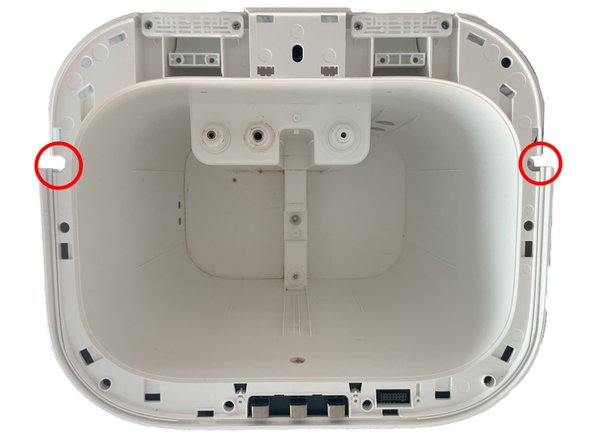
- Remove the two marked screws with a PH2 screwdriver.
- Now you need to remove the cover for the seven marked screws. You can do this either with tweezers or, if you want to be sure that nothing gets damaged, with a Halberd Spudger.
- Remove the seven marked screws with a PH2 screwdriver.
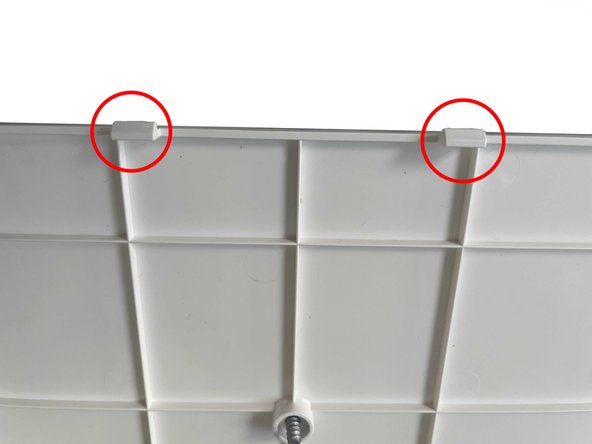
- On both sides of the cover, the plastic hooks on my model are located at approximately the following positions, measured from the bottom:
- 125 mm
- 215 mm
- 280 mm
- 395 mm
- 455 mm
- The hooks are each about 10 mm wide and can be relatively easily removed with the help of the jimmy and prevented from snapping back in with opening picks.
- The process is repeated on both sides.
- Now the desired maintenance/repairs can be carried out.
- In any case, it makes sense to at least remove the dust and dirt while the device is open. You can do this with compressed air or a brush so that you do not damage any sensitive parts.