Recentering Thrustmaster TS XW
ID: 176513
Description: Reset the center of your steering wheel, in...
Steps:
- Connect your steering wheel to your console/computer.
- On PC, set the rotation angle to 1080° in Thrustmaster Control Panel.
- On Console, manually set the rotation angle to 1080°.
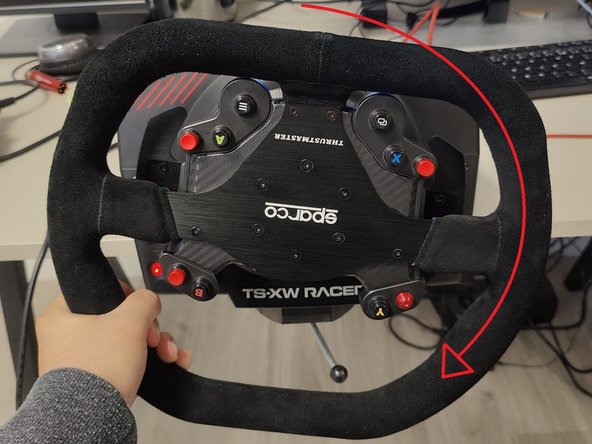
- Steer your wheel completely to the left, until it reaches a physical stop.
- Steer your wheel completely to the right, until it reaches a physical stop.
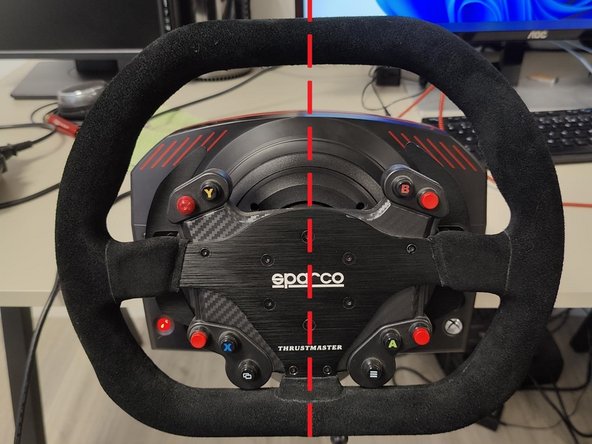
- Center your wheel.
- Press the buttons to recenter your steering wheel. These buttons depend on the steering wheel used, you will find the list on this link.