iRobot Roomba Essential Robot Battery Replacement
ID: 177848
Description: If your iRobot Roomba Essential Robot does not ...
Steps:
- Flip the Roomba on its backside.
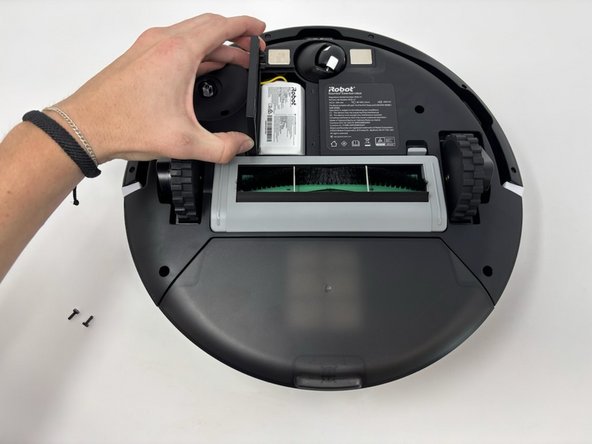
- Remove the two 12.7 mm screws on the panel above the brushes using a Phillips #1 screwdriver.
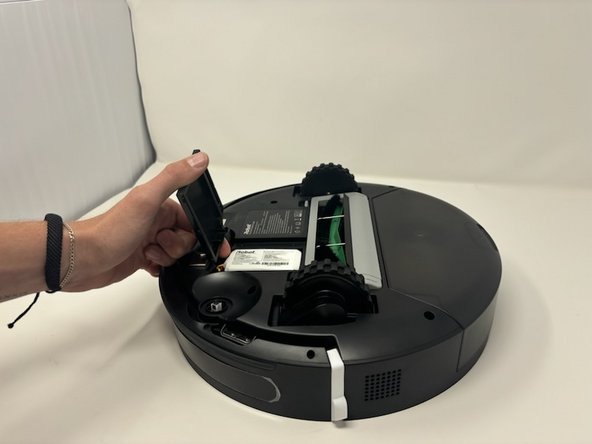
- Remove the panel from the iRobot Roomba Essential Robot.
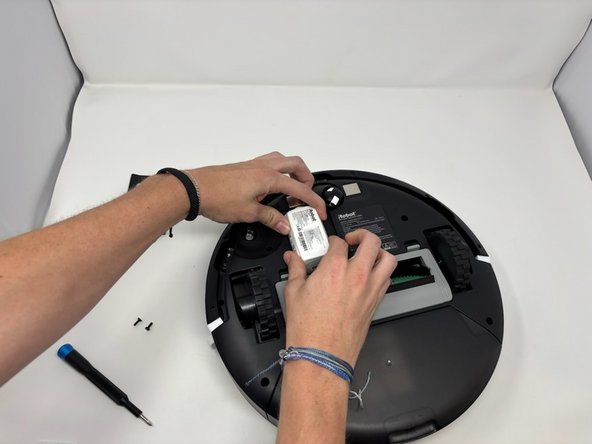
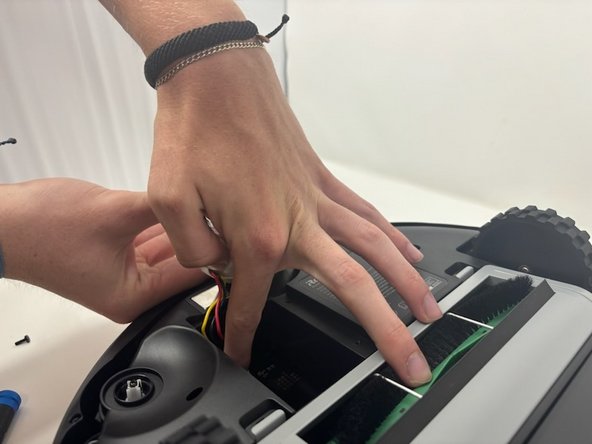
- Place fingers along the side of the battery.
- Pull upwards to remove the battery from its compartment.
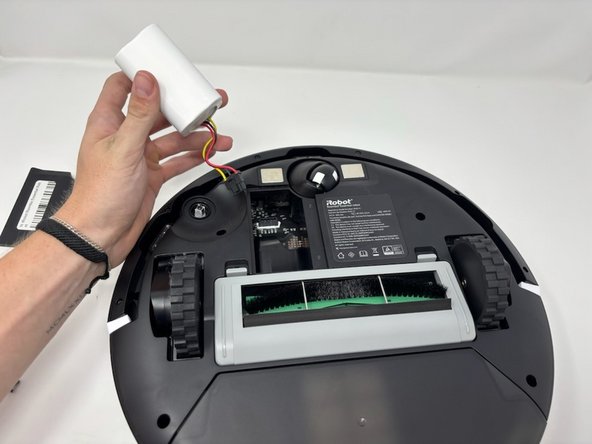
- Hold the battery to the side of the vacuum.
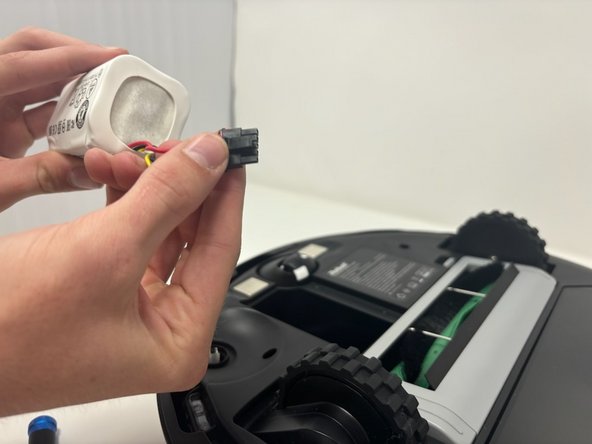
- Apply pressure to the clip holding the battery into the vacuum.
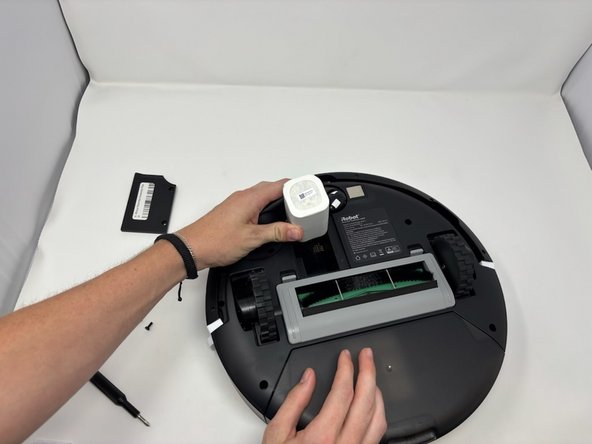
- Pull the battery and its attached cords from the inside of the Roomba.
- Remove the battery from the vacuum.