Smart Soldering Iron USB-C Connection
ID: 177859
Description: Prerequisite-only guide for Smart Soldering...
Steps:
- Make sure the soldering iron's power switch is in the blue OFF position.
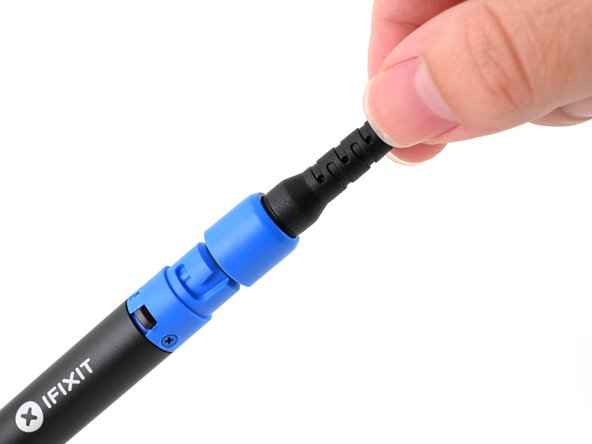
- Match the end of the USB-C cable with the blue locking collar to the blue USB-C port on the soldering iron, and push to connect.
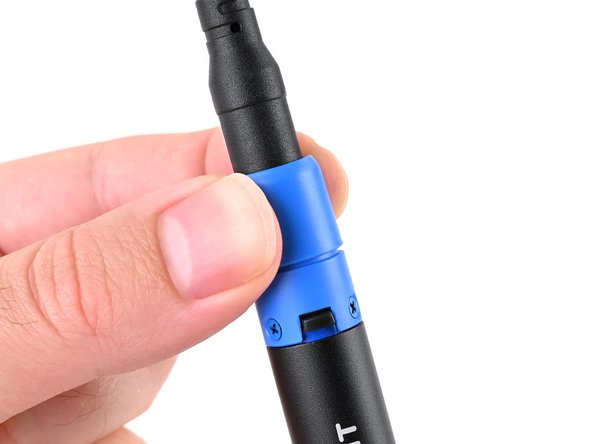
- Align the nubs in the collar with the slots on the soldering iron.
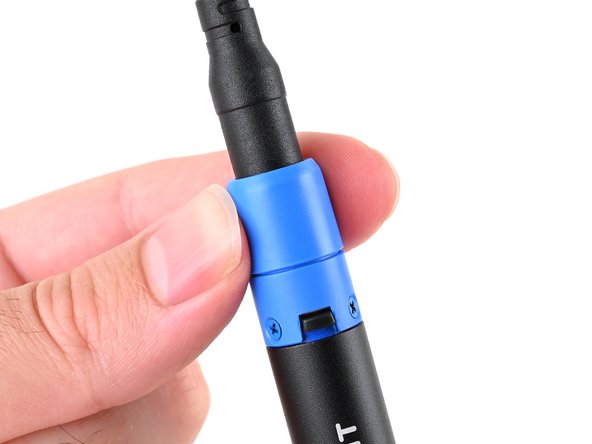
- Push the collar snug against the soldering iron, then twist clockwise to lock it in place.