CRKD NEO S CK24NS Trigger Replacement
ID: 177951
Description: If the triggers on your CRKD NEO S CK24NS...
Steps:
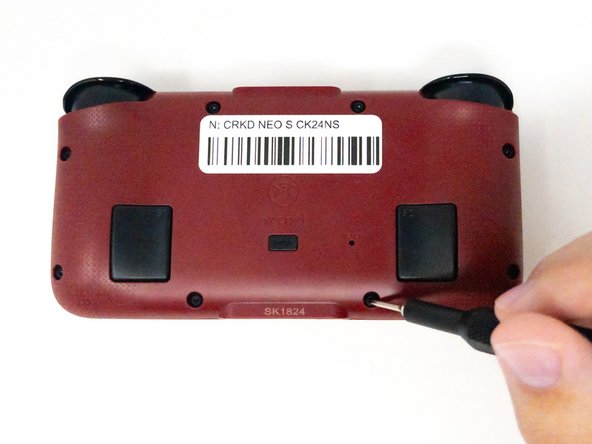
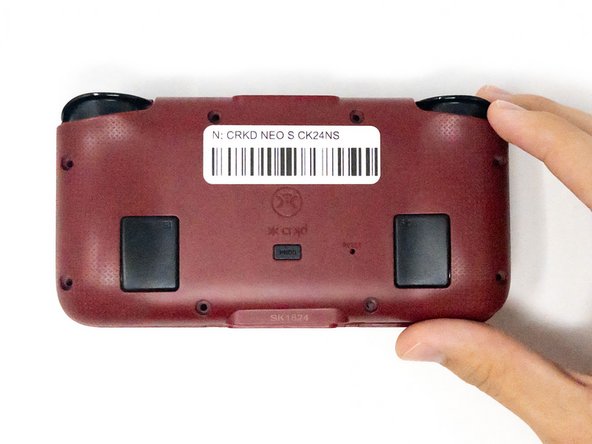
- Turn the CRKD NEO S CK24NS upside down with the front-facing buttons facing downward.
- Use a 1.5 mm Hex screwdriver to remove the eight 1.5 mm Hex screws from the back of the controller.
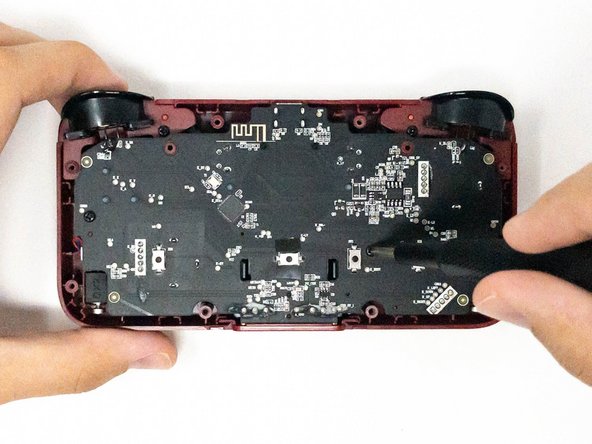
- Carefully lift off the back panel and set it aside.
- Remove the four 2.5 mm screws holding the motherboard in place using a Phillips #0 screwdriver.
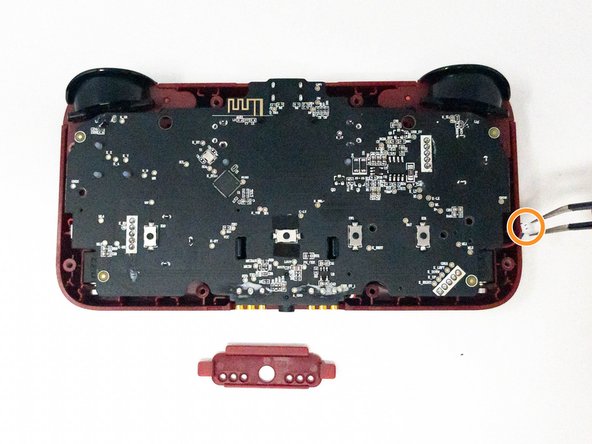
- Take out the white plastic pieces connected to the motherboard with tweezers.
- Gently lift the motherboard and set it aside.
- If the small red plastic piece next to the audio jack falls out, don’t worry. You can pop it back into place during reassembly.
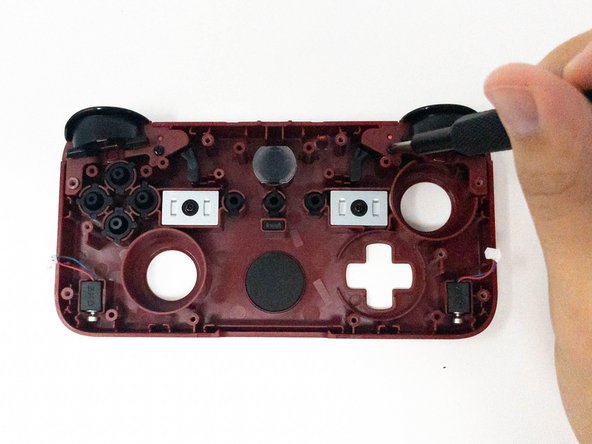
- Remove the two 2.5 mm Phillips #0 screws and keep them for reassembly.
- The screws for the left trigger will be on the right.
- The screws for the right trigger will be on the left.
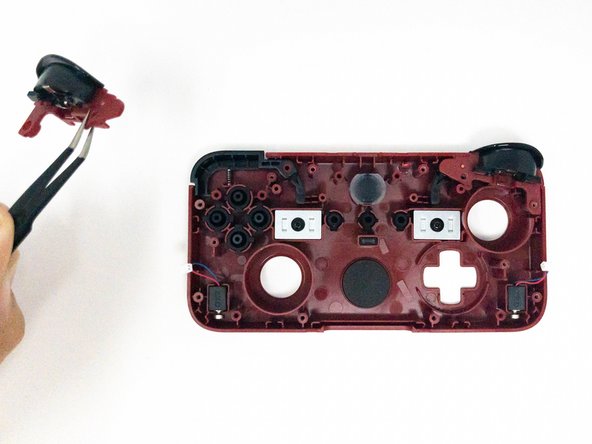
- Using tweezers, carefully remove the ZL and/or ZR trigger pieces.
- Insert the new trigger(s) in the same position.