Mayflash Arcade Stick F300 Microswitch Replacement
ID: 177952
Description: If the microswitches in your Mayflash Arcade...
Steps:
- Flip the controller upside down so that the metal panel is facing you.
- Remove the six 11 mm screws securing the metal panel using a Phillips #2 screwdriver.
- Once all screws are removed, lift off the panel.
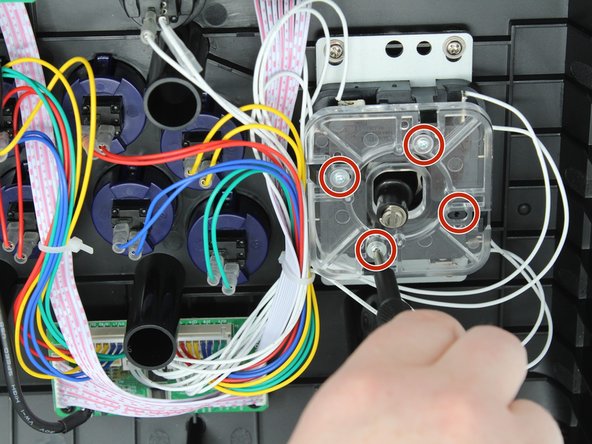
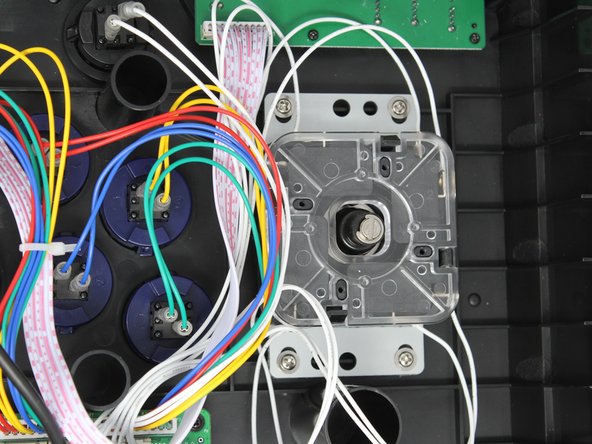
- Remove the four 9 mm truss head screws fastening the clear plastic square joystick gate to the casing underneath using a Phillips #1 screwdriver.
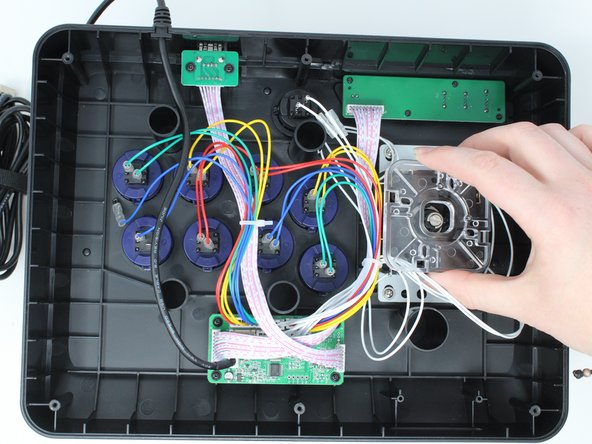
- Gently push back on each of the four black locking tabs securing the joystick gate to the casing.
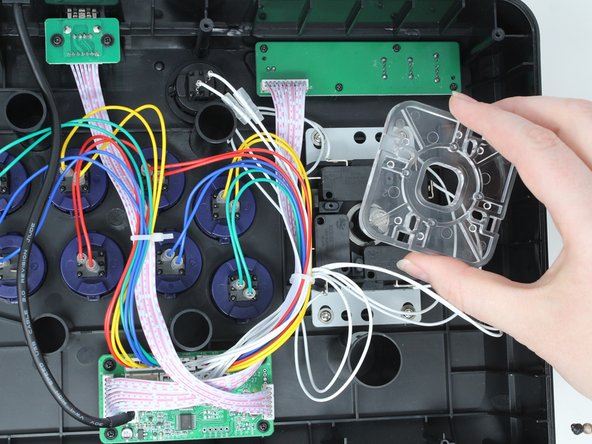
- Remove the joystick gate.
- Lift the chosen microswitch vertically off the rod holding it in position.
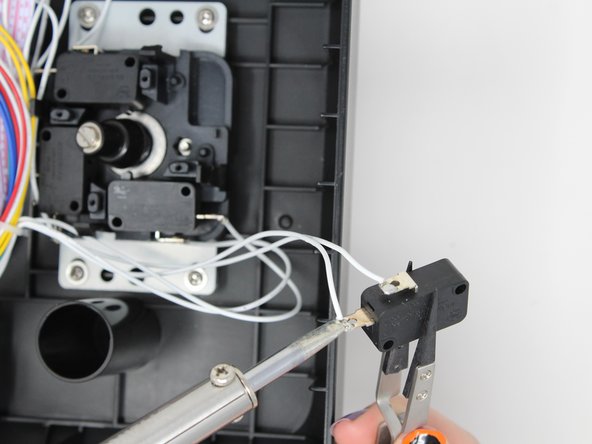
- Desolder the wire from the terminal (metal connection point).
- Beware of overheating the soldering kit as it can damage electronic components.
- Use a wire stripper or small blade to strip the insulation approximately 1 cm from the end of the wire before resoldering to the new part.