Smart Soldering Iron Power On and Start Soldering
ID: 177991
Description:
Steps:
- Never hold the soldering iron past the grip. Touching the metal soldering tip while the Touch-Safe Indicator LED is orange or purple can cause severe burns. Always assume the tip is hot.
- Hold the soldering iron by the base of the handle with your fingers on the knurled grip.
- Never leave the soldering iron unattended while the power switch is in the orange ON position.
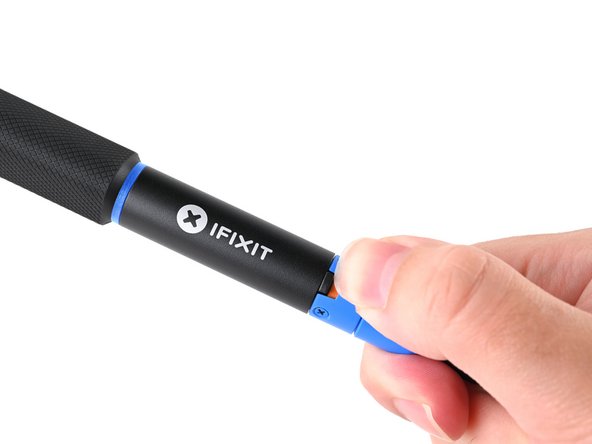
- The sliding power switch has a built-in color indicator for each position:
- Orange: ON
- Blue: OFF
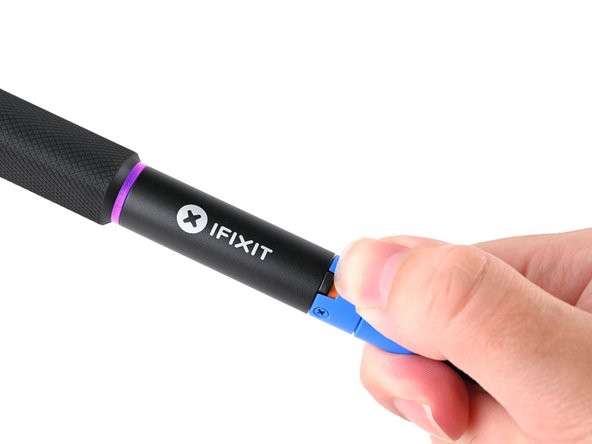
- Slide the power switch to the orange ON position.
- The LED will initially light up blue, then turn purple and pulse to show that the iron is warming up.
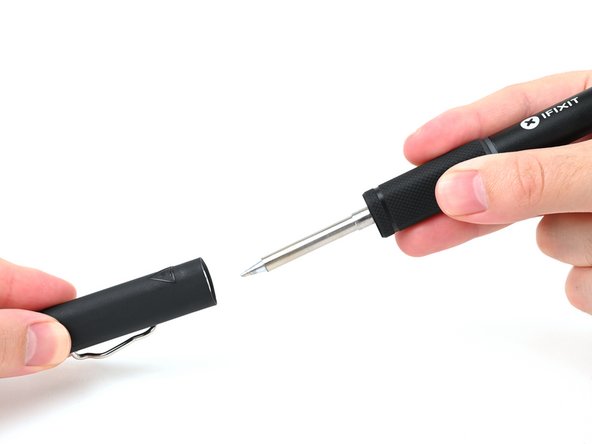
- To be safe, keep the cap on your iron when not in use. The inside of the cap is heat-resistant and can be used to cover your iron, even when hot.
- Hold the iron from both ends and pull to remove the cap.
- When the Touch-Safe Indicator LED turns orange, your iron has reached its set temperature for soldering.
- The iron comes set to 350 °C (660 °F) out of the box, but it'll remain at whatever temperature was last set using the Portable Power Station or other USB device.
- Your iron is now ready for soldering!