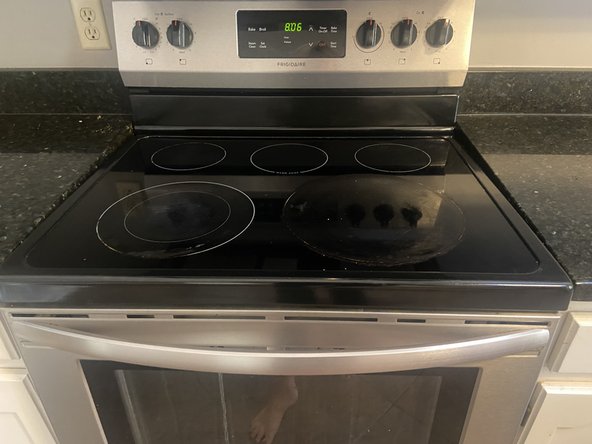
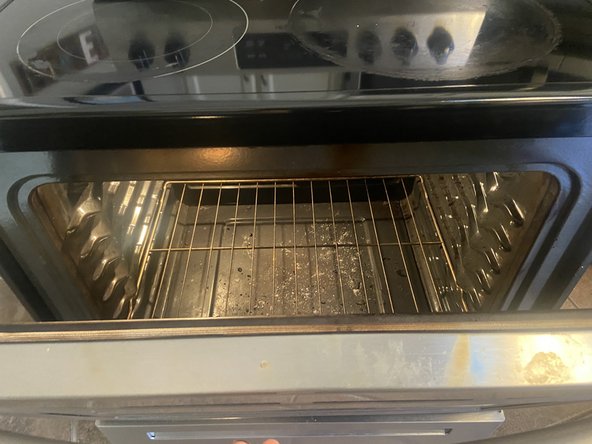
Frigidaire FCRE3052A Oven Light Replacement
ID: 178006
Description: If the oven light in your Frigidaire Model...
Steps:
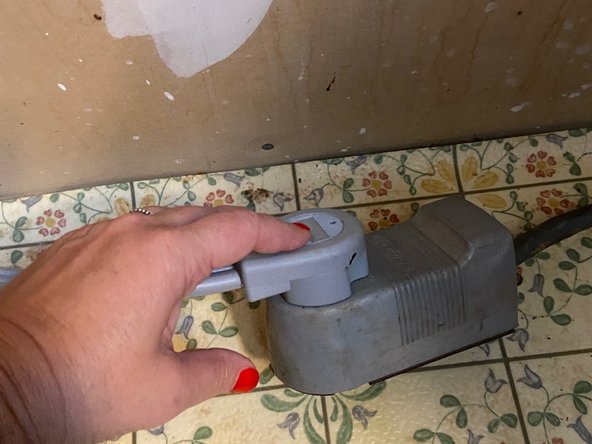
- Unplug the oven carefully.
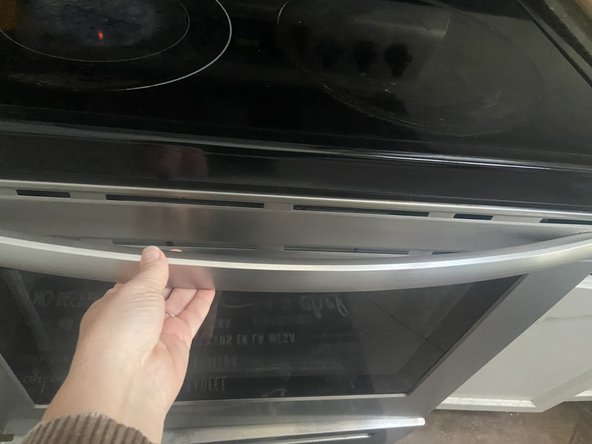
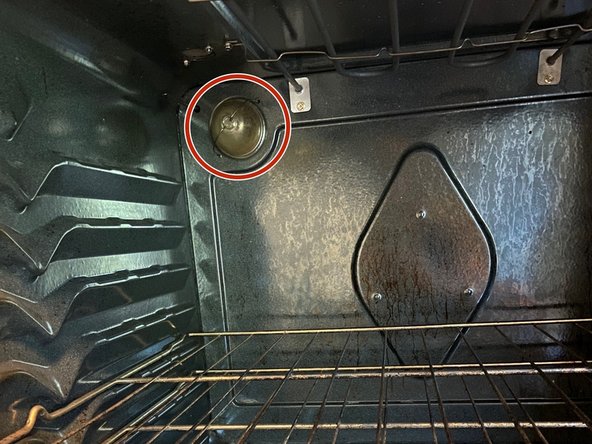
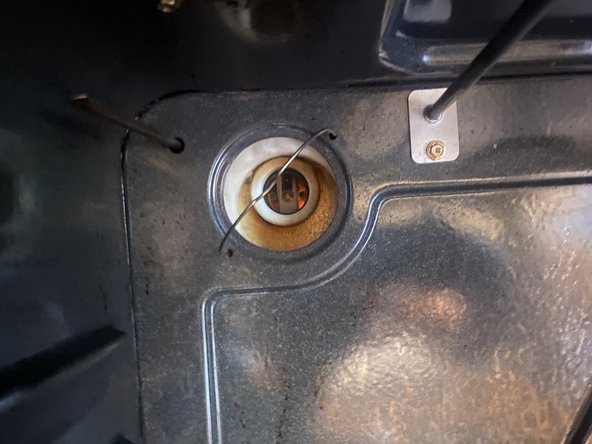
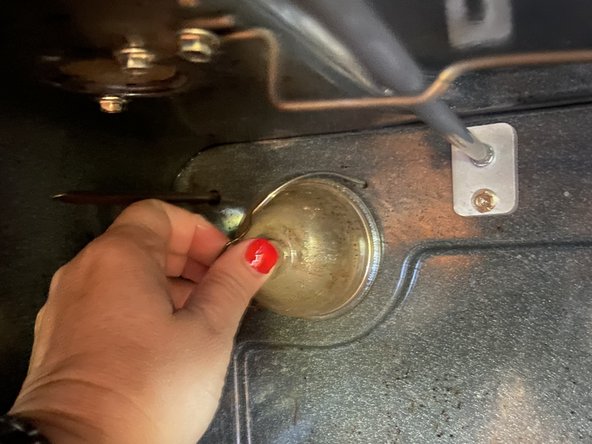
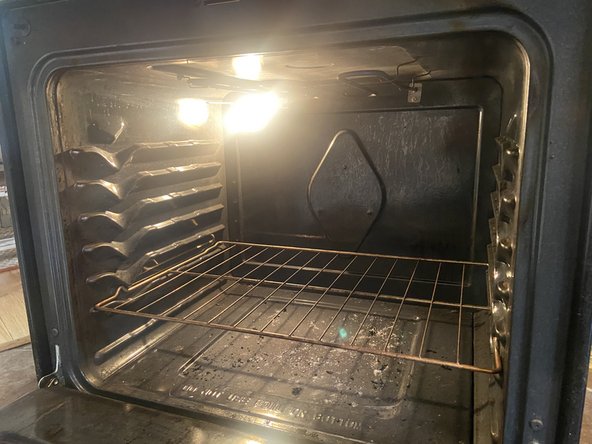
- Open the oven and locate the light on the upper left side at the back of the oven.
- Slide the securing wire over the glass cover.
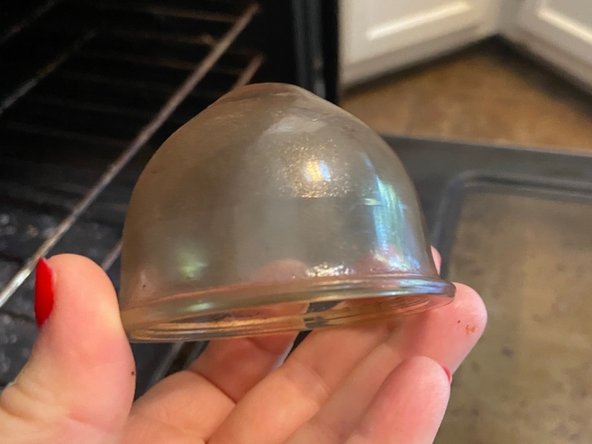
- Remove the glass cover and set it aside.
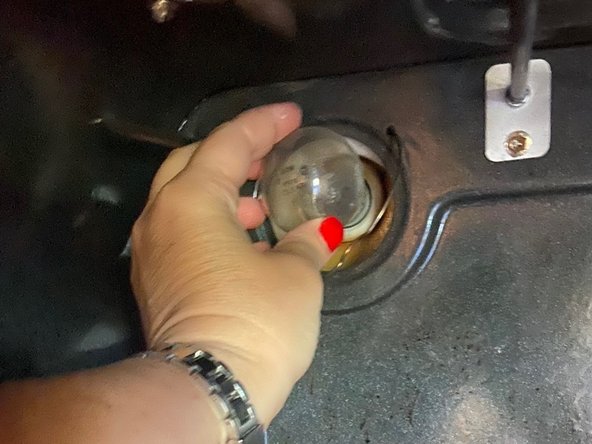
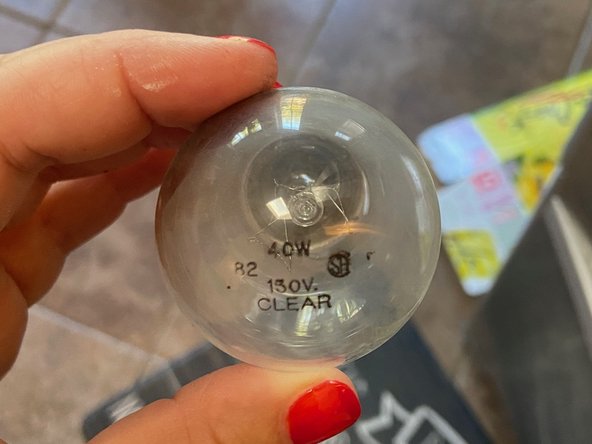
- Gently twist the old light bulb to the left to unscrew it, then remove it from the oven.
- Replace it with the new bulb, twisting it to the right until it is securely in place.
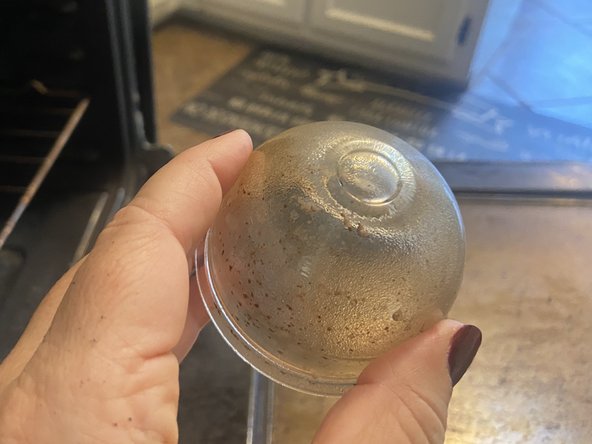
- Before replacing the glass cover, consider cleaning it if it has significant grease or grime buildup.
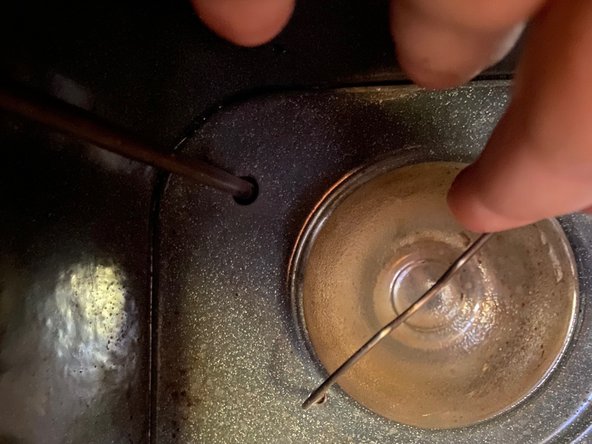
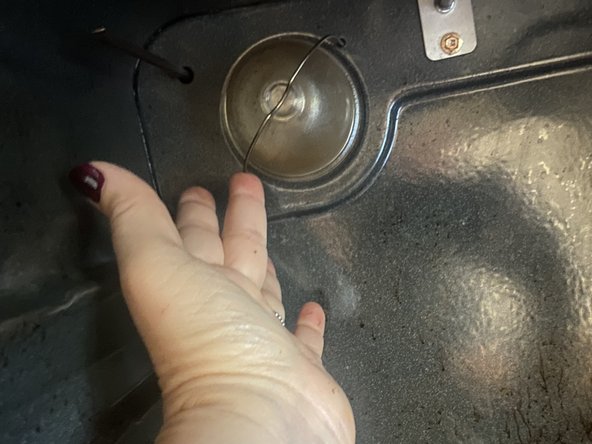
- Replace the glass cover back over the light bulb.
- Slide the securing wire across the top of the glass cover to hold it in place.
- Ensure that the glass cover and wire are securely in place.
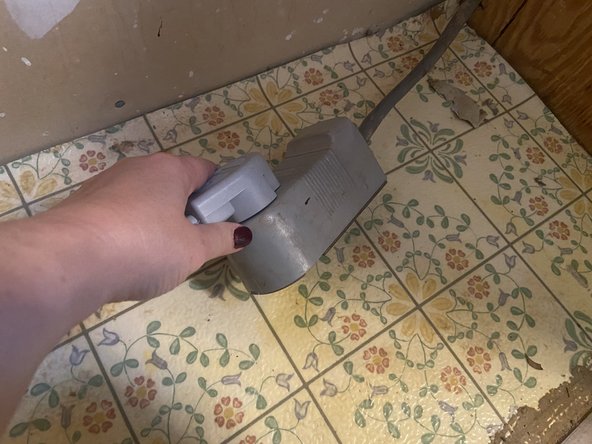
- Plug the oven back into the outlet carefully.
- If the cord is located behind the oven it is helpful to push the cord against the back wall before sliding the oven back into place.
- Open the oven door to confirm that the new light is working properly.