CRKD NEO S CK24NS Bumper and Spring Replacement
ID: 178063
Description: If the bumpers and/or springs on your CRKD NEO...
Steps:
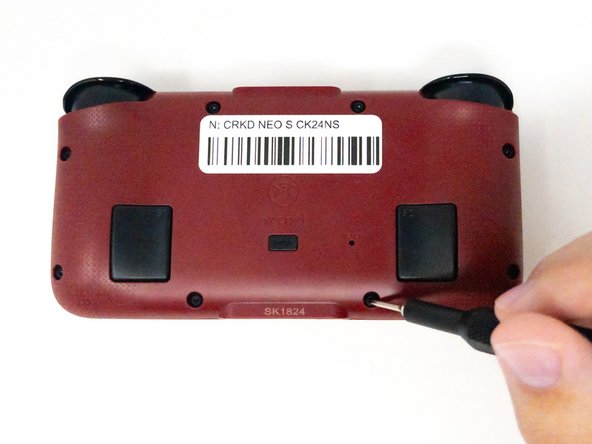
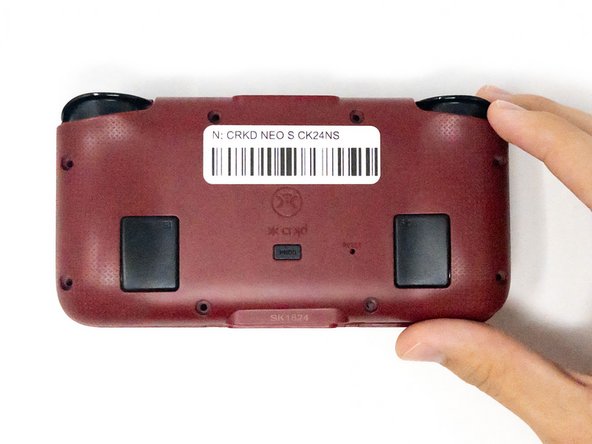
- Turn the CRKD NEO S CK24NS upside down with the front-facing buttons facing downward.
- Use a 1.5 mm Hex screwdriver to remove the eight 1.5 mm Hex screws from the back of the controller.
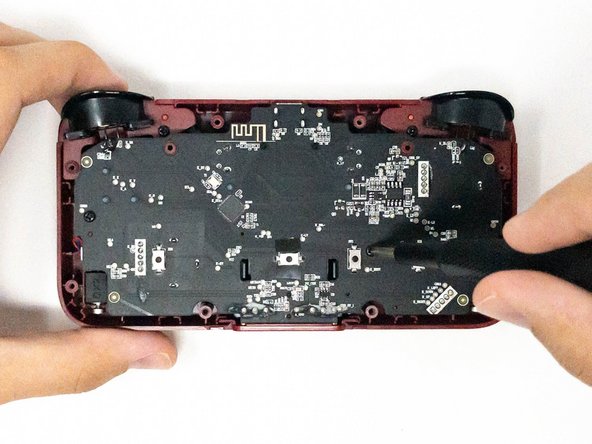
- Carefully lift off the back panel and set it aside.
- Remove the four 2.5 mm screws holding the motherboard in place using a Phillips #0 screwdriver.
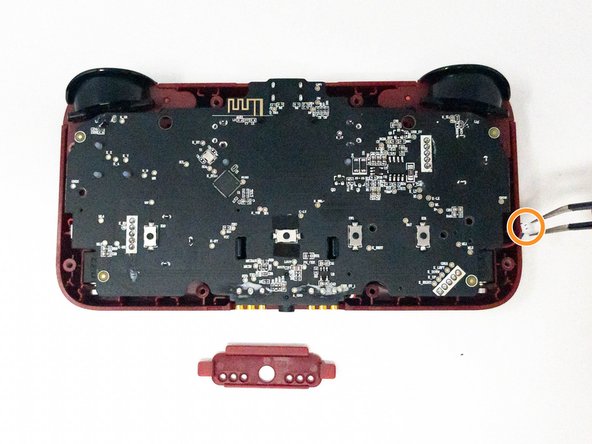
- Take out the white plastic pieces connected to the motherboard with tweezers.
- Gently lift the motherboard and set it aside.
- If the small red plastic piece next to the audio jack falls out, don’t worry. You can pop it back into place during reassembly.
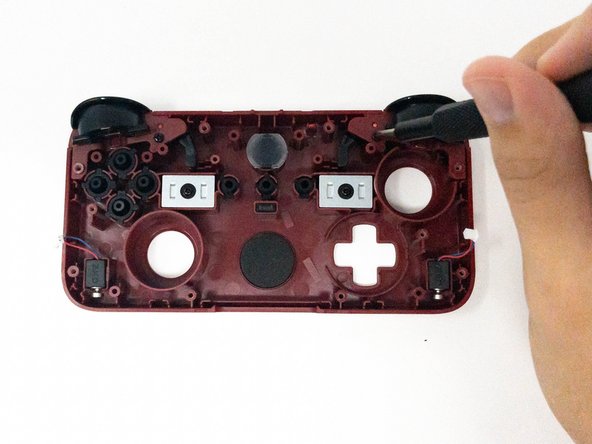
- Remove the two 2.5 mm Phillips #0 screws and keep them for reassembly.
- The screw for the the left trigger will be on the right.
- The screw for the right trigger will be on the left.
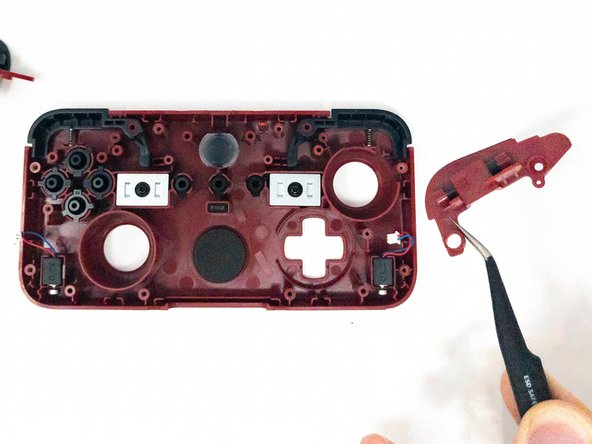
- Using tweezers, carefully remove the ZL and/or ZR trigger pieces.
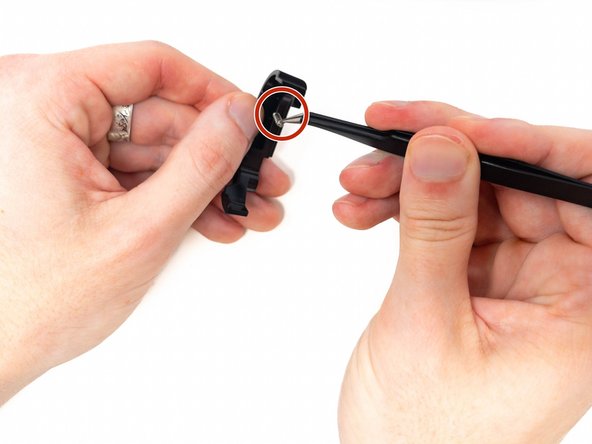
- Pull out the bumper(s) with tweezers
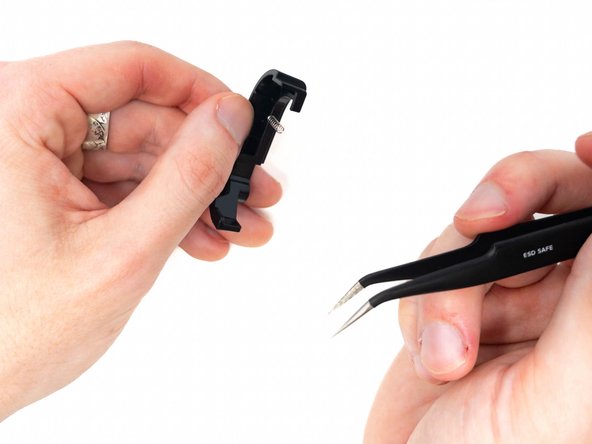
- Place the new spring inside.
- When you pull the bumper out of the controller, the spring inside will release and pop out quickly. This is completely normal, so don’t be alarmed! To keep track of all parts, hold the bumper firmly and perform this step over a flat, open surface.