Lenovo IdeaPad 3-1481W000NGUS Heat Sink Replacement
ID: 178919
Description: Use this guide to replace the heat sink of the...
Steps:
- Orient the laptop so that the bottom is facing up.
- Remove the six 7 mm screws using a Phillips #00 screwdriver.
- Remove the four 4 mm screws using a Phillips #00 screwdriver.
- Throughout this repair, keep track of each screw and make sure it goes back exactly where it came from.
- Pry up the sides of the back case using the iFixit opening tool. Then, lift to remove.
- You may hear snapping when removing the panel. This is normal!
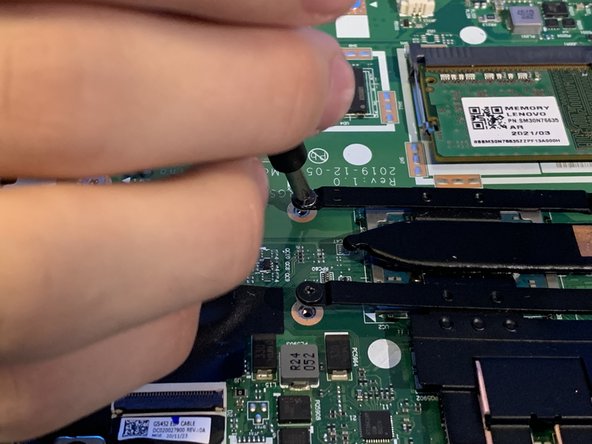
- Remove the four 3 mm Phillips screws that secure the heat sink.
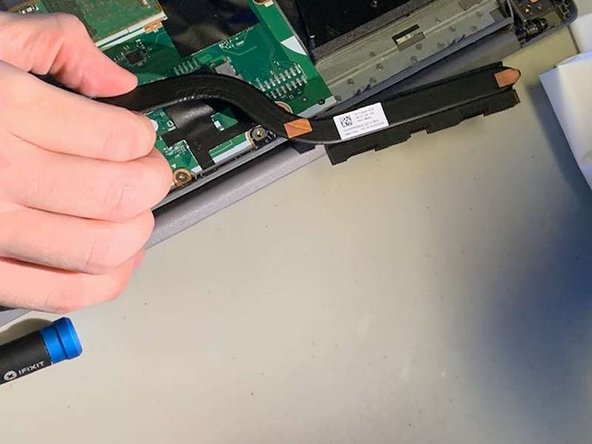
- Gently lift the heat sink up and out.
- Reapply thermal paste before installing a new heatsink.