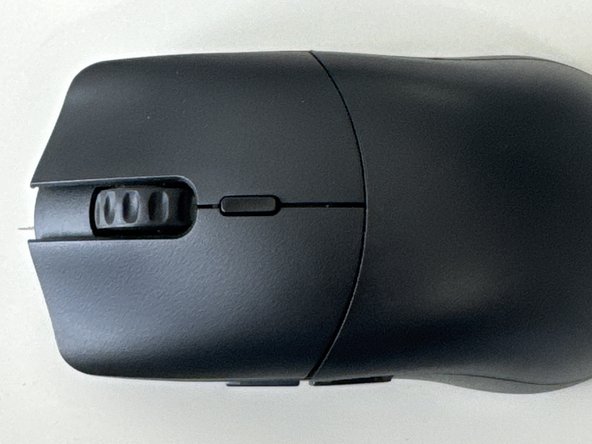
Glorious Model O2 Pro Teardown
ID: 178940
Description: A wireless mouse made by Glorious Gaming
Steps:
- Turn the mouse to the bottom
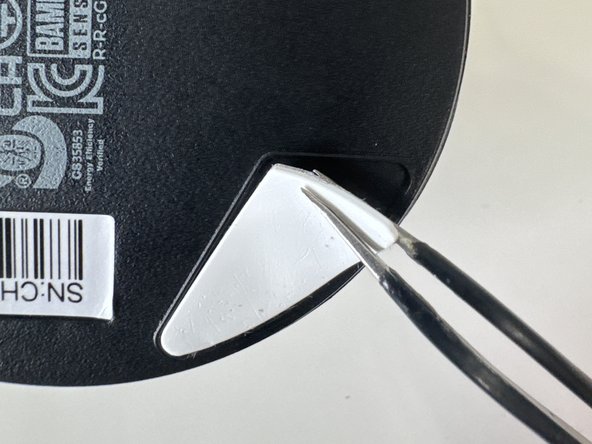
- Remove top and bottom feet
- Make sure to keep these and don't loose then
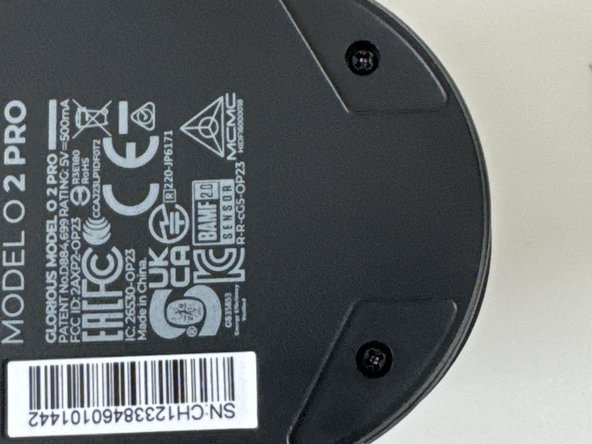
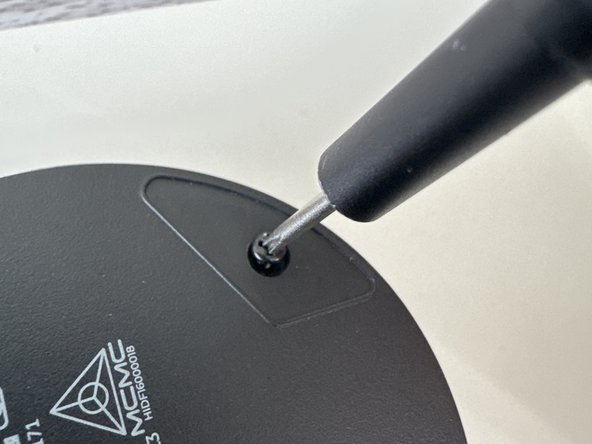
- Use a PH001 Screwdriver to remove both screws
- (Ignore Bird Sticker)
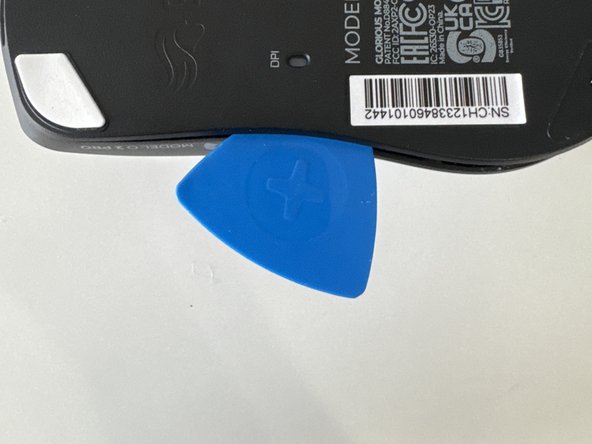
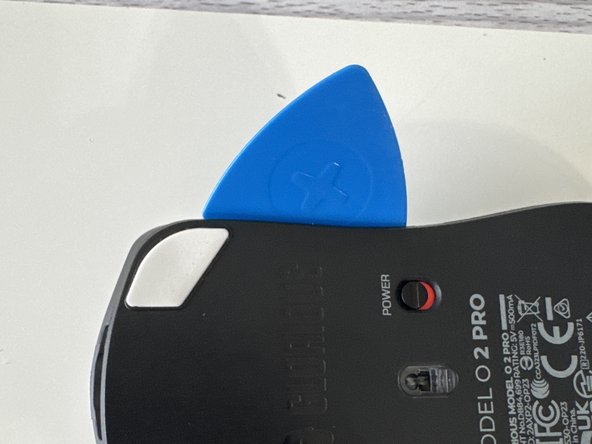
- Slide in an opening pick and gently wiggle across the plate
- After undoing the last clip the playe should come off to reveal…. (Drum roll) More Clips!
- Insert a plastic spudger through the clips
- Make sure to get the 4th one that is horizontally straight from the other top screw
- Keep these screws separate from the ones from the start these 4 are slightly smaller
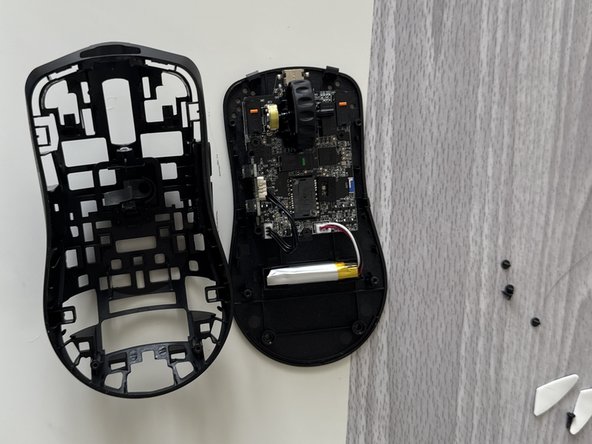
- Do a combination of using the puck and prying with your hands use caution because the motherboard and battery cables can be damaged
- Lift it from the housing
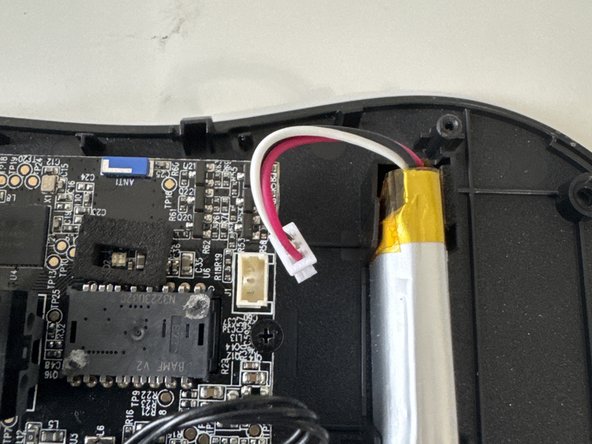
- Unplug the JST connector from the lipo-cell battery
- Unscew the 3 smaller screws then remove mainboard from housing
- Thanks for reading my first ifixit guide (R.I.P my prying puck)