Levoit LVAC-200 Dustbin Replacement
ID: 178959
Description: This guide will walk you through the simple...
Steps:
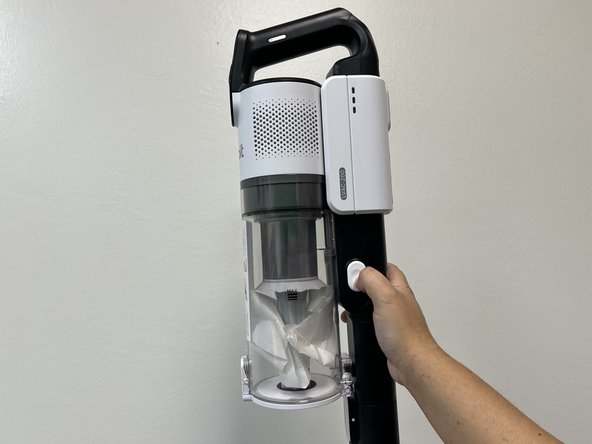
- Press down on the white button located on the side of the vacuum.
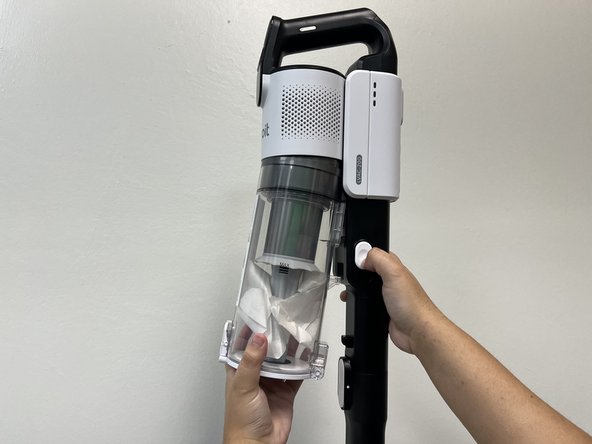
- Gently pull on dust bin to remove it from vacuum body.
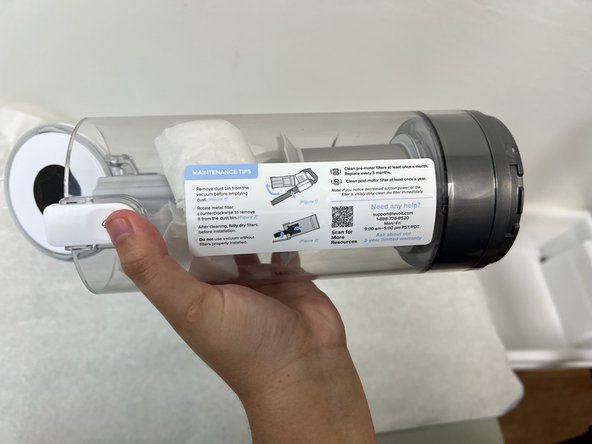
- Press the white button located on the end of the dust bin.
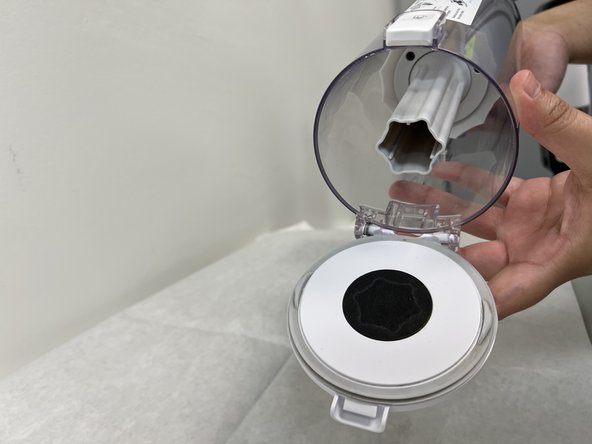
- Dump the contents into the trash, or replace the dustbin.