Lenovo IdeaPad S145-14IWL RAM Replacement
ID: 178966
Description: If you are looking to replace or upgrade the...
Steps:
- Use a Phillips #0 screwdriver to remove the ten screws that secure the lower case.
- Insert an opening tool into the gap between the lower case and chassis.
- Pry around the perimeter of the device until the lower case fully releases.
- Remove the lower case.
- Use angled tweezers to gently pull the battery connector directly out of its socket.
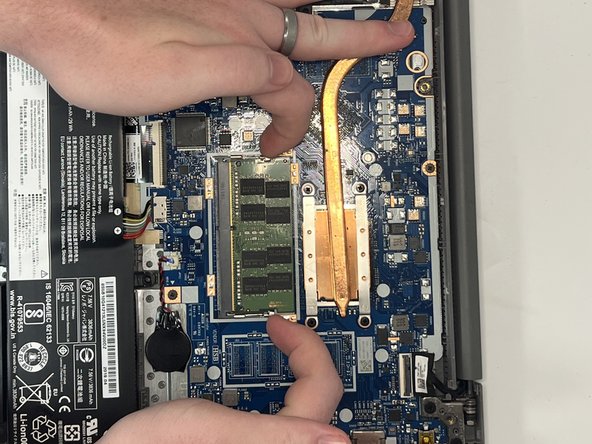
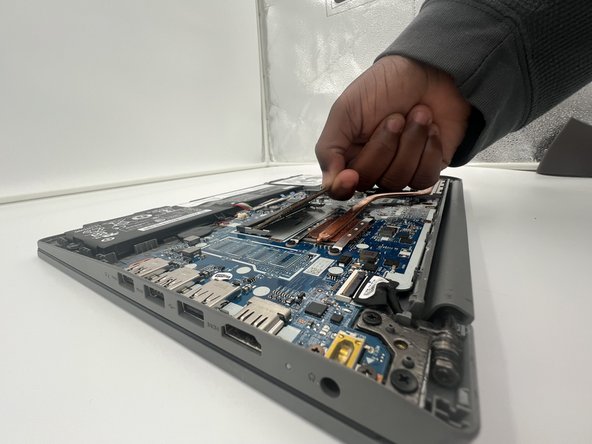
- Two clips secure each RAM module in place, one on each side. Using your fingers, spread the clips away from the RAM module.
- The RAM module will flip up slightly; this is normal.
- Pull the RAM module directly out of its socket.