Lenovo IdeaPad 3-14IIL05 RAM Replacement
ID: 178969
Description: Use this guide to replace the RAM in your...
Steps:
- Flip the laptop with the screen side facing down and the back panel facing you.
- Remove the six 1.2 mm screws and the four 0.6 mm screws using a Phillips #1 screwdriver.
- Make sure to separate the different sizes from each other.
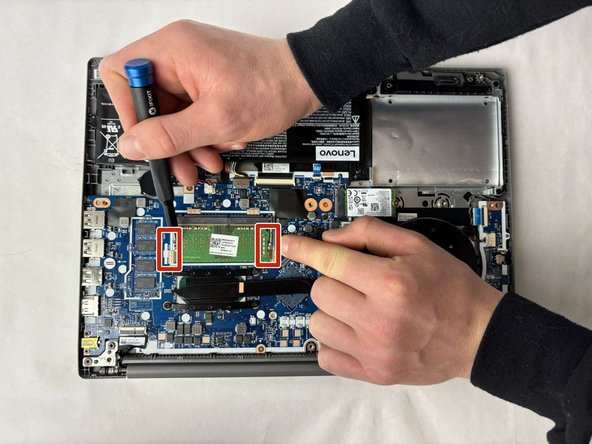
- Hold the two clips on either end of the short side of the RAM and push them apart.
- The RAM will pop up.
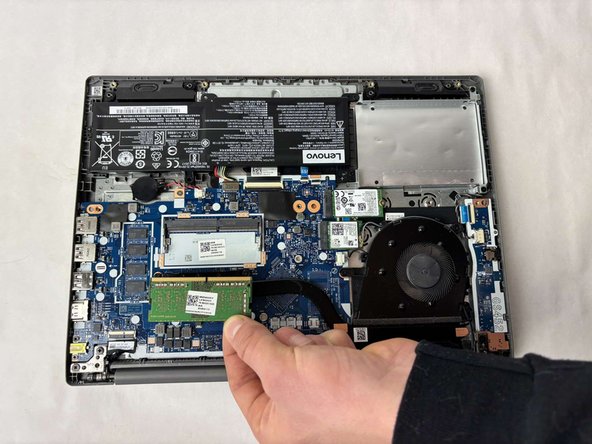
- Remove the RAM.