OnePlus Nord N20 5G Battery Replacement
ID: 178981
Description: Does your OnePlus Nord N20 5G (Model Number -...
Steps:
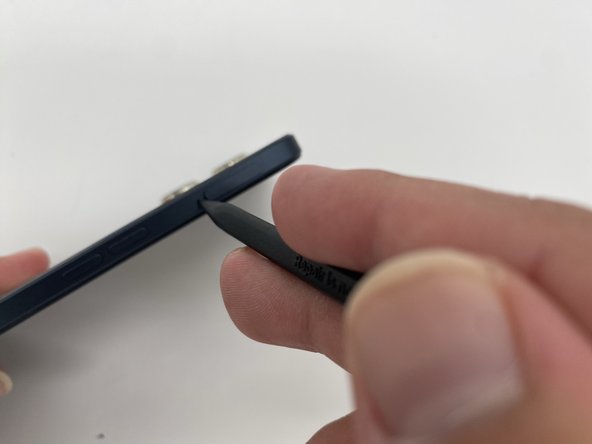
- Insert the SIM ejection tool or a spudger in the small hole next to the SIM tray.
- Push it gently until the tray pops out.
- Remove the SIM card tray by sliding it outwards.
- Heat the iOpener in a microwave for about 30 seconds. If the iOpener isn’t hot enough, reheat it for another 10-30 seconds.
- Apply the heated iOpener on the backside of the phone for a minute to loosen the adhesive.
- Use the iFixit opening tool and slide it along the edges of the phone to pry the back panel off.
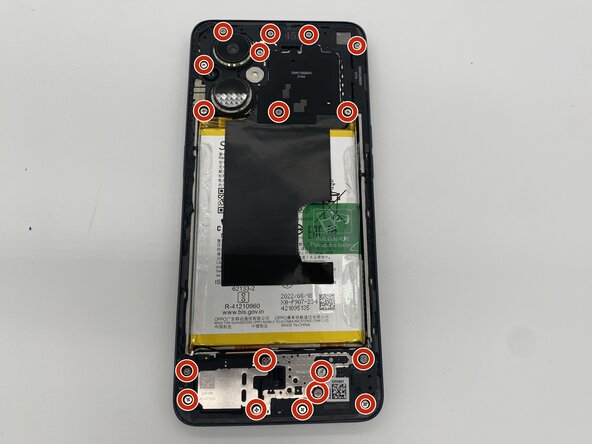
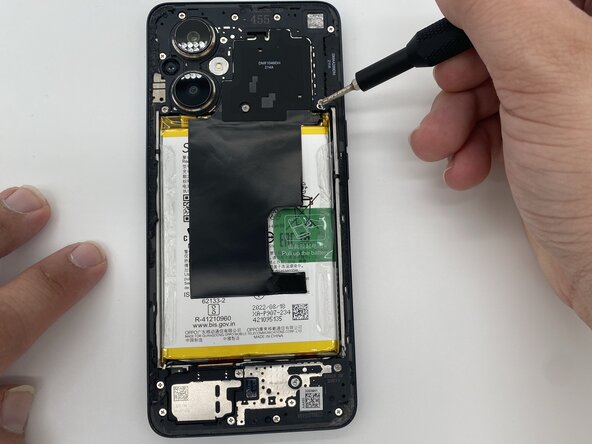
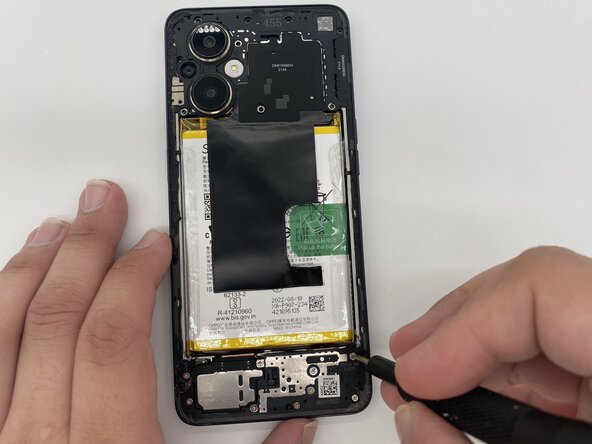
- Remove the eighteen 3.9 mm screws using a Phillips #0 screwdriver.
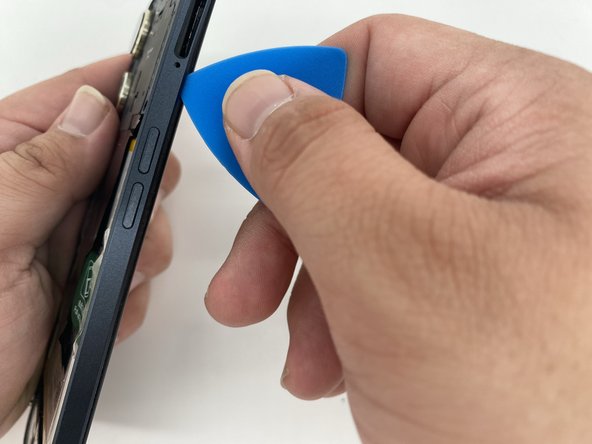
- Take the iFixit opening tool and run it along the edges of the frame.
- Separate the back housing from the frame of the screen.
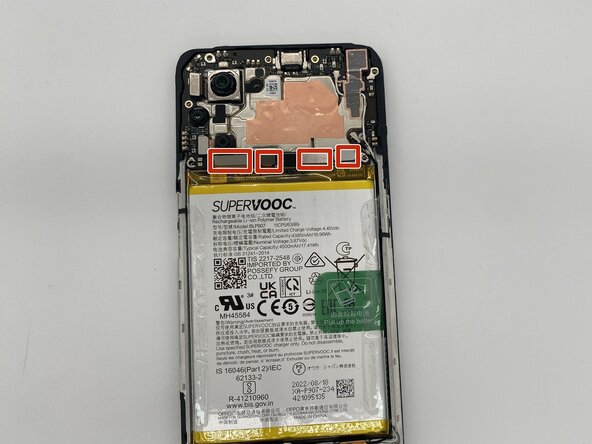
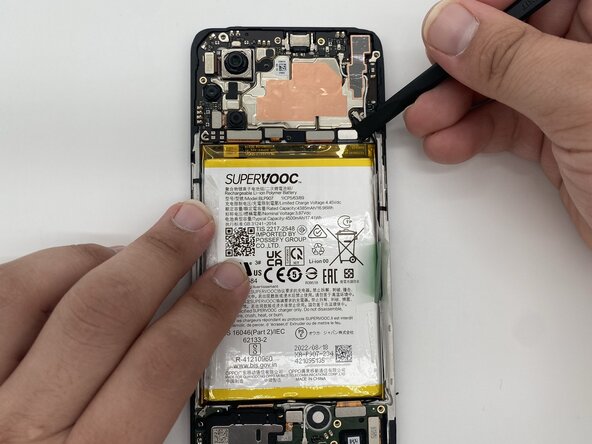
- Disconnect the brackets attached to the motherboard with the help of a spudger.
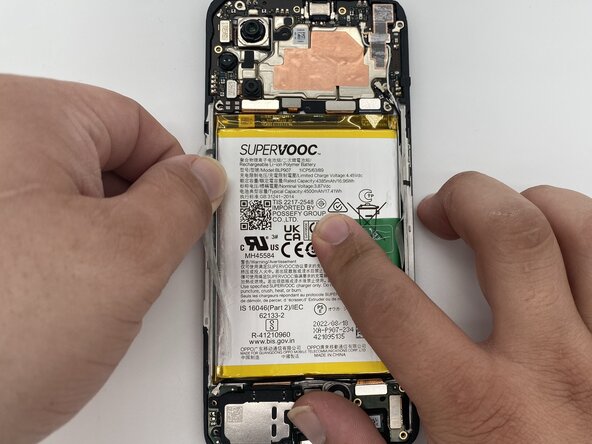
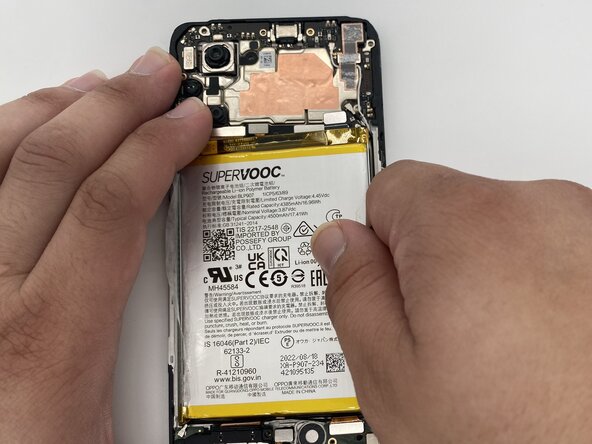
- Remove the tape that's covering the battery.
- Pull up the battery using the green tape on the right side of the battery.
- Now you can replace the old battery with your new one.