How to Fix Unresponsive Keys for an Optimus Concertmate 980
ID: 178990
Description: Over time, in older pianos like the Digital...
Steps:
- Test all keys to identify the ones that are not functional.
- Flip the piano to its backside.
- Remove all the screws on the back of the piano using a Phillips #0 screwdriver.
- Remove the back metal plate.
- Flip the piano to its front before the next step.
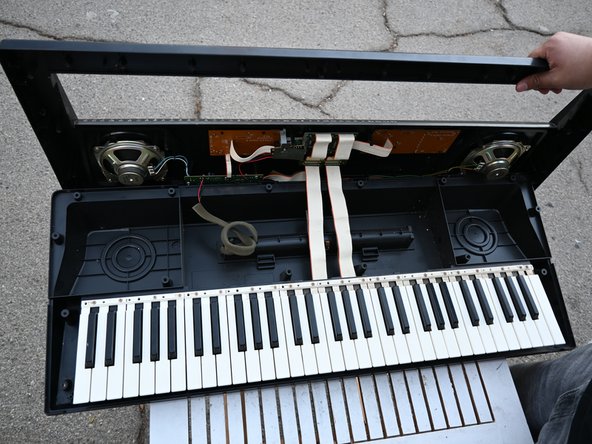
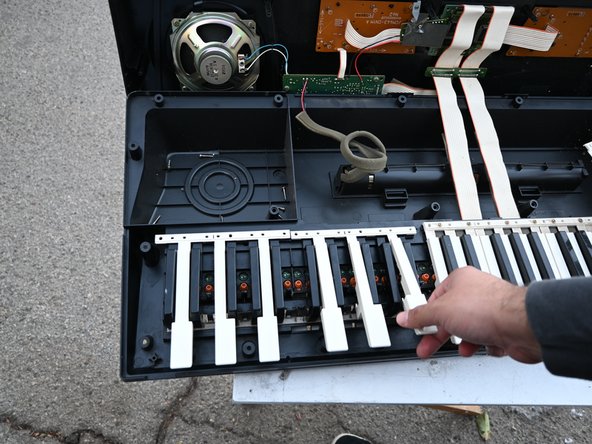
- Lift up the top panel from the back.
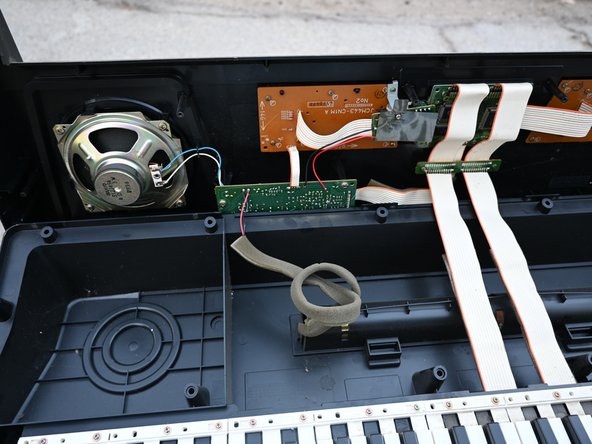
- The panel won't come off completely due to the cables connected.
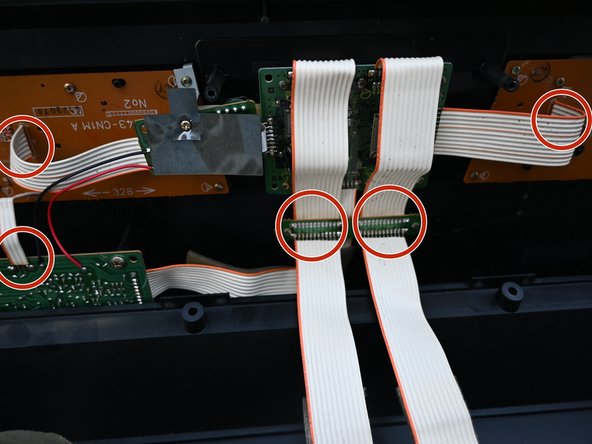
- Reattach any loose cables.
- Clean any dust from the top of the keys with a vacuum or cotton swab.
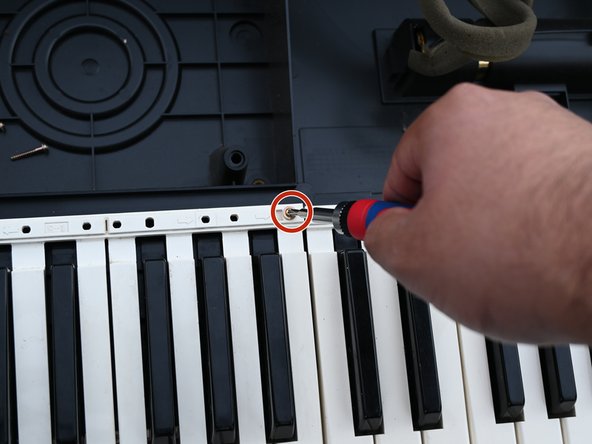
- Using a Phillips #00 screwdriver, remove all the screws attached to the top of the keys.
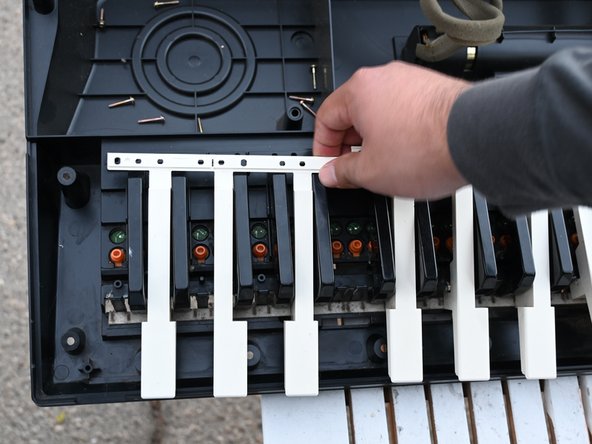
- Remove the white keys by pulling them from the top and sliding them down.
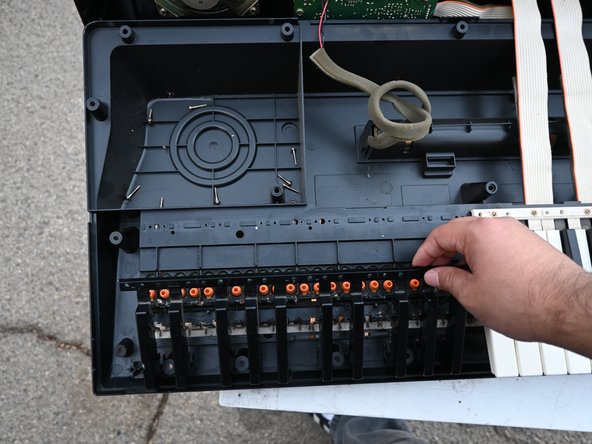
- To remove the black keys, pull on the keys first to pull off, then remove the keys entirely.
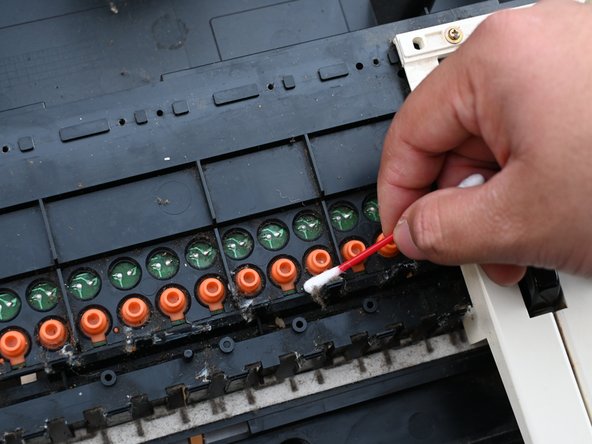
- Clean all the dust under the keys.
- Clean around the orange tips, making sure they are upright.
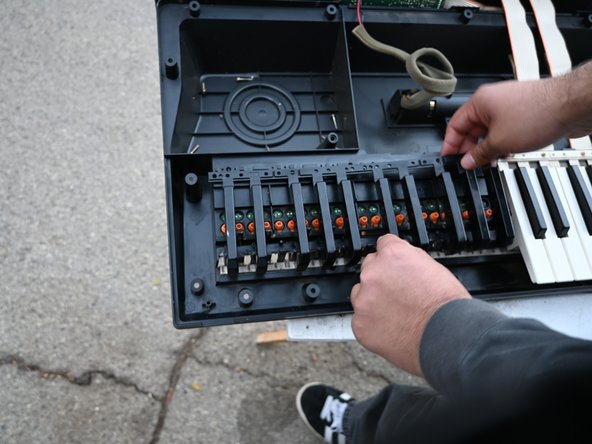
- Place the keys in the same order as you took them out.
- Using a Phillips screwdriver, replace all the screws in the same places as you removed them.