TopTro TR25 Projector Lens Replacement
ID: 179066
Description: Before starting this repair, it's important to...
Steps:
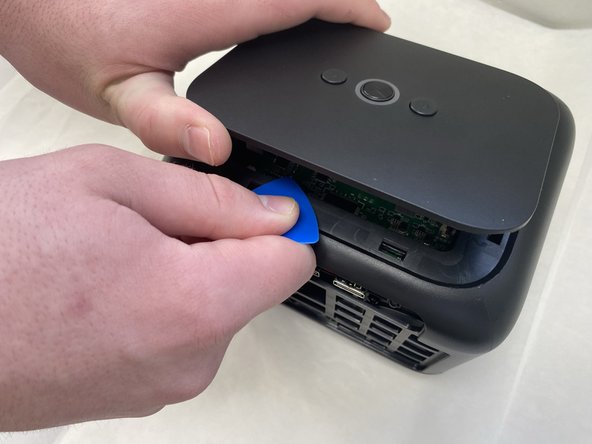
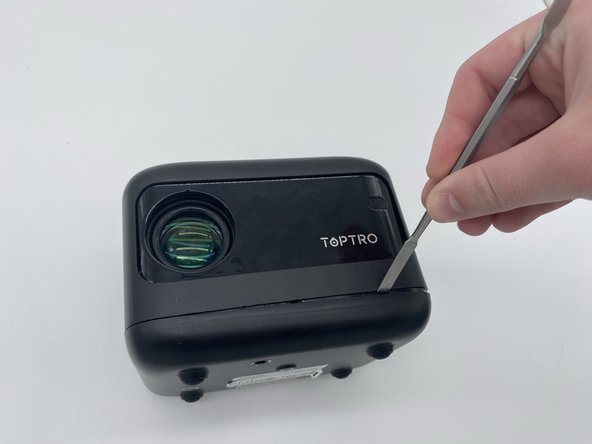
- Insert an opening pick in the seam between the top panel and chassis.
- Pry around the entire perimeter of the top panel until it fully releases.
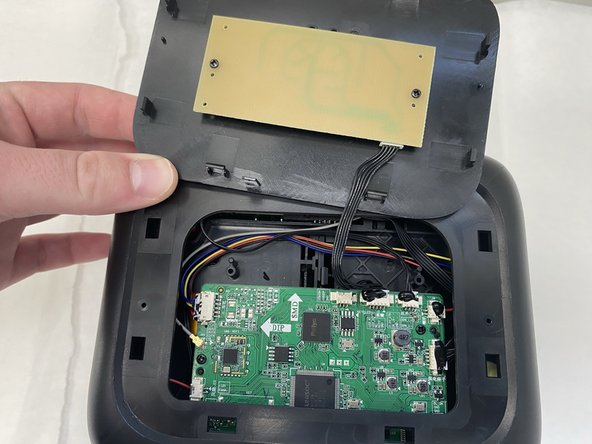
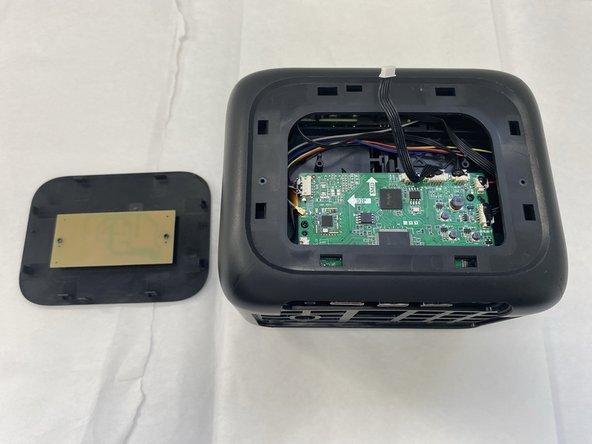
- Remove the top panel.
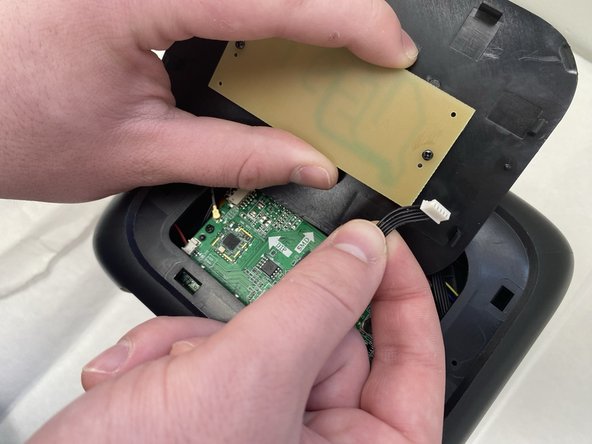
- Unplug the cord connecting the top button panel to the projector,
- Make sure to disconnect the end connected to the panel and not the chassis.
- The cord is small and sensitive and could sustain damage if pulled out aggressively.
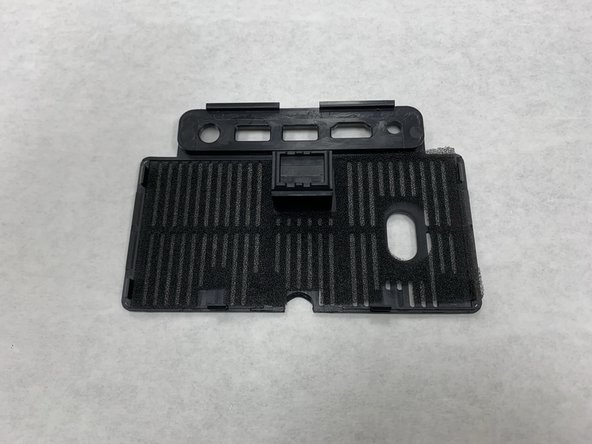
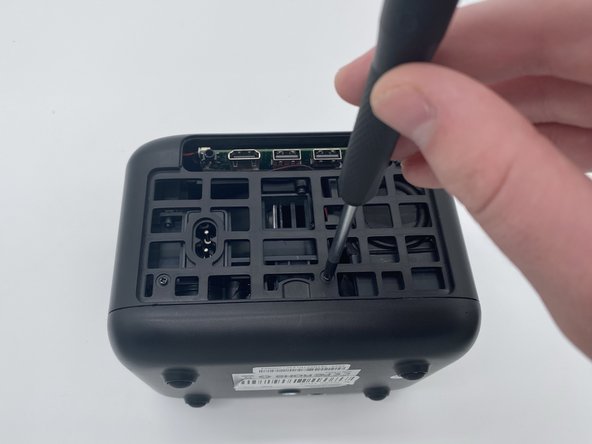
- Insert a spudger into the semi-circle panel indent and pry up to remove it.
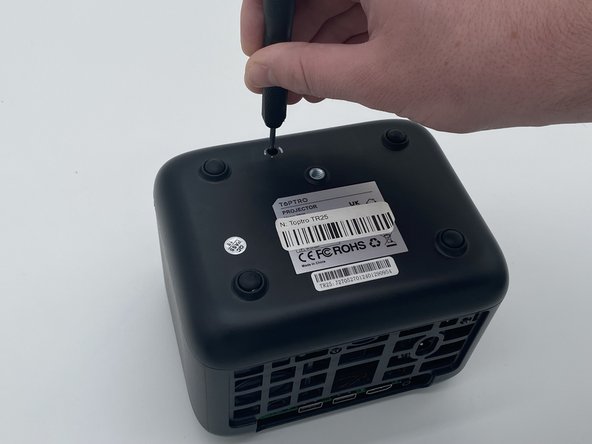
- There are three Phillips screws securing the case on. Two are inside the opening left by the previous step, and the third is located on the underside of the projector. Remove all three.
- The third sticker may be located underneath a QA (quality assurance) sticker. If you are having trouble finding it, look for that sticker.
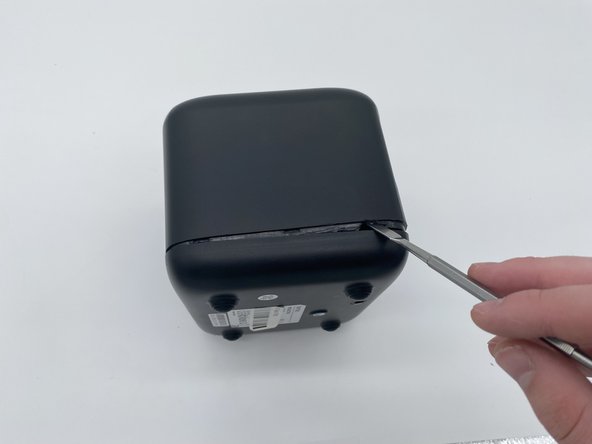
- Insert a spudger into the seam between the lower panel and chassis.
- Pry around the perimeter until the lower panel fully releases.
- We suggest starting at the front, but starting from any side will work.
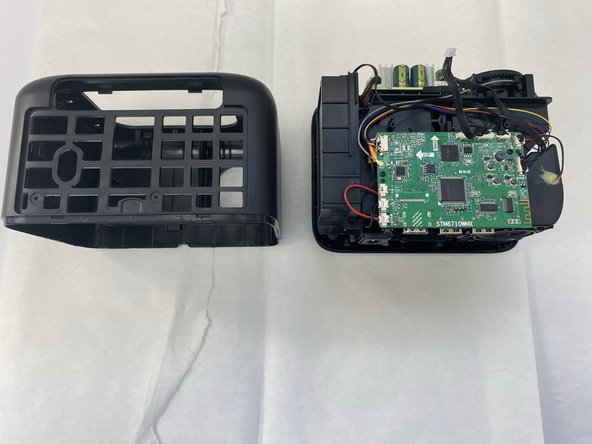
- Remove the case from the projector and set it aside.
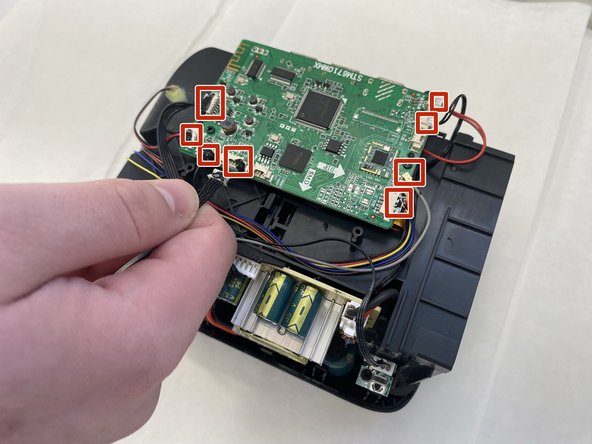
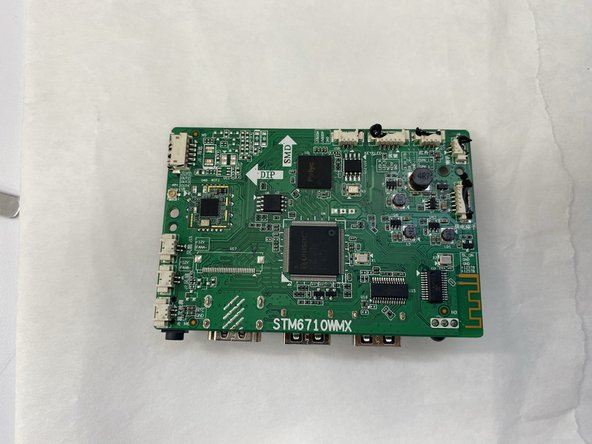
- Disconnect all of the motherboard connectors.
- The cables are small and thus subject to damage if removed improperly or aggressively.
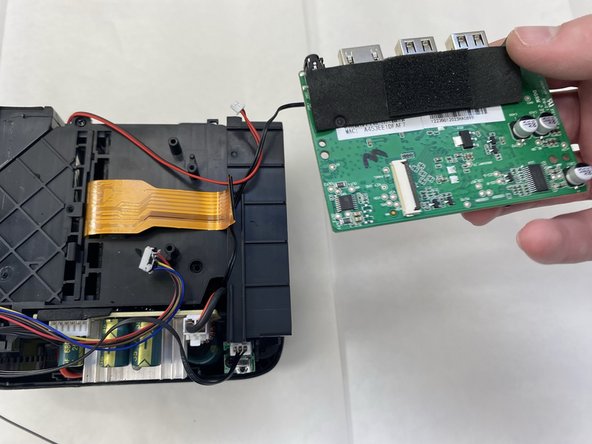
- Flip the board over with care not to damage the attached ribbon cable.
- Flip up the black locking ZIF flap that secures the ribbon cable.
- Disconnect the ribbon cable.
- Remove the main board.
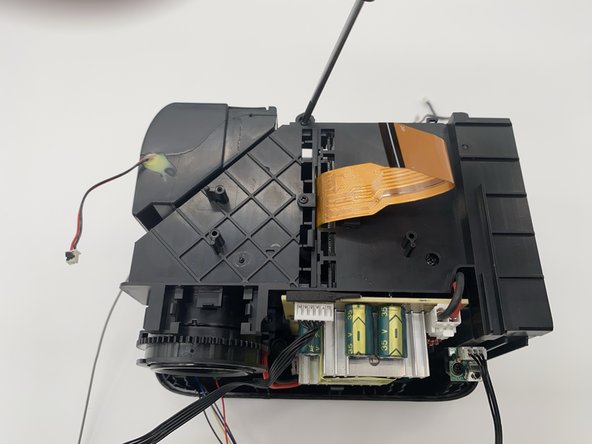
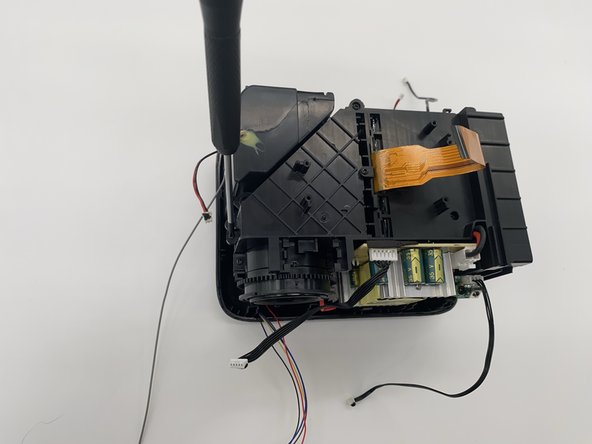
- Use a Phillips screwdriver to remove the three screws.
- One bottom right, another top middle, and the final on the left side on the side of the projector.
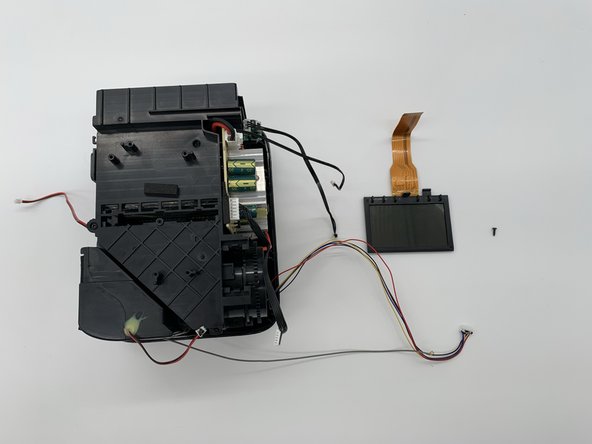
- Remove the screws securing the display.
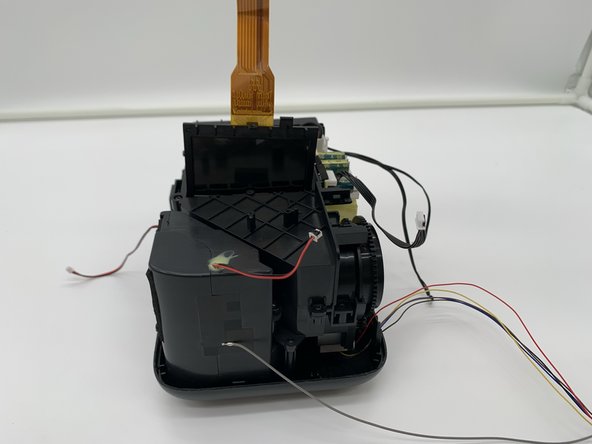
- Remove the display.
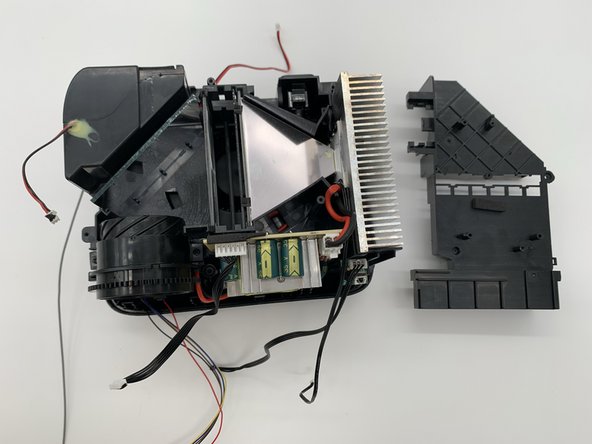
- Pull off the cover and set it aside.
- Use caution when removing and putting back on this cover as it can catch on the cords and damage them.
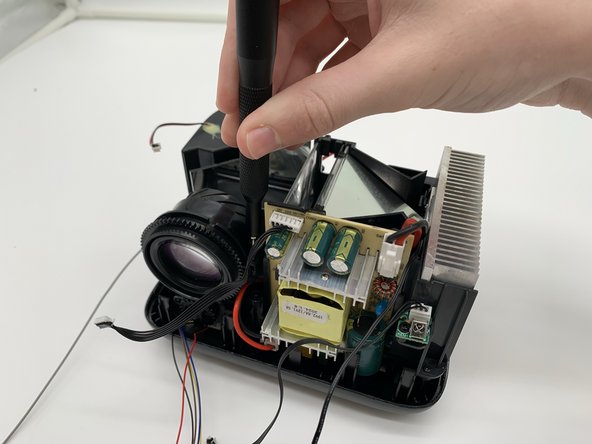
- Remove the two Phillips screws securing the lens.
- Both screws are on the left and right side.
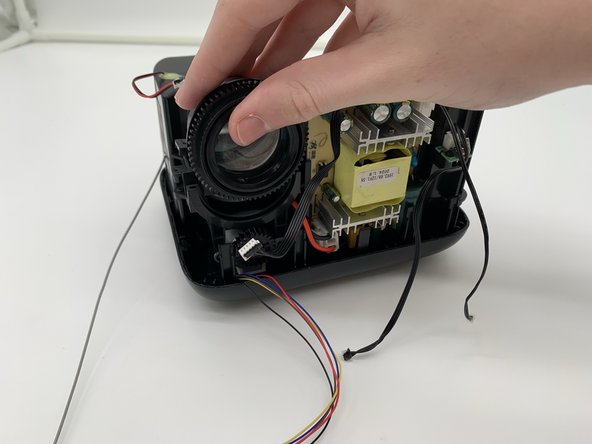
- Lift the lens up and out.
- Set the lens aside.
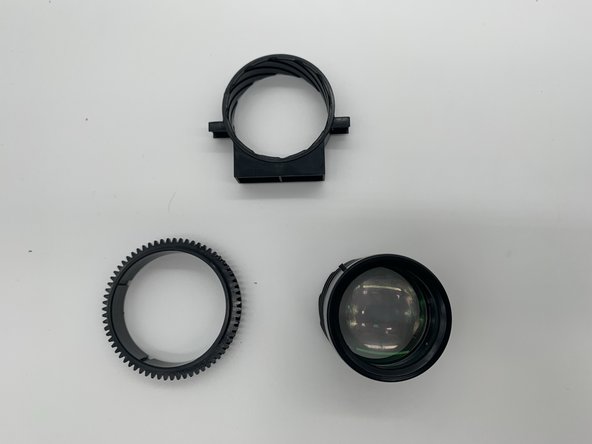
- The lens comes apart into three parts: The actual lens; the part that adjusts the zoom; and the part that secures the lens to the projector.
- The lens itself is fragile, handle with care.