Logitech G213 Prodigy Adjustable Feet Replacement
ID: 179091
Description: If the feet on your Logitech G213 Prodigy...
Steps:
- Flip the keyboard so the keys are facedown on a flat surface.
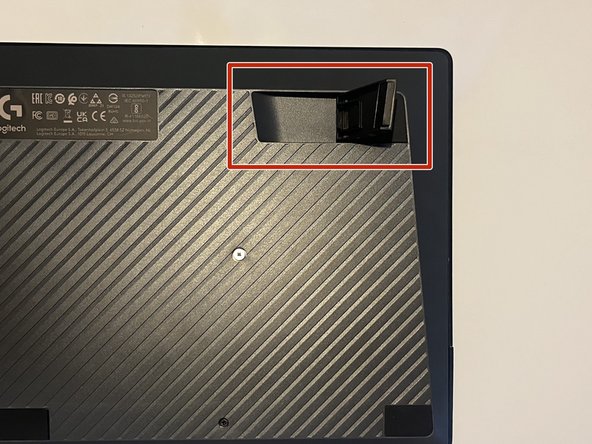
- Locate both plastic feet on the top left and top right of the back board.
- Lift the foot into a fully open position.
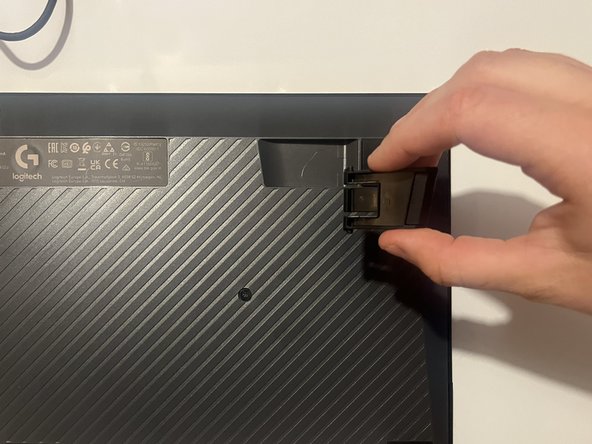
- The foot should press flat against the outer edge of its socket.
- Gently but firmly squeeze the sides of the foot until it pops out of place.