IFYOO ZD-V108 Shoulder Button Cover Replacement
ID: 179107
Description: Use this guide to replace the shoulder button...
Steps:
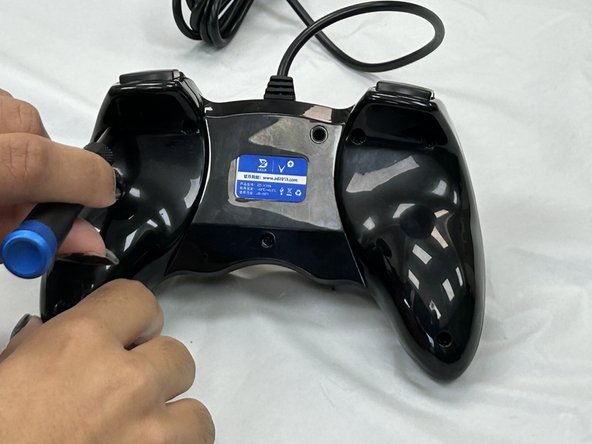
- Remove the seven 9.2 mm screws from the back of the controller using a Phillips #00 screwdriver.
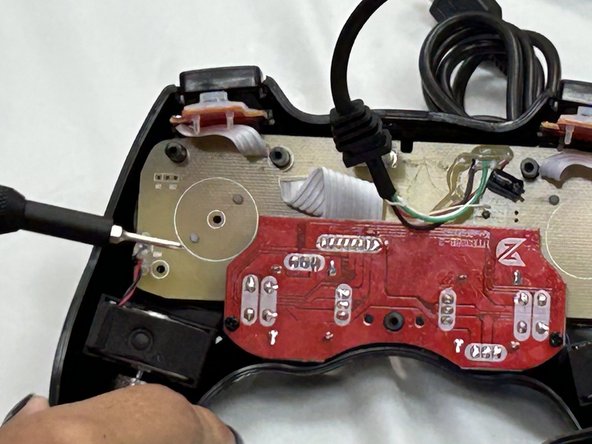
- Remove the back cover.
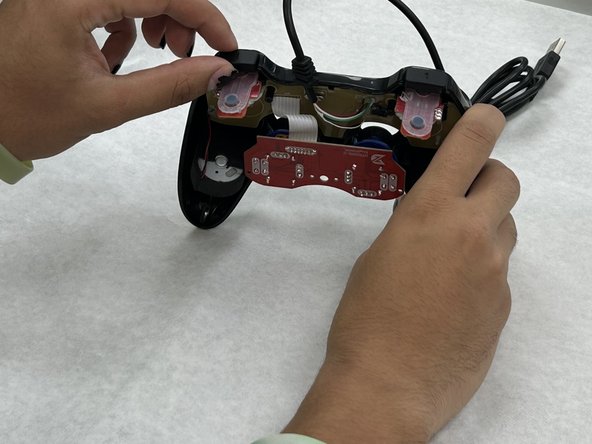
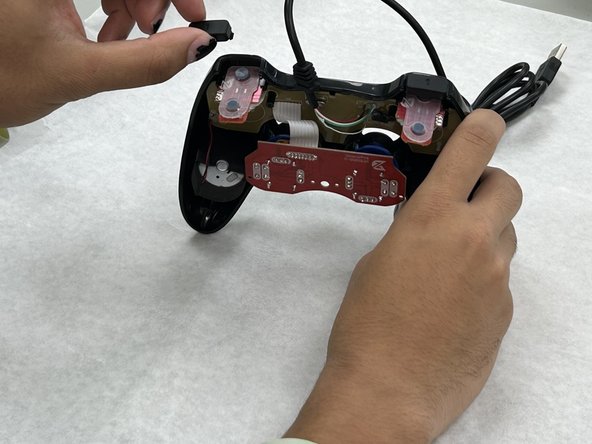
- Pull the two shoulder button covers towards yourself carefully.
- The buttons are fragile and can break if there is upwards pressure on the hooks of the shoulder buttons.