Blackberry PRIV Rear Casing Replacement
ID: 179135
Description: Use this guide to replace the damaged rear...
Steps:
- Look for the two small holes at the top of your device.
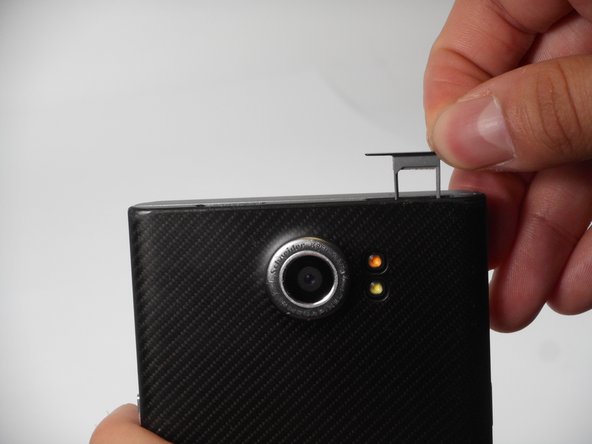
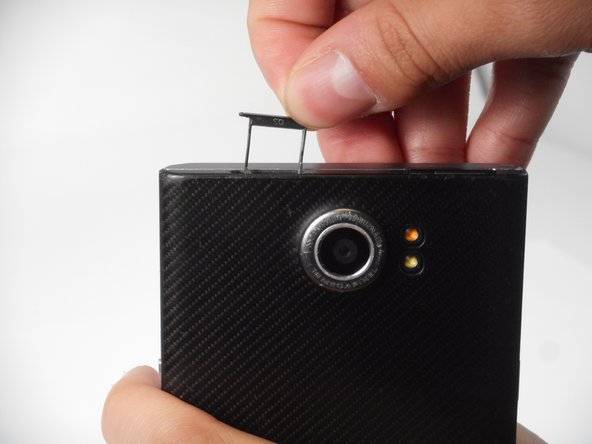
- Use a SIM eject tool to push down into the holes which lifts the SIM and SD trays.
- Pull the trays up and out of the device.
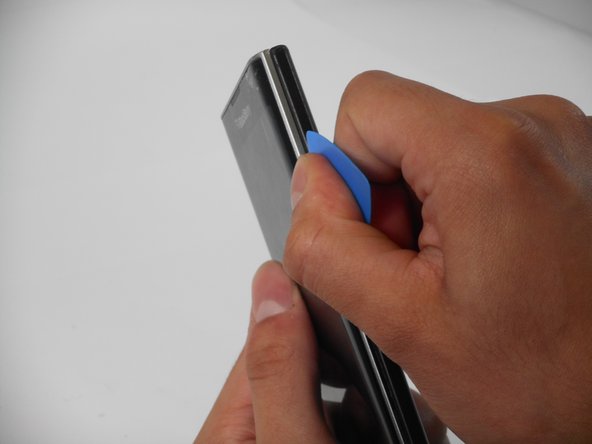
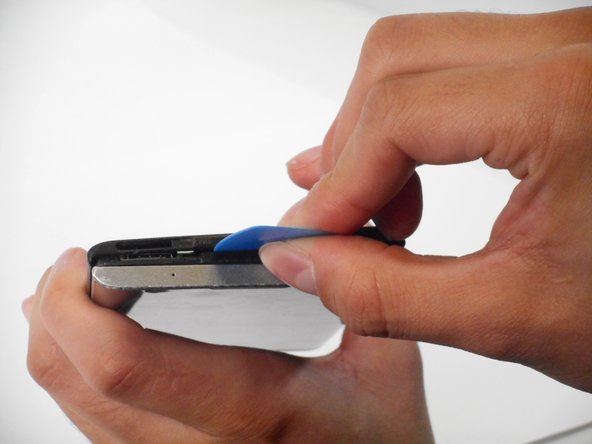
- Insert an opening pick in the seam between the rear casing and chassis. Apply downward pressure to pry the casing upward.
- Follow this procedure for only the right, left, and top side of the casing.
- Remove the rear casing by sliding the case down and out.