JBL Flip 6 Woofer Replacement
ID: 179149
Description: If your JBL Flip 6 speaker is producing weak or...
Steps:
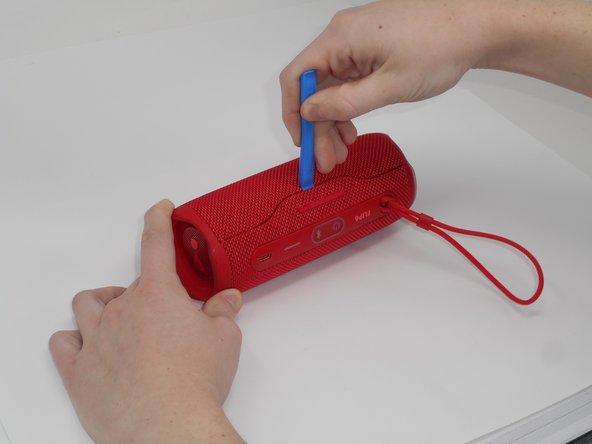
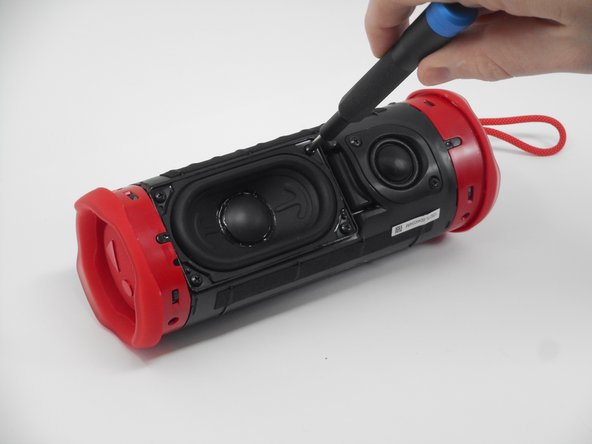
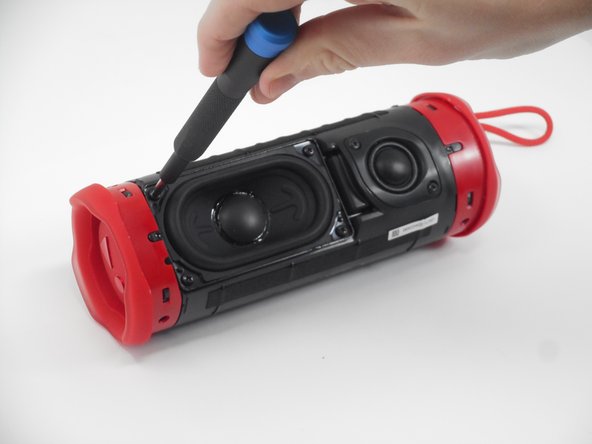
- Using the iFixit opening tool, pry up on the button side of the slot on the case until the clips release.
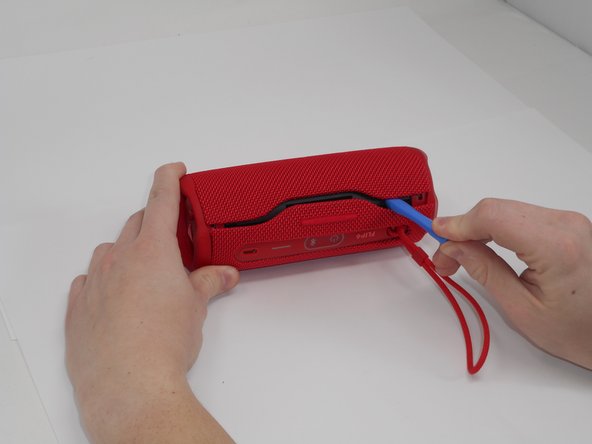
- Now that the gap is larger, using the same tool, pry up on the other side until the clips release.
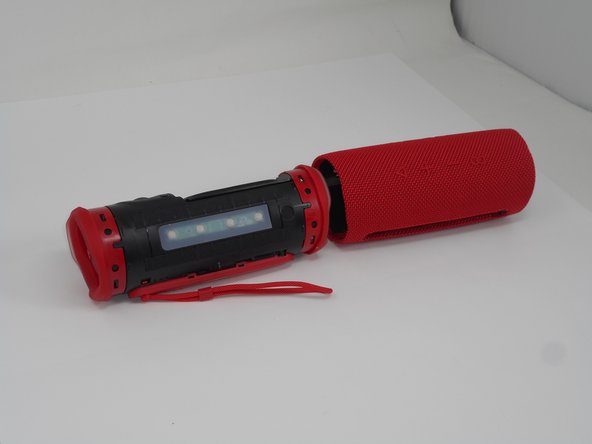
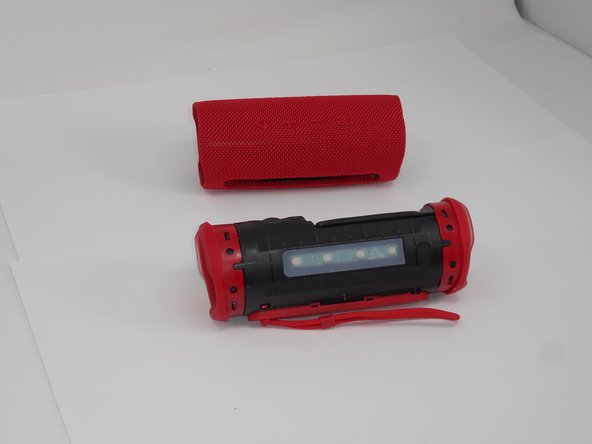
- With all clips released, slide the case off longways.
- You may need to spread it a bit with your hands so that the clips do not become caught on the end pieces.
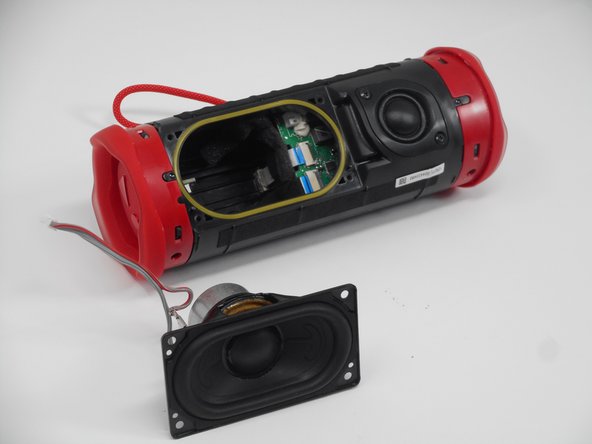
- Remove the four 9.5 mm Philips #1 screws securing the woofer to the device.
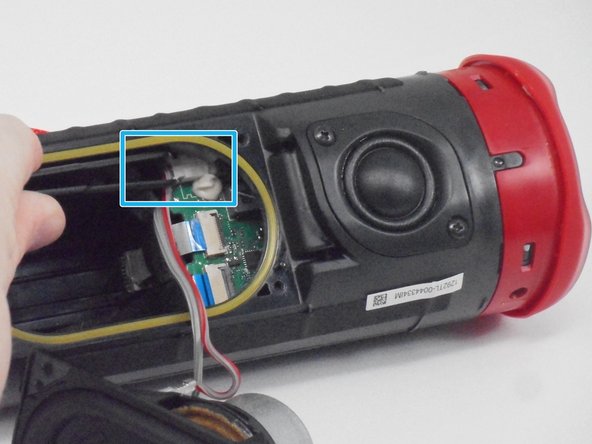
- Carefully disconnect the white connector linking the woofer and the motherboard.
- If there is a lot of resistance when removing the plug, there could be a clip holding it in place. Check for any sort of fasteners before using much strength as you could damage the motherboard.