Razer Wildcat Xbox One Controller Disassembly
ID: 179169
Description: This guide will show you how to disassemble the...
Steps:
- Use a plastic pry tool to remove the grip plate from each side
- The plate will release away from the back, not to the side
- Cut the sticker covering the center screw and remove it (PH #1)
- Remove two screws from each grip (PH #1)
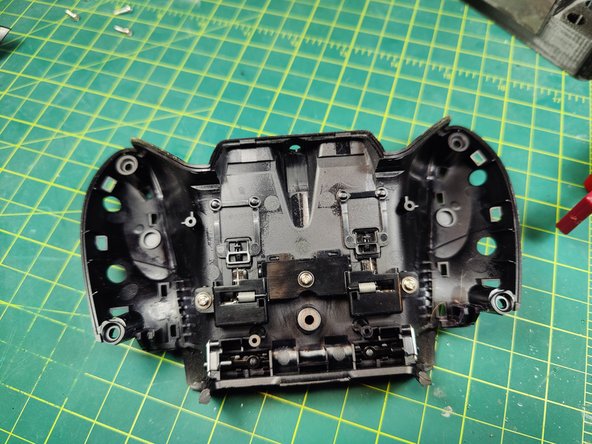
- Use a plastic pry tool to remove rear plate from the controller
- The three remaining screws on the back plate are PH #1
- Remove the M1 & M2 bumpers with two PH #1 screws (red)
- Unplug the four rumble motors (green)
- Unscrew the board from the controller with two PH #2 screws (blue)
- Carefully flip the board until you can get to the ribbon cable
- Flip the gray clip up to release the ribbon cable
- Remove the two PH #00 screws to remove the trigger brackets
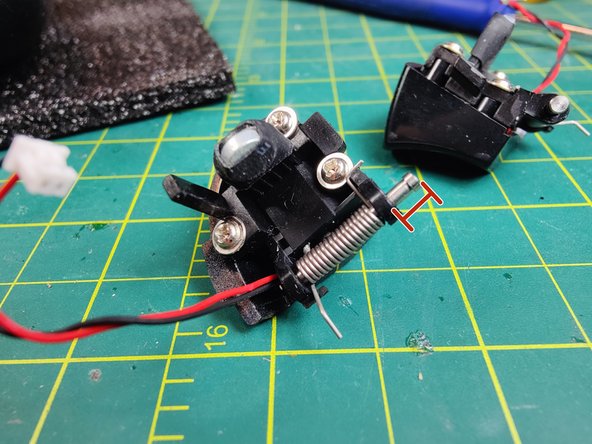
- Slide the trigger pin out just enough to remove it, leave the spring attached
- The three remaining screws on each trigger are PH #1
- Remove the bumper assembly from the controller
- The bumpers detach with two PH #1 screws