IFYOO ZD-V108 Face Buttons Replacement
ID: 179196
Description: Use this guide to replace the face buttons of...
Steps:
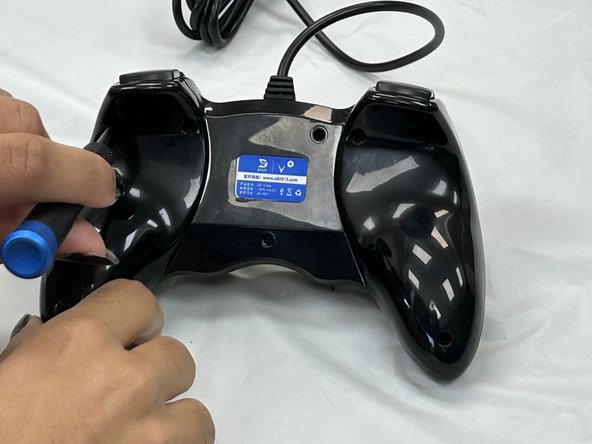
- Remove the seven 9.2 mm screws from the back of the controller using a Phillips #00 screwdriver.
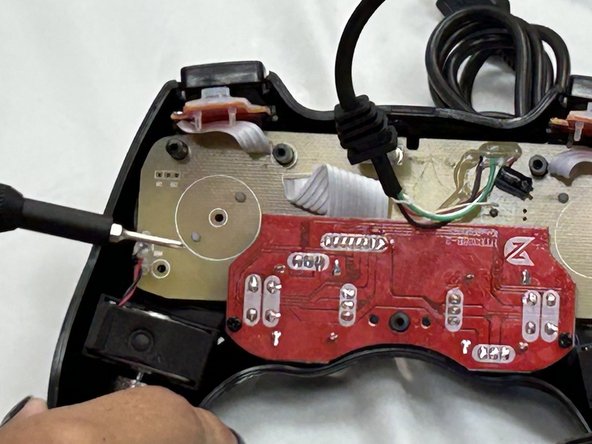
- Remove the back cover.
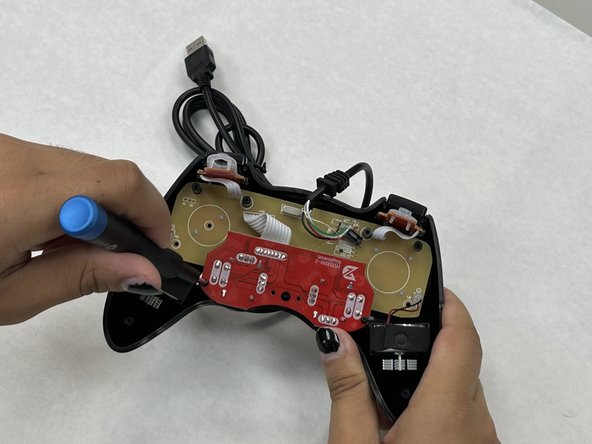
- Remove the two 7.2 mm screws that connect the red daughterboard to the tan motherboard using a Phillips #00 screwdriver.
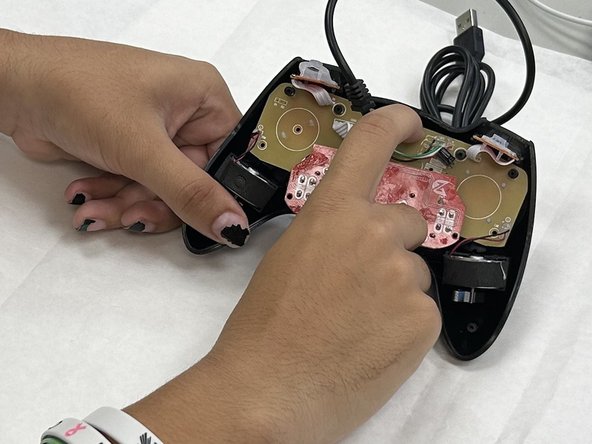
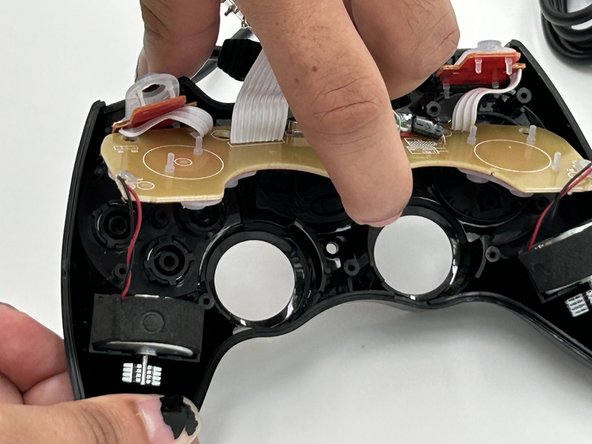
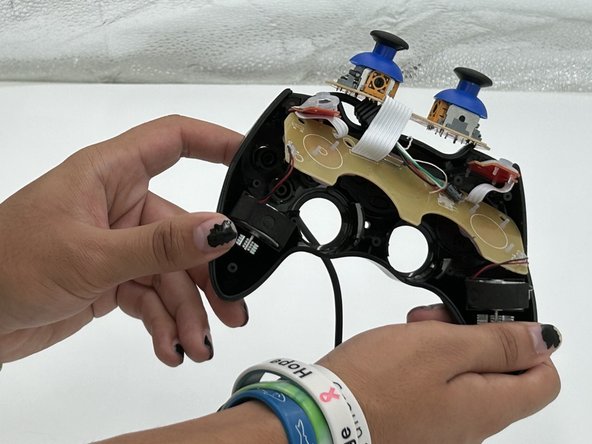
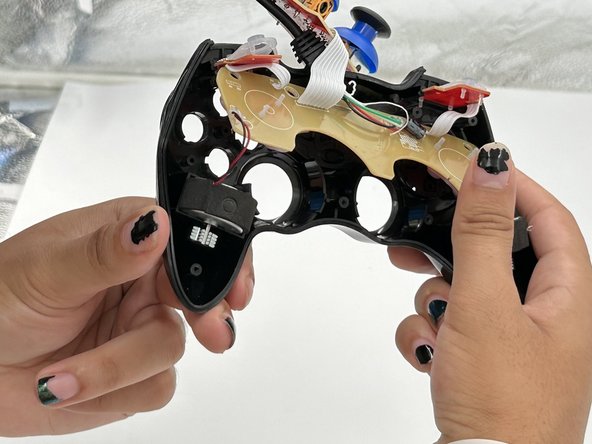
- Carefully pull up on the motherboard until it slides off from the four black cylinders keeping it in place.
- Push out the face buttons located on the left side of the controller.